Simvoly Website Builder: Features, Setup and Fit
Simvoly combines a visual drag-and-drop website builder with hosting and a wider platform that includes funnels, ecommerce, CRM, marketing, courses and communities.
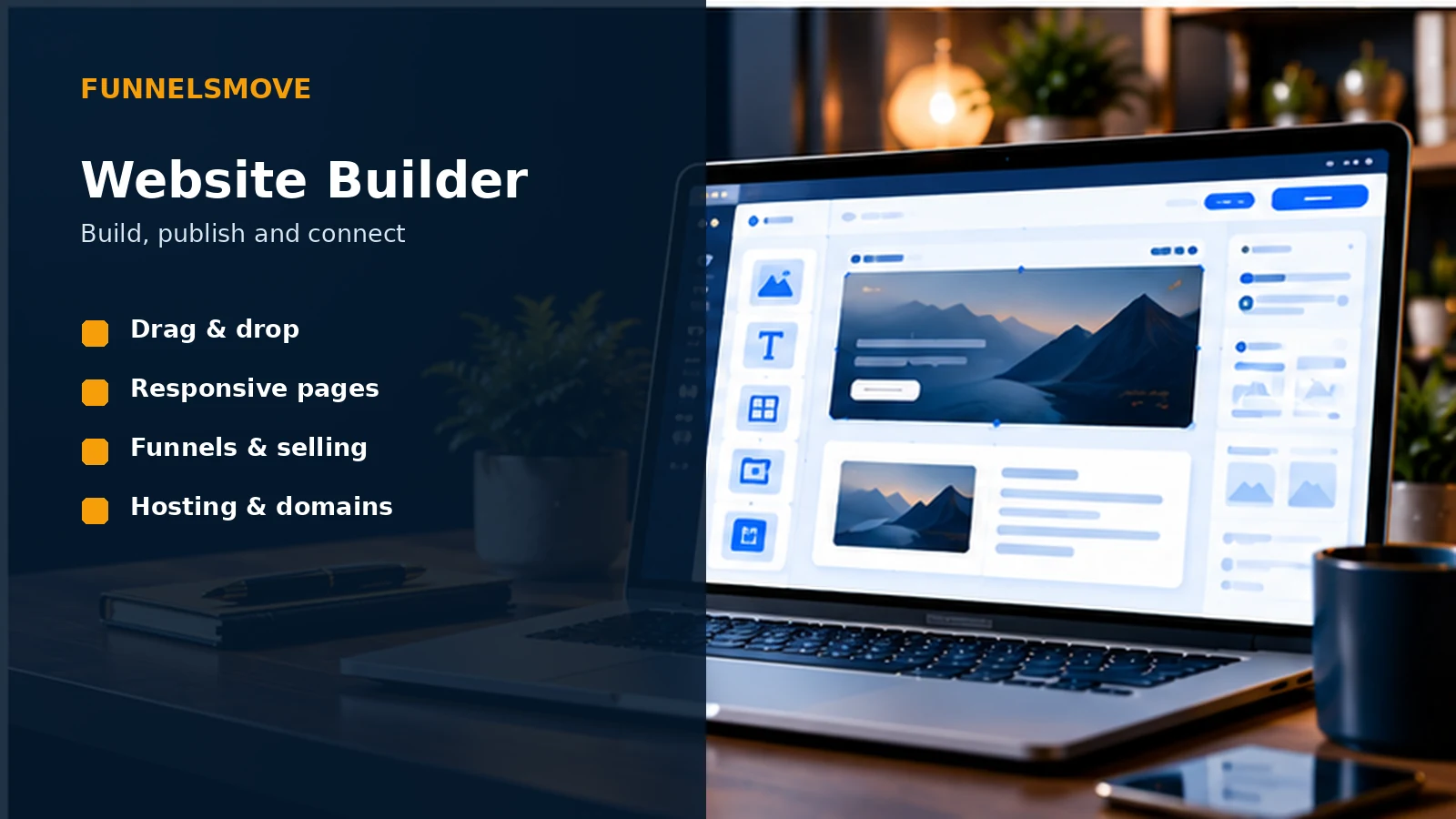
What is the Simvoly website builder?
Simvoly’s website builder is a hosted drag-and-drop system for creating responsive websites without requiring a conventional code-first workflow. Its current official website-builder page emphasizes visual editing, templates, hosting and a broader ecosystem that connects websites with funnels, ecommerce, communities, courses, marketing, CRM and video.
The key product idea is that the website does not have to live separately from conversion campaigns. A business can maintain normal navigation and informational pages while using funnels for more focused lead-generation or sales journeys.
That makes the builder worth evaluating as part of an operating system, not only as a tool for arranging text and images.
Drag-and-drop editing and templates
Simvoly describes its builder as drag and drop and currently offers professionally designed templates. Templates can accelerate structure and styling, but they should be treated as starting points rather than substitutes for clear information architecture.
Before styling individual pages, define reusable visual rules for headings, buttons, spacing, images and forms. Consistency makes future editing faster and reduces the chance that every page becomes a one-off design.
Test the editor with the people who will actually maintain the site. A builder that feels intuitive to a designer may still create friction for a marketer who publishes weekly content.
A practical website launch framework
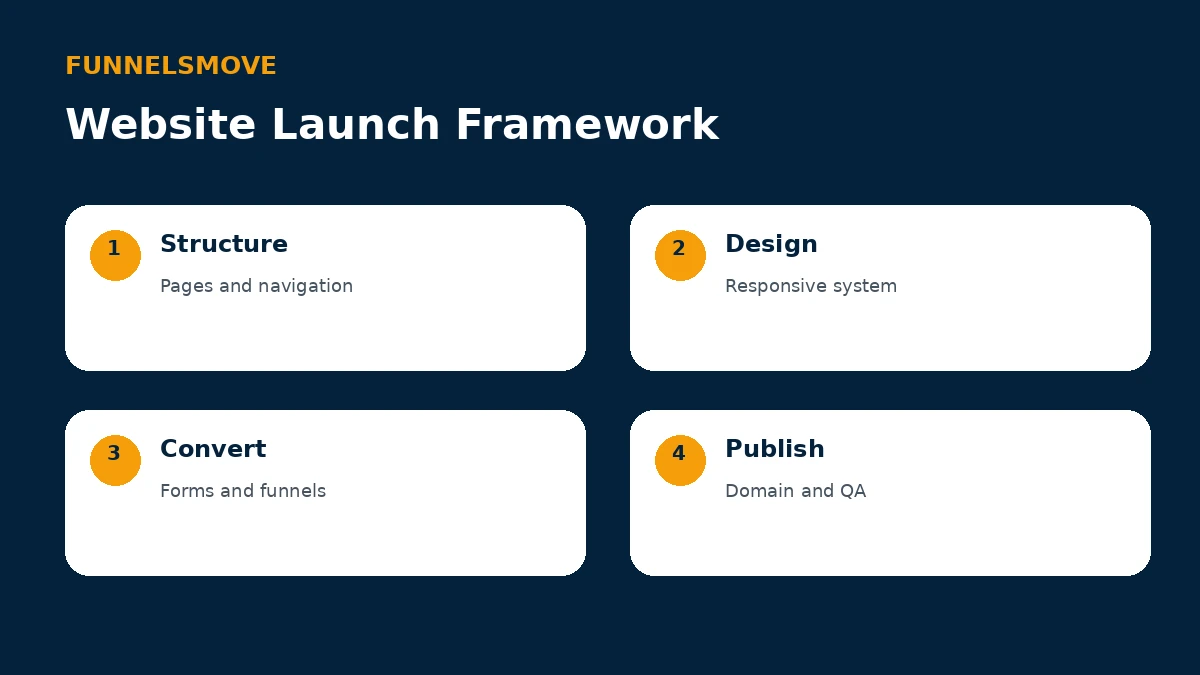
Use four stages: define page structure and navigation, create a responsive design system, connect conversion elements such as forms and funnels, then publish only after domain and quality checks are complete.
This sequence keeps design from getting ahead of business logic. A beautiful page with an unclear next step or broken lead flow is not ready to launch.
Responsive design and mobile QA
Simvoly’s current website materials describe responsive websites. Even so, responsive output should be reviewed rather than assumed. Check navigation, text wrapping, image crops, forms, buttons and checkout steps on multiple viewport sizes.
Mobile QA is especially important for pages that were designed on a large desktop canvas. Long headlines, multi-column layouts and oversized media can behave differently on a narrow screen.
Test the actual customer journey, not only the homepage. A mobile visitor may enter through a landing page, submit a form and complete a purchase without ever seeing the main navigation.
Hosting, domains and publishing
Simvoly says website hosting is included and identifies Amazon infrastructure on its current website-builder page. Standard plan limits also include domain connections and bandwidth, so the appropriate tier depends partly on how many destinations and how much traffic you operate.
Before connecting a production domain, record existing DNS values and understand which records need to change. DNS changes can affect more than the website if email or other services share the domain.
After publishing, verify HTTPS, canonical URLs, redirects, forms and analytics. Keep a rollback plan if you are replacing an existing site.
SEO and content structure
A visual builder does not remove the need for SEO fundamentals. Use one clear H1, descriptive titles and meta descriptions, logical headings, useful internal links, concise image alternative text and crawlable navigation.
Preserve valuable URLs during migration where practical. If a path changes, create an appropriate redirect so users and search engines do not land on a dead page.
Performance also matters. Compress images, avoid unnecessary media and test representative pages on mobile connections. A template can be visually attractive while still becoming heavy after large assets are added.
Connecting websites and funnels
Simvoly’s distinguishing website proposition is the close relationship with its funnel builder. A conventional website can support exploration and trust-building, while a funnel narrows the path around a specific campaign or offer.
Use each structure intentionally. Blog, about and service information often belong in the navigable site; paid campaign traffic may benefit from a focused landing sequence with fewer exits.
Keep branding, analytics and customer data consistent across both so visitors do not feel as if they have been moved to an unrelated system.
Ecommerce, forms and conversion tools
The wider Simvoly platform includes ecommerce and sales capabilities, so website pages can connect to products and checkout flows rather than relying solely on external purchase links. Forms can feed lead-management workflows.
Design forms around the information you genuinely need. Every extra field adds friction and creates more data to govern. For a first inquiry, a small set of useful fields is often easier to maintain than a long qualification form.
For ecommerce, test the complete path including product options, payment, confirmation, customer communication and any post-purchase access.
Who is the website builder suited to?
The builder can fit creators, consultants, service businesses, smaller merchants and agencies that value visual editing and want websites to share an ecosystem with funnels and other business tools.
A developer-heavy organization that needs a highly customized application layer may prefer a more code-centric platform. A complex ecommerce operation may prioritize specialist commerce capabilities. Those are workflow questions rather than judgments about design quality.
For the broader platform context, see the Simvoly overview and Simvoly review.
Website launch checklist
Before launch, review every navigation item, form, button and external link. Test 404 behavior, contact destinations, checkout paths and any automation triggered by a submission.
Check titles, descriptions, headings, canonical URLs, robots behavior and the XML sitemap. Confirm analytics and search verification are present only where intended.
Finally, review the site on a real phone and desktop browser. Publishing should be the end of a QA process, not the moment testing begins.
Bottom line on the Simvoly website builder
Simvoly’s website builder is most differentiated by what surrounds it: funnels, selling, CRM and marketing can share the same ecosystem. That can reduce handoffs for businesses that want those functions together.
Use the free trial to rebuild a representative page and customer journey. The right test is whether your team can publish, convert and maintain the site efficiently with the capabilities and plan limits you actually need.
Migrating an existing website to Simvoly
Start with a crawl or inventory of the existing site. Record URLs, page titles, descriptions, headings, important images, forms, redirects and analytics. Mark pages that already attract search traffic or backlinks so they receive extra migration attention.
Rebuild the information architecture before copying decorative details. Preserve useful URLs where possible, and prepare redirects for paths that must change. Check internal links after the new pages exist rather than relying on old absolute URLs.
Move forms and conversion tracking carefully. Submit test records and confirm that contacts reach the intended CRM or automation. If the old site sends data to external tools, reproduce and verify those connections before switching DNS.
After launch, monitor crawl errors, analytics, search performance and form delivery. Keep the old site or an export available long enough to recover content that may have been missed. A controlled migration reduces risk without requiring the old and new systems to remain live indefinitely.
Explore Simvoly
Review the current platform, trial and plan details directly before deciding whether it fits your workflow.