Systeme.io Funnel Builder: How It Works
Systeme.io’s funnel builder combines page creation with email, automation, checkout and product delivery, so a simple lead or sales funnel can run largely inside one platform.
Systeme.io funnel builder: the practical view
The Systeme.io funnel builder is a drag-and-drop tool for building multi-step marketing and sales flows. Official documentation describes templates, visual page editing and funnel types for audience building, selling, custom flows and evergreen webinars.
Its main advantage is not just page creation. Funnels can connect directly to contacts, email automation, payments, courses and affiliate tracking, reducing the number of external connections required for a basic digital-product funnel.
Step 1: choose the funnel goal
The official funnel setup guide (opens in a new tab) lists four starting types: Build an Audience, Sell, Custom and Run an evergreen webinar. Choosing the goal gives the funnel an appropriate starting structure.
Use the simplest structure that matches the offer. A lead magnet generally needs an opt-in and thank-you path; a paid offer needs checkout and confirmation; a more complex launch may need additional steps and automation.
Step 2: add and edit funnel pages
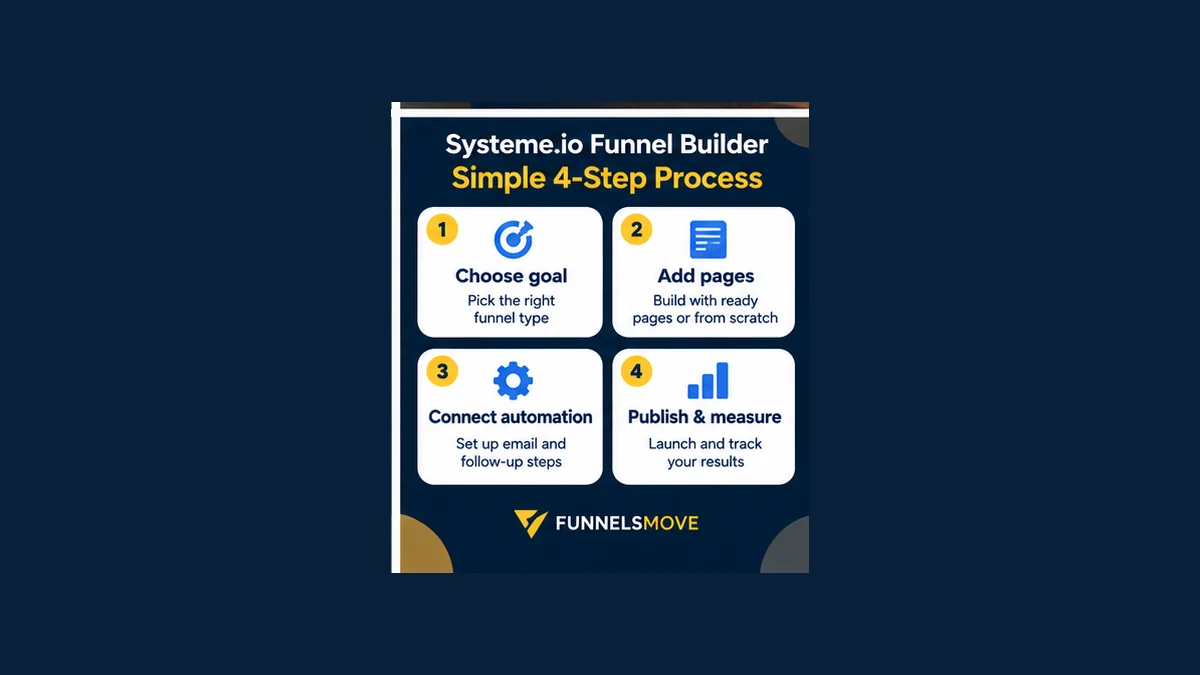
Systeme.io provides templates and a visual editor, while a custom funnel can start from a blank structure. Keep each page focused on one primary action and maintain message continuity between the ad, email or link that brought the visitor in and the page they land on.
Mobile layout deserves its own review. A page that looks balanced on a large screen can become dense when columns stack, so check headline length, button visibility, forms and checkout elements at narrow widths.
Step 3: connect automation and delivery
A funnel becomes operational when visitor actions trigger the right follow-up. Systeme.io can connect funnel activity with contacts, tags, email campaigns, workflows and product access. Map the customer journey before adding rules so automation supports the funnel rather than making it harder to debug.
For connections that remain outside the platform, see our Systeme.io integrations guide.
Checkout, order bumps and upsells
The official features page lists order bumps and one-click upsells among the funnel tools. These can extend a sales path beyond the initial purchase, but additional offers should be relevant and clearly explained rather than added simply because the software supports them.
Test the full payment path using the processor and currency configuration you intend to use. Confirm confirmation pages, email receipts, access delivery and failed-payment behavior before sending paid traffic.
Testing and measurement
Systeme.io lists A/B split testing as a funnel feature. A useful test changes one meaningful variable at a time—such as the offer framing, headline or page structure—so the result is interpretable.
Do not treat a short test as proof of a universal conversion rate. Traffic source, audience quality, offer, price and sample size all influence outcomes. Use your own baseline and business economics when deciding whether a change is valuable.
Plan limits and webinar funnels
Funnel allowances vary by plan, so check the current Systeme.io pricing guide and official pricing page before building around a specific limit. Systeme.io's help documentation notes that the evergreen webinar funnel type is available on Webinar and Unlimited plans.
Plan around the number of active funnels and steps you genuinely need rather than creating separate funnels for every minor campaign variation.
A simple four-step build workflow
- Choose the goal: lead generation, sale, custom flow or eligible webinar.
- Build the pages: select templates or start from a blank structure and keep each step focused.
- Connect automation: map tags, email follow-up, payments and delivery.
- Publish and measure: test the complete journey on mobile and desktop, then monitor real results.
If you are still deciding whether the broader platform fits your business, read our Systeme.io review.
Explore Systeme.io for your workflow
Compare the platform with your own funnel, email and delivery requirements before committing.
Explore Systeme.io (opens in a new tab)Sources and further reading
Product capabilities and time-sensitive program details in this article were checked against current official Systeme.io documentation. Verify plan limits, pricing and program terms at the source before making a purchase or publishing affiliate claims.