Systeme.io Integrations: Options, Limits and Setup
Systeme.io handles many workflows natively, while direct integrations, embeds, webhooks and its public API connect the platform to selected external tools.
Systeme.io integrations: the practical view
Systeme.io is designed to keep many common online-business workflows native, but it also supports external connections when you need payments, spreadsheets, embedded forms or custom data flows. The key is to separate built-in features from true integrations and from connections that require webhooks or API work.
Start by listing the tools your business cannot replace. Then verify each connection against current official documentation before migrating a production workflow.
Use native tools before adding connectors
Because funnels, email, automation, courses and affiliate management live inside Systeme.io, many workflows that would require an integration in a multi-tool stack can be handled internally. An opt-in can add a contact, apply a tag and start an email sequence without sending the event to another marketing platform.
This is where consolidation can reduce failure points. It also means you should avoid adding an external connector simply because your previous stack required one.
Payment integrations
Systeme.io's help center documents direct payment connections including Stripe and PayPal. The Stripe setup guide (opens in a new tab) explains account authorization and payment-page requirements, while the PayPal guide (opens in a new tab) covers connecting a PayPal Business account and payment notifications.
Payment availability, supported methods and currencies can vary by processor and region. Verify the processor's own fees and eligibility separately rather than treating a platform integration as a promise that every payment method is available to every merchant.
Google Sheets integration
Systeme.io has a native Google Sheets integration. Its official documentation says a workflow can add a new row to an existing worksheet after you connect a Google account and map fields. That can be useful for lightweight reporting, lead handoff or operational logs.
The help documentation also notes constraints: the workflow action adds rows to an existing sheet rather than creating a sheet from scratch, and it is available in Workflows rather than simple automation rules. Build and test the mapping before relying on it for production data.
External websites and embedded forms
If your main website lives elsewhere, Systeme.io can generate scripts for opt-in inline forms and popups that you embed on an external site. This can let you keep an existing content site while using Systeme.io for lead capture and follow-up.
Embedding is not the same as migrating the website. Check styling, consent language, analytics and mobile behavior on the host site after adding the script.
Webhooks and public API
For custom integrations, Systeme.io documents webhooks and a public API. The official API guide (opens in a new tab) explains generating API keys and describes contact, tag and custom-field operations among the available capabilities.
API availability does not mean every object or action in the user interface is exposed programmatically. Developers should check the current API documentation for the exact endpoint and authentication requirements before designing an integration.
Integration audit before you migrate
- List every external system that receives or sends business-critical data.
- Classify each connection as native, embedded, webhook/API, or unsupported.
- Document required fields, triggers and error handling.
- Build a test workflow with non-production data.
- Confirm failure alerts and a rollback plan before switching traffic.
This process is more useful than counting logos on an integrations page. A business with three critical connections needs those three to work reliably; a catalog of hundreds of irrelevant integrations adds little value.
When Systeme.io's integration model fits
The model fits best when you can keep core marketing workflows inside Systeme.io and connect only a small number of external systems. If your business depends on a large specialist stack with complex bidirectional sync, map those requirements carefully before consolidating.
For the broader product picture, read our Systeme.io platform overview. If cost is the main question, see Systeme.io pricing.
Explore Systeme.io
Test the integrations that matter to your workflow before moving production data.
Explore Systeme.io (opens in a new tab)Four integration categories to understand
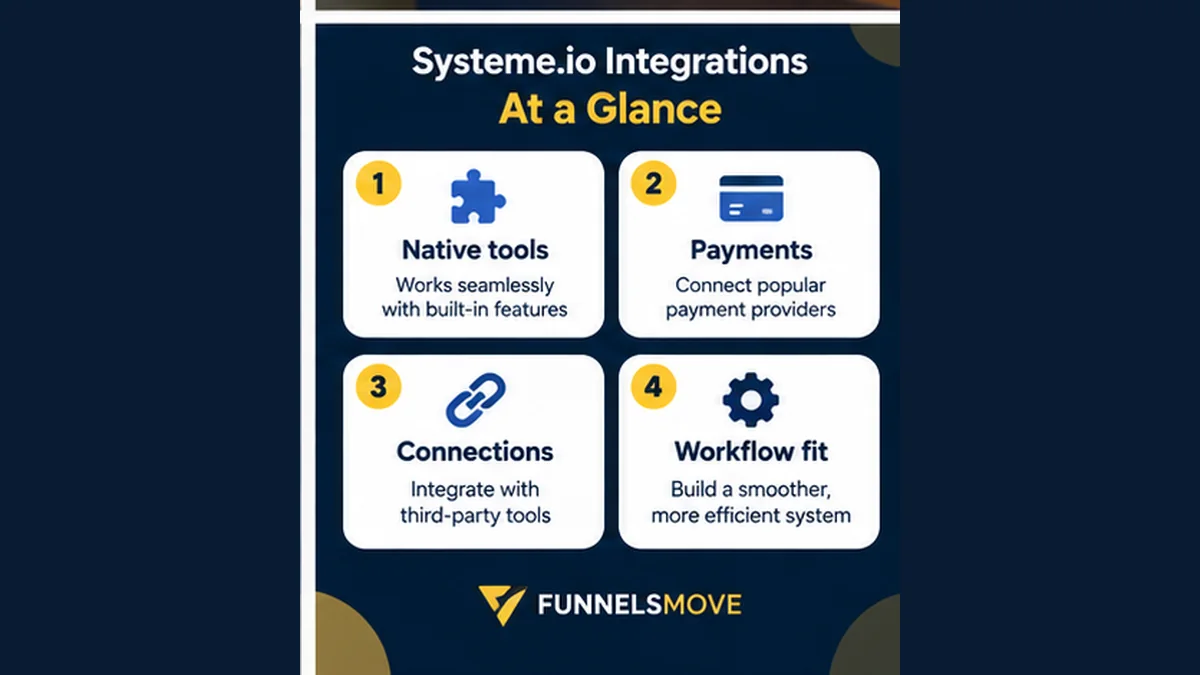
First are native connections such as supported payment gateways or Google Sheets. Second are embedded components, where Systeme.io generates a form or popup script for another website. Third are event-driven connections using webhooks or API calls. Fourth are workflows that need a third-party automation service or custom development because there is no direct connection for the required action.
Classifying an integration this way makes implementation estimates more realistic. A native account connection is usually easier to maintain than custom code, while an embedded form solves a different problem from synchronizing records between two databases.
How to test an integration safely
Use a test contact and, where possible, a test payment environment. Trigger the workflow from the same entry point a customer will use, then verify the resulting contact fields, tags, payment status, email sequence and any external record that should be created. Repeat the test with missing or unusual data to see how failures behave.
Document credentials and ownership without placing secrets in shared notes or page code. For API connections, use the narrowest access practical and establish who can rotate keys. For payment integrations, follow the processor's security requirements rather than copying credentials into unsupported connectors.