How to Cancel GoHighLevel
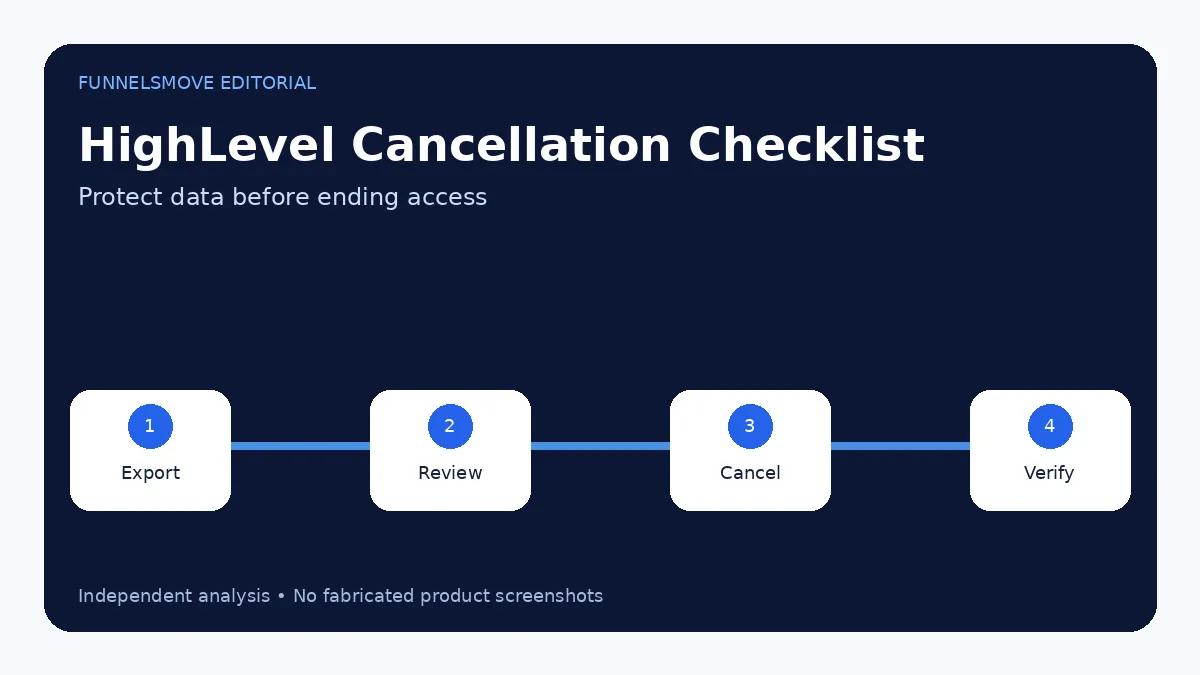
Canceling HighLevel is straightforward, but export your data first and understand the 90-day retention and 14-day phone-number timeline.
See the guides for broader context.
How to cancel your HighLevel subscription
For a direct HighLevel agency subscription, current support documentation says to go to Agency Settings → Billing, choose Want to modify/cancel your subscription?, open Show More, select Cancel Plan, choose a reason, review the data-loss warning, confirm cancellation, provide the required feedback and submit.
If you bought access through another agency rather than directly from HighLevel, HighLevel says you must contact that agency’s administrator for cancellation because HighLevel cannot cancel an agency-managed account on your behalf.
Before you cancel: export what matters
Cancellation affects the agency account and its sub-accounts. HighLevel recommends exporting or downloading data you need to retain, including contacts, conversations, calendars, appointments, funnels, websites, automations, invoices, payments, products, memberships, courses and reports.
Do not wait until after cancellation to decide what you need. Access to sub-account features is lost after cancellation even though data is retained temporarily.
What happens to your data after cancellation
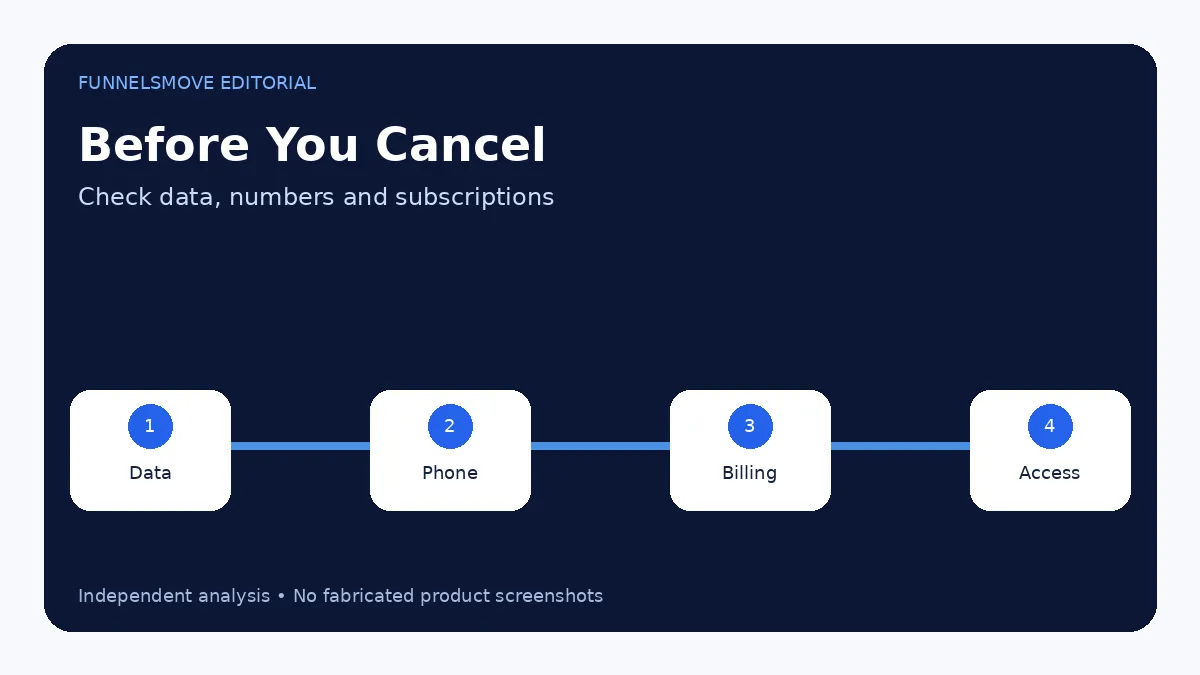
HighLevel’s August 2026 retention guidance says canceled account data is retained for 90 days. During that period, the account can be reactivated. After the retention window, the agency account, sub-accounts and associated data are permanently deleted if the account is not reactivated.
Phone numbers and A2P registrations follow a shorter timeline: HighLevel states that they are deleted after 14 days. Workflows and automations stop functioning after cancellation.
Consider the Pause Account option
If the goal is a temporary break rather than a permanent exit, HighLevel currently offers a Pause Account Plan for $27/month. The pause option preserves supported core data and configuration but removes active platform access; workflows and several published assets are moved to draft or otherwise inactive states.
Pausing is therefore not the same as keeping a live business system online for a lower fee. It is an account-preservation option.
How to cancel a HighLevel trial
The same billing area should be checked before the 14-day trial converts to the selected paid plan. HighLevel’s public product pages state that a card is required and that billing begins after the trial unless canceled. Do not rely on a reminder email as the only control—record the trial end date when you sign up.
Canceling a client SaaS subscription is different
Agencies using SaaS Mode have separate client/sub-account cancellation workflows. Those can involve SaaS settings, Stripe subscriptions, wallet balances and client access. Canceling one client subscription is not the same as canceling the agency’s HighLevel subscription.
If your intent is to cancel a resold add-on or client SaaS plan, use the specific HighLevel support instructions for that subscription type.
Reactivation and final checks
HighLevel says the agency account can be reactivated during the 90-day retention period. Before canceling, confirm exported data, phone-number portability, active domains, ongoing billing, client access and any marketplace or resold subscriptions.
If you are canceling because of product fit rather than a temporary pause, compare the HighLevel alternatives guide before rebuilding your stack.
Phone numbers and messaging need special attention
HighLevel’s cancellation guidance gives phone numbers and A2P registrations a 14-day deletion timeline, shorter than the 90-day general data-retention window. If phone numbers matter to the business, plan portability or replacement before canceling rather than assuming the number can be recovered later.
Also review active messaging campaigns so customers do not receive confusing or broken follow-up during the transition.
Check domains, websites and public assets
If HighLevel hosts a live website, funnel or branded domain, map where that traffic will go after cancellation. Export page content where appropriate and prepare redirects or replacement hosting before access ends.
Search engines and ad campaigns may still send visitors to those URLs. A cancellation plan should include the public customer experience, not just billing.
Evaluate HighLevel for your workflow
Use the current trial and plan details to check whether the platform fits your real lead-generation, CRM and automation workflow.
Visit HighLevel (opens in a new tab)Sources checked
- HighLevel billing FAQ (opens in a new tab)
- Data after cancellation (opens in a new tab)
- Pause Account Feature (opens in a new tab)
Research checked on September 13, 2026. HighLevel changes features, limits and pricing regularly; verify time-sensitive details before purchase or implementation.
FunnelsMove Editorial Team researches official product documentation, current pricing and independent user feedback. We do not claim hands-on testing unless explicitly stated.