GoHighLevel Snapshots: What They Are and How to Use Them
Snapshots let agencies package reusable sub-account configuration so repeatable client setups can be deployed faster and more consistently.
See the guides for broader context.
What are snapshots in GoHighLevel?
A HighLevel Snapshot is a reusable template created from an existing sub-account configuration. Current HighLevel documentation says a snapshot can capture assets such as workflows, funnels, calendars, forms, campaigns and custom fields so the configuration can be reused across other sub-accounts.
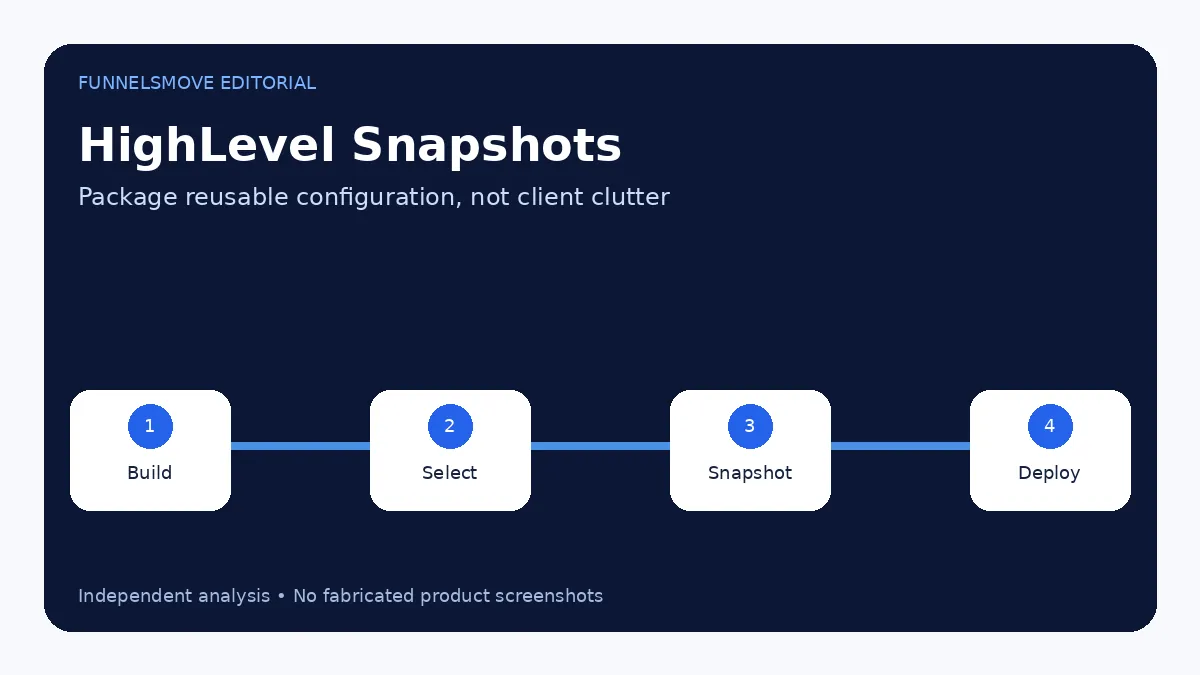
You do not build a snapshot from nothing. You first configure a sub-account, then create a snapshot from that account. This makes snapshots especially useful for agencies that repeat a similar setup across clients or verticals.
What a snapshot can include
HighLevel lets you select the assets to include rather than always copying everything. That matters because a good snapshot should contain repeatable structure, not client-specific clutter. Typical reusable assets include funnel structures, workflows, calendars, forms, custom values and other configuration.
Before capturing a snapshot, remove private test data, client-specific claims, outdated links and secrets that should not travel to another account.
How to create a HighLevel snapshot
HighLevel’s current flow is Agency View → Account Snapshots → Create New Snapshot. You name the snapshot, select the source sub-account, choose which assets to include and create it. If some asset categories fail to load, current documentation describes a retry option.
Choose a stable source account. A snapshot built from a messy client workspace simply reproduces that mess faster.
How snapshots are used across sub-accounts
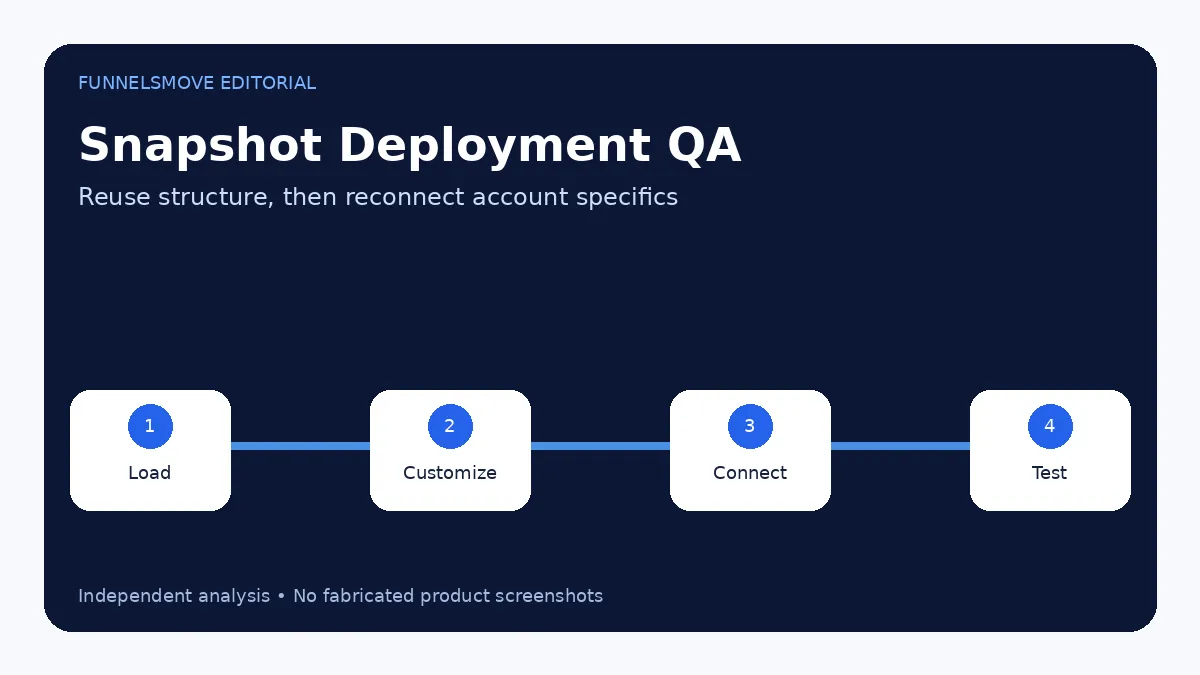
Snapshots are designed to accelerate deployment. An agency can load a standardized setup into a new sub-account, then customize branding, domains, phone/email configuration, products, calendars and client-specific copy.
Do not assume every integration credential or account-specific setting should transfer unchanged. Treat snapshot deployment as a starting configuration and run a QA checklist afterward.
Why agencies use snapshots
Snapshots reduce repetitive setup and improve consistency. A home-services agency might maintain one base snapshot with lead capture, pipelines and follow-up, then customize it for each client. A vertical SaaS offer can use a snapshot as part of its standardized account provisioning.
The value is operational repeatability, not a promise of marketing performance. A copied funnel still needs an offer, local details, compliant messaging and accurate integrations.
Can snapshots be sold?
HighLevel’s 2026 documentation describes selling snapshots through the App Marketplace, including one-time and recurring pricing models and IP-protection options. That creates a commercial use case for agencies with well-designed reusable configurations.
If you sell a snapshot, document what it includes, what still requires setup and which third-party costs are not included. Avoid implying that importing the snapshot guarantees leads or revenue.
Snapshot QA checklist
- Use a clean source sub-account.
- Select only reusable assets.
- Remove client-specific text and private data.
- Document required integrations.
- Load into a test sub-account first.
- Check workflows, domains, calendars, products and forms.
- Test the full lead journey after import.
For the broader implementation sequence, see how to use HighLevel.
Version snapshots like deployable assets
A snapshot can become a dependency for many client accounts, so use clear version names and change notes. If a workflow or form structure changes materially, create a new tested version rather than silently overwriting the reference without documentation.
Keep a small staging sub-account where snapshot updates can be loaded and tested before they reach new clients.
What should not be standardized blindly
Client-specific legal text, testimonials, phone numbers, domains, payment accounts, sending identities, offers and local claims should be reviewed after deployment. The whole point of a snapshot is to standardize reusable infrastructure without erasing the differences that make each client setup accurate.
Agency efficiency improves when the snapshot contains the repeatable 80 percent and the onboarding checklist handles the remaining 20 percent.
Evaluate HighLevel for your workflow
Use the current trial and plan details to check whether the platform fits your real lead-generation, CRM and automation workflow.
Visit HighLevel (opens in a new tab)What normally is not transferred in a snapshot
HighLevel's current snapshot documentation distinguishes reusable configuration from live account data. Contacts, appointments, conversations and live account history are not transferred as snapshot content. Current creation guidance also lists items such as reputation data, Stripe connections and integrations among the things that are not carried over automatically.
That boundary is important for deployment planning. A snapshot can reproduce workflows, forms, calendars and other supported assets, but the destination still needs account-specific connections, credentials, sending configuration, business information and live data handled separately.
A practical client-account deployment workflow
- Maintain a clean source sub-account containing only the reusable baseline.
- Create or refresh the snapshot and inspect the selected assets.
- Load it into a staging or test sub-account before client deployment.
- Reconnect account-specific integrations, domains, payment settings and sending identities.
- Replace template copy, legal text, calendars and business details with client-approved values.
- Test forms, workflows, booking, messages and conversion paths end to end.
- Record the snapshot version and any client-specific changes that should not be overwritten later.
This turns snapshots into a controlled deployment process rather than a one-click assumption that every client should be identical.
Version control and maintenance risks
The main operational risk is configuration drift. A source account changes, a snapshot is refreshed, and different client accounts may now contain different generations of the same workflow. Use a simple version name, change log and staging test so the team knows which snapshot created each baseline.
Before pushing refreshed assets, review conflicts and linked assets. Do not overwrite a client's deliberate customization merely because the source template changed. For agencies using repeatable SaaS deployments, pair this process with the HighLevel white-label SaaS guide and the broader HighLevel implementation guide.
Common snapshot implementation mistakes
- Capturing a messy production account instead of a controlled source.
- Assuming contacts, conversations or payment connections will transfer.
- Sharing an old snapshot without refreshing the intended source changes.
- Loading directly into a client account without a staging test.
- Leaving client-specific claims, phone numbers, domains or legal text in reusable assets.
- Pushing updates without checking which destination assets were customized after deployment.
Sources checked
- HighLevel Snapshots Overview (opens in a new tab)
- Creating New Snapshots (opens in a new tab)
- Importing Snapshots (opens in a new tab)
- Sharing Snapshots (opens in a new tab)
- Refreshing or Updating Snapshots (opens in a new tab)
Research rechecked on September 17, 2026. HighLevel changes supported snapshot assets and workflows over time, so verify current documentation before a production deployment.
FunnelsMove Editorial Team researches official product documentation, current pricing and independent user feedback. We do not claim hands-on testing unless explicitly stated.