GoHighLevel CRM: How It Works and Who It Fits
HighLevel is a CRM as well as a marketing platform; its main advantage is connecting lead capture, follow-up and sales pipelines in one system.
See the guides for broader context.
Is GoHighLevel a CRM?
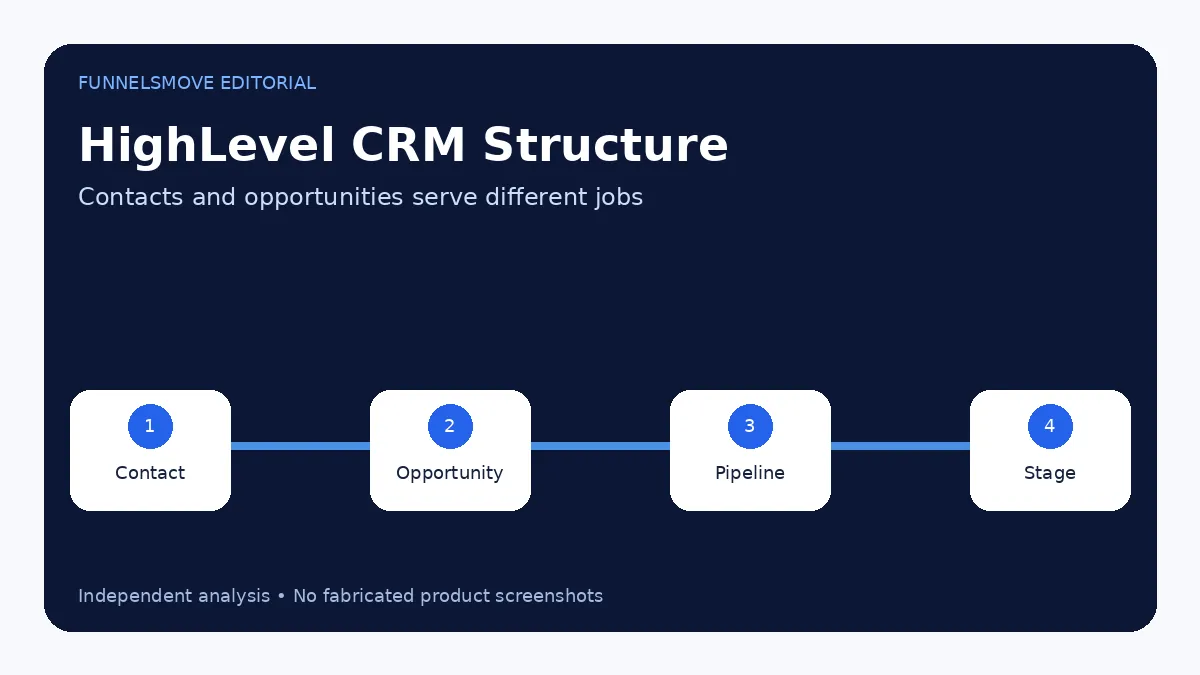
Yes. HighLevel includes a full CRM layer built around contacts, opportunities, pipelines, conversations, tasks and automation. It is not merely a funnel builder with a contact list. The CRM is the connective layer that lets lead sources, messages, calendars and workflows share context.
For many agencies and service businesses, the appeal is that marketing activity and sales follow-up can live in the same system. Whether it is a “good CRM” for you depends on the sales process, reporting needs, integrations and governance required by your team.
Contacts are the foundation
A contact record stores the person or lead and can contain standard fields, custom fields, tags, communication history and related activity. HighLevel supports importing contacts by CSV and matching updates using contact ID, email and phone in its current import workflow.
Design fields before importing a large database. Duplicate or inconsistently named fields make automation and segmentation harder later.
Pipelines and opportunities model the sales process
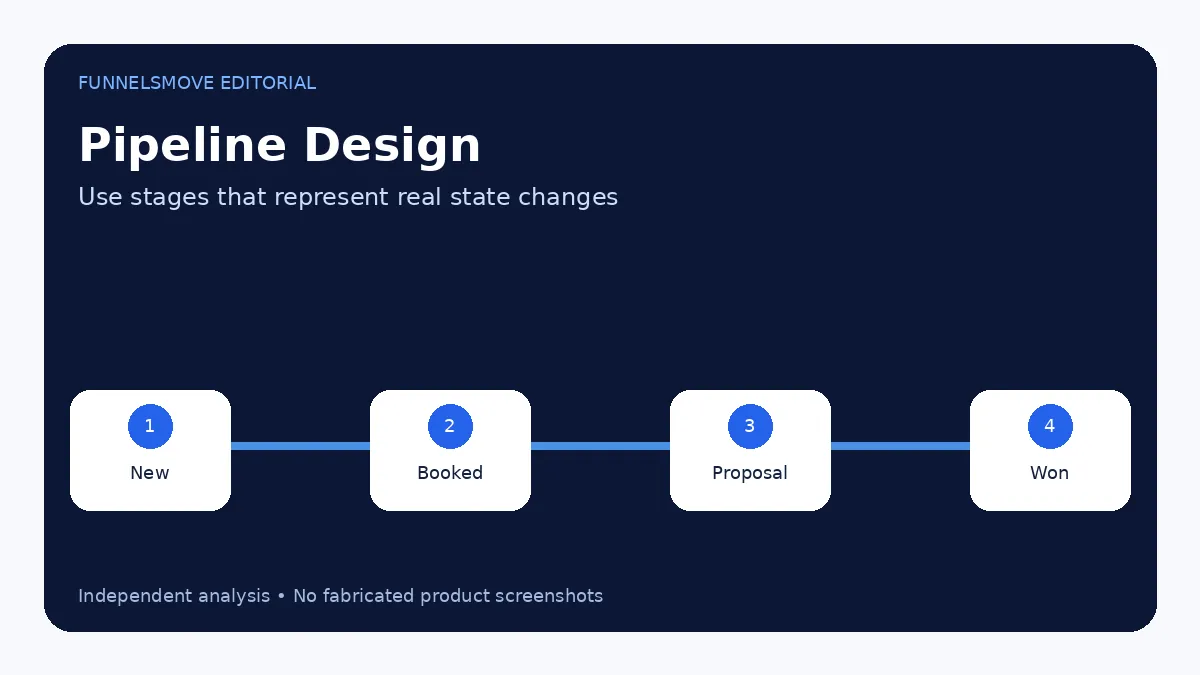
HighLevel distinguishes the person from the deal. An opportunity represents a potential sale associated with a contact and sits in a pipeline stage. A pipeline represents the overall process. This structure supports sales processes where a contact can exist long before or after an active deal.
Use pipeline stages that represent meaningful state changes. “New Lead,” “Booked,” “Proposal,” “Won” and “Lost” are easier to report on than subjective stages such as “Maybe hot.”
CRM automation is where HighLevel becomes more than a database
Workflows can create or update opportunities from form submissions, appointments, tags, payments and other triggers. They can assign owners, move stages, send messages, create tasks and connect external systems.
Automation should enforce a known process, not invent one. Define who owns the lead, when it should advance and what stops follow-up before implementing the workflow.
Conversations connect sales follow-up to the record
HighLevel centralizes communication channels around contacts, which can reduce the gap between marketing and sales. Depending on configuration, teams can work with email, SMS, calls, social messages and other channels from the platform.
Communication capabilities may create usage charges and compliance obligations. Configure consent, sending domains, phone registration and team permissions appropriately for the U.S. market.
CRM reporting and forecasting
HighLevel’s opportunities module supports pipeline visibility, and current 2026 documentation also describes opportunity forecasting. The usefulness of those reports depends on clean stage definitions, owner discipline and accurate values and dates.
If team members leave stale opportunities open or use stages inconsistently, a sophisticated dashboard cannot repair the underlying data quality.
When HighLevel CRM is a strong fit
HighLevel CRM is strongest for appointment-driven, lead-driven and agency-managed workflows where marketing, communication and sales stages need to be connected. It is particularly convenient when the same platform already owns forms, calendars and automation.
A company with complex enterprise account hierarchies, extensive custom governance or a deeply established CRM ecosystem should validate its requirements carefully before migrating.
HighLevel CRM setup checklist
- Define contact fields and consent data.
- Create one or more pipelines based on actual processes.
- Set stage-entry and exit rules.
- Assign ownership.
- Connect lead sources.
- Create workflows only after manual process testing.
- Import a small sample before bulk migration.
- Review reporting and duplicate handling.
For the broader implementation sequence, use how to use HighLevel.
Tags, custom fields and smart lists
Tags are useful for flexible labels, while custom fields are better for structured data that needs consistent values. Smart Lists can surface contacts that meet defined filters. Use each tool for a clear purpose instead of creating multiple ways to store the same fact.
For example, “Lead Source” is usually better as a structured field than a collection of loosely named tags. A temporary campaign label may be better as a tag.
Lead ownership and team workflow
A CRM becomes useful when responsibility is visible. Decide how new opportunities are assigned, when ownership changes and what happens if the owner does not respond. HighLevel workflows can automate assignment, but the business rule should exist first.
For multi-location or multi-client accounts, permissions also matter. Keep users scoped to the accounts and data they genuinely need.
Migrating CRM data into HighLevel
HighLevel supports CSV contact imports and can import opportunities as part of current workflows. Clean the source data before migration, map fields carefully and start with a small file. The current documentation notes that imports cannot simply be “undone,” so a test batch reduces risk.
Preserve identifiers and source fields that will matter for attribution or customer service. Do not import years of low-quality data merely because storage is available.
Related guide: forms and surveys.
Related guide: workflow automation.
Related guide: HighLevel for real estate agents.
Related guide: HighLevel for law firms.
Evaluate HighLevel for your workflow
Use the current trial and plan details to check whether the platform fits your real lead-generation, CRM and automation workflow.
Visit HighLevel (opens in a new tab)Sources checked
- HighLevel CRM (opens in a new tab)
- Setup Pipelines and Opportunities (opens in a new tab)
- Creating Pipelines (opens in a new tab)
- Import Contacts (opens in a new tab)
Research checked on September 13, 2026. HighLevel changes features, limits and pricing regularly; verify time-sensitive details before purchase or implementation.
FunnelsMove Editorial Team researches official product documentation, current pricing and independent user feedback. We do not claim hands-on testing unless explicitly stated.
For organizations choosing between a service-business CRM and a broader customer platform, see HighLevel vs HubSpot.
For response automation, see the Missed Call Text Back setup guide and the HighLevel AI Employee guide.