HighLevel Forms & Surveys: Lead Capture and Automation
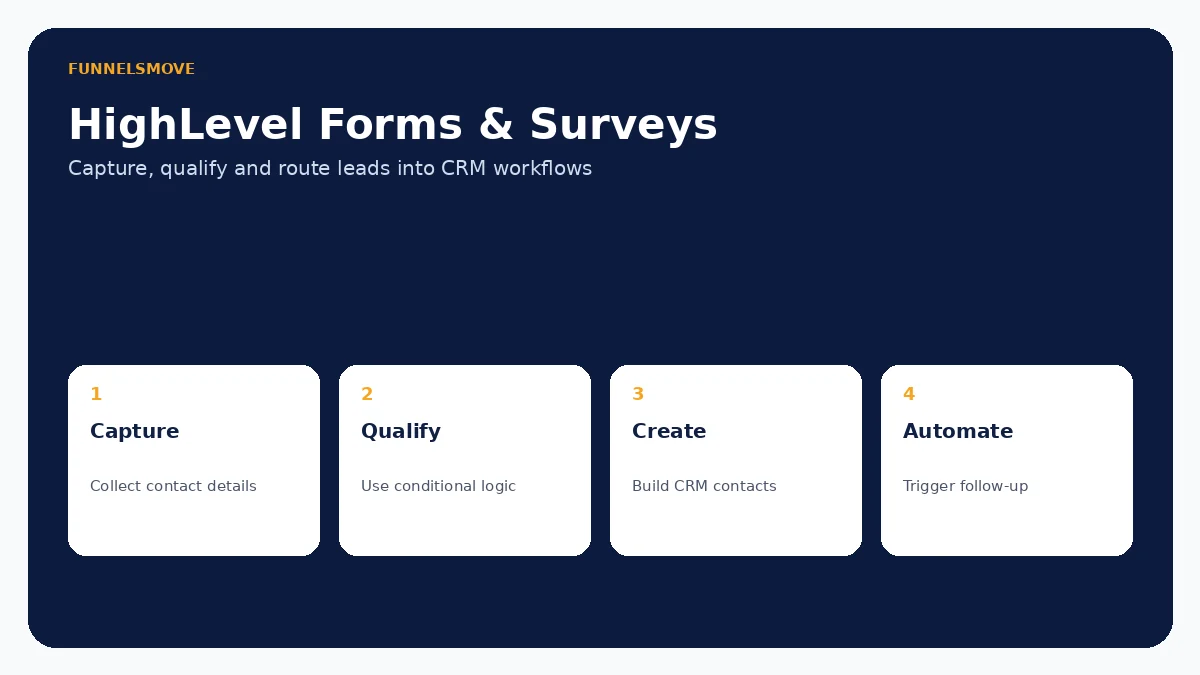
HighLevel forms and surveys can capture lead data directly into the CRM, qualify respondents with conditional logic and feed follow-up workflows—but good results depend on deliberate fields, consent, routing and testing.
For broader context, start with our HighLevel platform guide, HighLevel review and HighLevel setup guide.
Do HighLevel form submissions create contacts?
Yes. HighLevel's current documentation says a new lead who completes a HighLevel Form or Survey automatically creates a contact record. That makes forms useful when you want lead capture to feed the CRM without a separate import step. Repeat submissions are affected by the account's contact-deduplication settings, so teams should review those preferences rather than assume every submission becomes a new record.
Forms can collect standard details such as name, email and phone plus custom fields. They can be used on HighLevel sites and funnels, shared directly, or embedded on compatible external websites. The important implementation question is not merely whether a contact is created, but what data is captured and what should happen next.
Forms vs surveys: when to use each
Use a form when the goal is concise data collection: contact requests, lead magnets, quote requests, event registration or booking qualification. Use a survey when the experience benefits from multiple questions, slides or branching paths. HighLevel's current survey conditional logic can jump respondents to different slides, show or hide fields, redirect, display custom messages or disqualify a lead.
Do not turn every form into a questionnaire. Each extra field creates friction. Ask only for information that changes routing, qualification or follow-up. If sales can collect a detail later, requiring it before the first conversion may be unnecessary.
Conditional logic and lead qualification
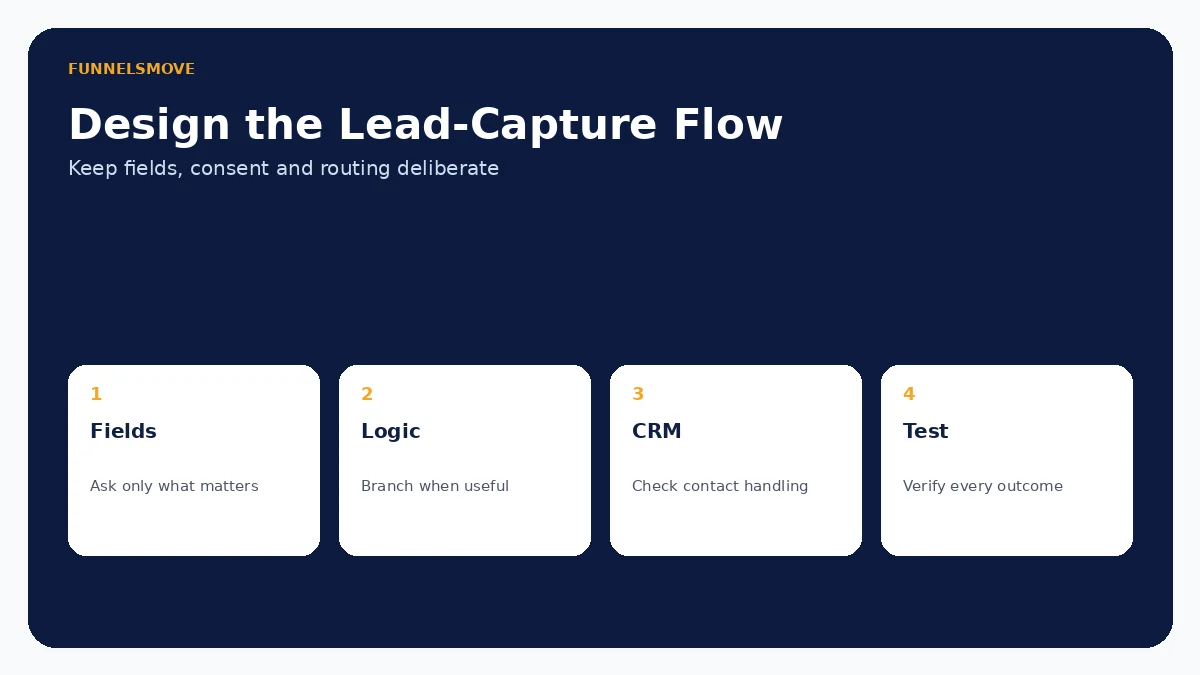
HighLevel's current Conditional Logic v2 supports rules based on field values and can show or hide fields, display messages, redirect respondents or disqualify leads. Surveys additionally support “Jump To” branching. Rules are evaluated in an order documented by HighLevel, so complex forms should be previewed across every meaningful response path.
Conditional logic is useful when different leads need different questions or outcomes. A service business might reveal a budget question only for a selected service, while a qualification form could stop an ineligible booking path. Avoid building a maze: branching should make the experience shorter and more relevant, not obscure how data is being used.
Connecting submissions to CRM automation
Once a contact exists, workflows can handle the next operational steps: internal notifications, lead assignment, tags, email or SMS follow-up, opportunity updates and other supported actions. This is where HighLevel's integrated model is useful—the capture event and the CRM record can live in the same system.
Map the automation before publishing the form. Decide who owns the lead, what counts as a qualified submission, how quickly a human should respond and what happens when contact information is incomplete. See our HighLevel workflows guide for the automation layer and HighLevel CRM guide for contact-management context.
Using forms with calendar booking
HighLevel documentation says conditional logic can also apply when a supported calendar booking flow uses a custom form. Show/hide behavior can change questions dynamically, and a disqualified lead can be prevented from completing the appointment or payment. Some calendar types are excluded from that documented behavior, so confirm the exact booking flow you use.
For appointment-led businesses, this can reduce the need for a separate qualification tool. Keep the booking experience short enough that qualified prospects actually finish it. Our HighLevel calendars and booking guide covers calendar types and scheduling design.
Spam protection, validation and data quality
HighLevel documents built-in protections against fake submissions and recommends CAPTCHA for stronger spam resistance. Its form guidance also references email or phone validation. This matters because a spam submission can do more than clutter the CRM: if the form starts automated email or SMS, bad submissions can create unnecessary messaging and cost.
Use validation where accuracy matters, add CAPTCHA when abuse risk warrants it and test how duplicates are handled. Keep custom fields consistent so the same concept is not stored under several names. Data quality at capture is easier to manage than cleanup after thousands of contacts arrive.
Consent, privacy and sensitive information
A form builder does not determine whether your data collection is lawful or appropriate. Collect only information you need, explain how it will be used, and apply the consent requirements relevant to your jurisdiction and messaging channels. Do not place sensitive data into ordinary forms simply because a custom field exists.
If your use case involves regulated health information, review our HighLevel HIPAA guide and obtain qualified compliance advice. Platform capabilities and a business's own legal obligations are separate issues.
A practical setup and QA checklist
- Define the conversion and the minimum fields required.
- Create the form or survey and use consistent CRM fields.
- Add conditional logic only where it reduces irrelevant questions or changes the outcome.
- Configure confirmation messaging or redirects.
- Connect the appropriate workflow and internal ownership.
- Test a new contact, an existing contact, invalid data and each conditional branch.
- Verify mobile layout, notifications and CRM field values before sending traffic.
Also test the embedded version if the form will live outside HighLevel. A successful builder preview does not prove that the final site's scripts, styling and consent experience behave correctly.
Who should use HighLevel forms and surveys?
They are a strong fit for agencies and small businesses already using HighLevel CRM and workflows because lead capture can stay close to contact records and follow-up. They can also suit qualification, simple assessments and appointment intake when conditional logic is sufficient.
A specialized form or survey platform may be preferable for advanced research, complex calculations, highly customized reporting, unusual accessibility requirements or sophisticated data-analysis workflows. Choose based on the whole data process, not the convenience of having a form builder inside the CRM.
Related guide: Meta Lead Ads integration.
Related guide: HighLevel and WordPress.
Evaluate HighLevel with a real workflow
Use a representative process, test normal and exception paths, and confirm any usage-based charges before putting automation in front of customers.
Visit HighLevel (opens in a new tab)Sources checked
HighLevel product documentation was reviewed on September 15, 2026. Features and usage charges can change, so verify account-specific settings before deployment.