GoHighLevel Integrations: Practical Connection Guide
Use native HighLevel integrations where they fit, then add Zapier, webhooks or current APIs only when the workflow genuinely needs them.
See the guides for broader context.
How HighLevel integrations fit into the platform
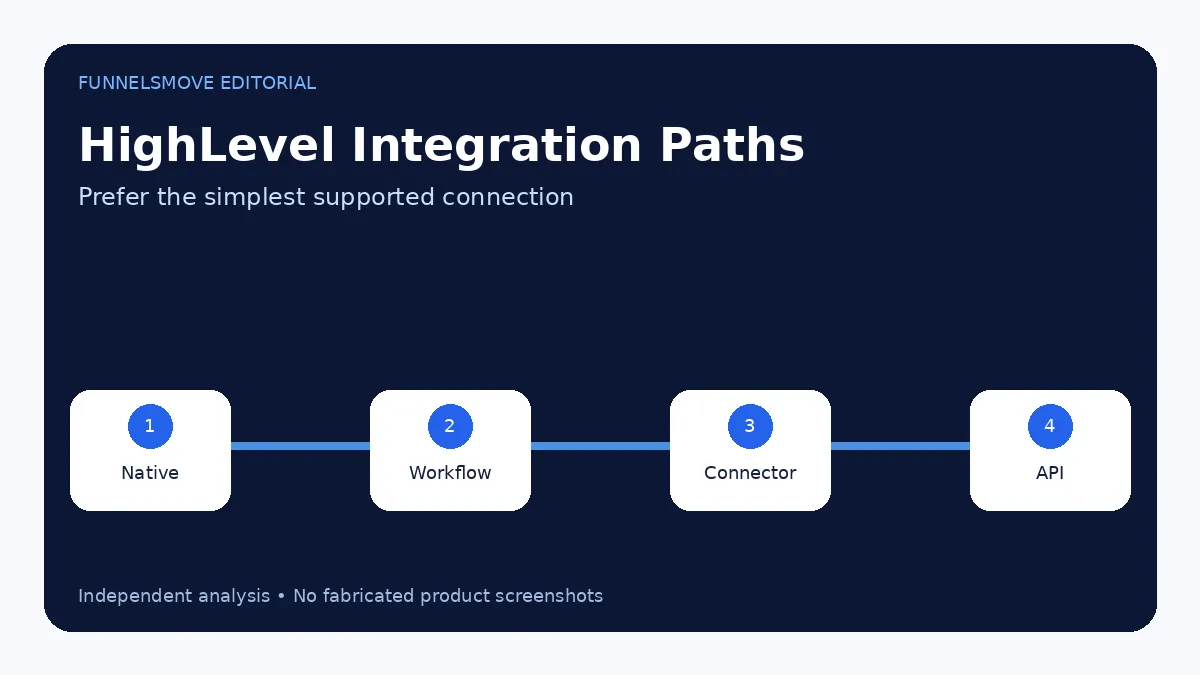
HighLevel integrations connect external services to contacts, conversations, calendars, payments, ads and workflows. Some integrations are native, some are managed through the Marketplace, and others use Zapier, webhooks, APIs or newer connector systems.
Choose the simplest supported connection that meets the requirement. A native integration is usually easier to maintain than a custom webhook; a custom integration may be justified when the workflow needs data or control the native connector does not expose.
Stripe and payment integrations
HighLevel’s current Stripe guide says each sub-account can connect one Stripe account at a time. Connected Stripe can support eligible invoices, payment links, order forms, forms, stores, calendars, courses and other payment experiences.
HighLevel’s main pricing page also lists other payment providers including PayPal, NMI, Authorize.net, Square, Adyen and Razorpay. Availability and behavior can vary by product area and region, so validate the actual payment flow you need.
Facebook and Instagram lead integration
HighLevel can connect Facebook Business assets so lead-form submissions sync into the CRM and trigger workflows. Current 2026 documentation also describes HighLevel Ad Manager for creating and managing Meta lead-generation campaigns directly from the platform.
Permissions are a common failure point. The person connecting Meta assets needs the correct Page and Business permissions, and form fields must map cleanly to CRM fields.
Zapier and workflow connectors
Zapier remains useful when a native HighLevel integration is unavailable or when an external application needs to send or receive simple events. HighLevel’s documentation also references Zapier across integration and connector workflows.
Before using a third-party automation layer, check whether HighLevel now has a native integration or workflow action. The platform changes quickly, and an integration that once required Zapier may now have a direct path.
Calendars, Zoom and scheduling
Calendar connections matter when HighLevel owns appointment booking but the team still uses external calendars or meeting platforms. Connect the correct calendar account, test conflict handling and confirm which system is the source of truth for availability.
For meeting tools such as Zoom, verify the current supported integration path before designing a workflow around it.
External websites and forms
You do not need to rebuild an existing website to use HighLevel. Current documentation covers embedding HighLevel forms on platforms including Squarespace, Wix, Shopify, WordPress and Duda, and HighLevel also supports external tracking for certain form submissions.
This can be a lower-risk migration strategy: keep the existing site while moving lead capture, CRM and follow-up into HighLevel.
API and custom integration caution
HighLevel’s API documentation states that V1 APIs reached end-of-support on December 31, 2025. That is why older “where is my GoHighLevel API key?” tutorials can be misleading in 2026. New technical integrations should use the current API, private integrations, OAuth or Marketplace documentation appropriate to the use case.
FunnelsMove has therefore deferred legacy API-key keywords rather than publishing outdated instructions.
Integration QA checklist
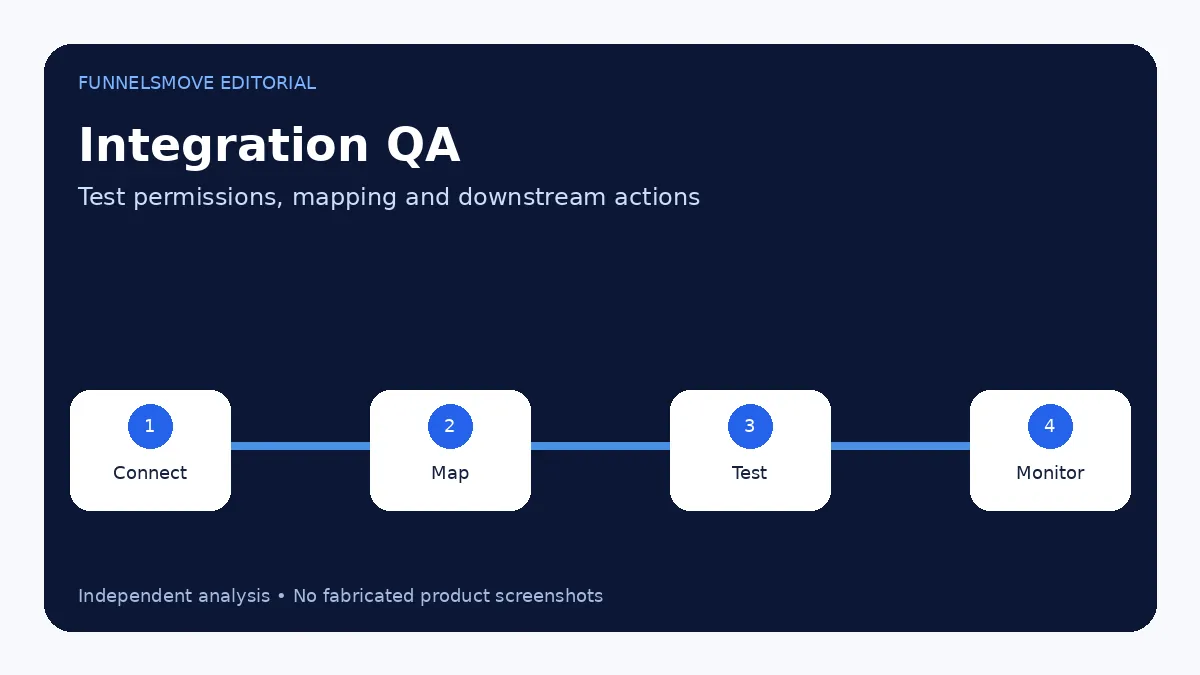
- Use the correct sub-account.
- Confirm permissions on both services.
- Map fields deliberately.
- Test with a real sample record.
- Verify workflow triggers do not duplicate.
- Record who owns credentials and reconnection.
- Monitor the integration after launch.
For the CRM side of the connection, see HighLevel CRM. For the broader setup sequence, see how to use HighLevel.
Field mapping is the hidden integration problem
Most integration failures are not dramatic outages; they are mismatched data. A “phone” field in one system may arrive in a different format, a lead source may be overwritten, or an opportunity may be created twice because two automations respond to the same event.
Document the source of truth for each important field. If several systems can update the same record, define precedence before automation goes live.
Permissions and credential ownership
Connect integrations with accounts that the business controls, not a temporary contractor’s personal login. Record who owns the connection, what permissions were granted and how tokens are renewed or revoked.
Use the least privilege practical for the workflow. A simple lead sync should not require broad access to unrelated systems if the integration provides narrower scopes.
Monitor integrations after launch
A connection that works on launch day can later fail because permissions change, tokens expire or a third party modifies an API. Create a lightweight monitoring routine: inspect errors, confirm a sample record periodically and assign an owner for reconnection.
For revenue-critical integrations, document a manual fallback so the business can keep operating during a temporary outage.
Related guide: HighLevel workflows.
Related guide: HighLevel and WordPress.
Related guide: HighLevel Payments and Stripe.
Related guide: Facebook and Meta integrations.
Related guide: HighLevel messaging channels.
Related: snapshot deployment boundaries.
Evaluate HighLevel for your workflow
Use the current trial and plan details to check whether the platform fits your real lead-generation, CRM and automation workflow.
Visit HighLevel (opens in a new tab)Sources checked
- HighLevel Integrations (opens in a new tab)
- Connect Stripe (opens in a new tab)
- Facebook Integration (opens in a new tab)
- HighLevel API Documentation (opens in a new tab)
- Embed HighLevel Forms (opens in a new tab)
Research checked on September 13, 2026. HighLevel changes features, limits and pricing regularly; verify time-sensitive details before purchase or implementation.
FunnelsMove Editorial Team researches official product documentation, current pricing and independent user feedback. We do not claim hands-on testing unless explicitly stated.
Developers who need custom endpoints or event-driven integrations can continue with the HighLevel API and webhooks guide.