HighLevel API and Webhooks: Practical Integration Guide
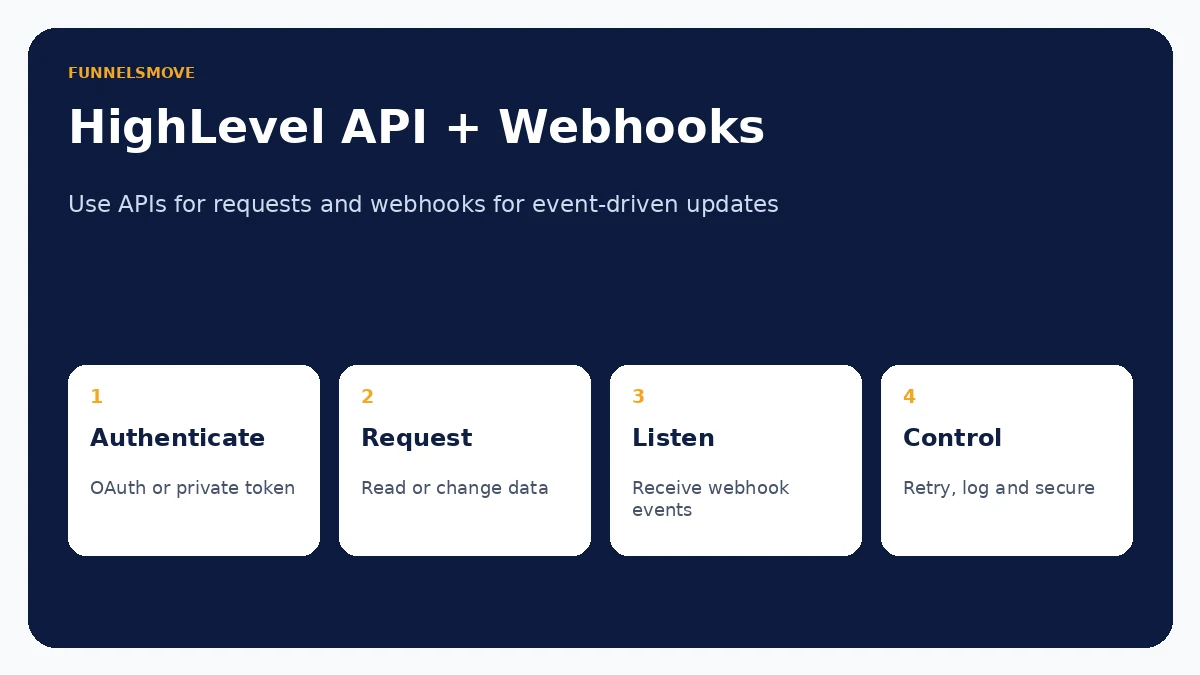
HighLevel APIs let software request or change platform data; webhooks push event notifications to your application when activity happens.
For broader context, see the HighLevel platform hub. Related reading: HighLevel platform guide · HighLevel integrations · HighLevel CRM · HighLevel HIPAA compliance.
What is the HighLevel API?
The HighLevel API is a set of authenticated HTTP endpoints that lets software read or change HighLevel resources programmatically. Current developer documentation covers contacts, conversations, calendars, opportunities, payments and other platform areas. Common use cases include creating a contact from an external application, synchronizing opportunities, adding appointments or connecting internal systems.
HighLevel’s current developer portal documents newer v3 APIs as well as other supported endpoint versions. Do not copy old “API key” tutorials without checking the endpoint documentation you are calling. The authentication method, required scopes and version header can differ by API generation and integration type.
What are HighLevel webhooks?
A webhook is an event notification sent by HighLevel to an HTTPS endpoint you control. Instead of asking the API every minute whether a contact changed, your app can subscribe to an event and react when the event occurs. Current HighLevel webhook documentation covers contact, opportunity, task, appointment, invoice, product, location, user and other event categories.
Webhooks are therefore best for event-driven updates; APIs are best when your application needs to fetch data or perform an action. Mature integrations usually use both: a webhook tells the app something changed, then an API request retrieves or updates whatever additional data the workflow needs.
API vs webhooks: when to use each
| Need | Better starting point | Why |
|---|---|---|
| Create or update a contact | API | Your system is asking HighLevel to change data. |
| React when a contact changes | Webhook | HighLevel can push the event when it occurs. |
| Run a scheduled reconciliation | API | Your system needs to query current state. |
| Trigger a downstream process after an appointment | Webhook | The appointment event can initiate the workflow. |
| Confirm full record details after an event | Webhook + API | Use the event as the signal and the API for current data. |
Do not use polling when a supported webhook can provide the event, and do not force a webhook payload to become your only data source when an API lookup provides the authoritative current record.
Authentication: OAuth and private integration tokens
HighLevel’s developer documentation supports OAuth 2.0 for delegated application access and Private Integration Tokens (PITs) for scoped server-to-server use cases. OAuth is the right model for applications installed by multiple HighLevel customers because the user authorizes requested scopes and your app receives access/refresh tokens. A PIT can be simpler for an internal integration tied to your own account or controlled environment.
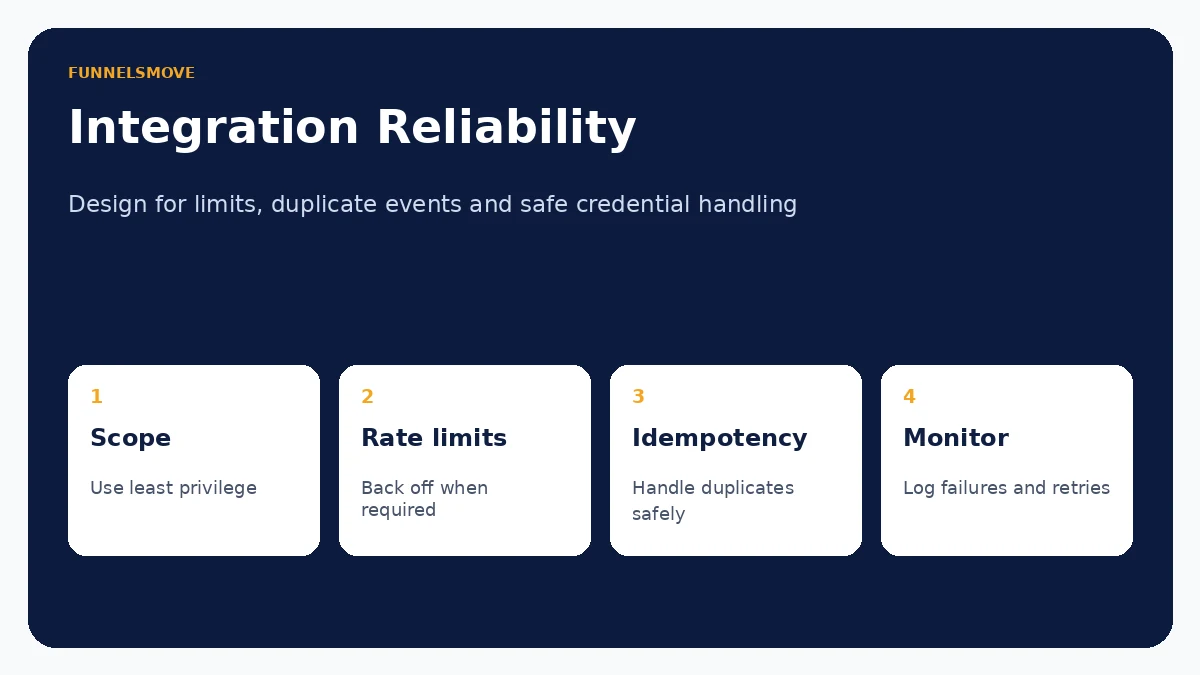
Request the minimum scopes your application needs. Store secrets server-side, never in client JavaScript, HTML or a public repository. Rotate compromised credentials and separate sandbox/testing credentials from production. This article intentionally uses placeholders only.
API versions and plan access
HighLevel’s current support documentation says API access varies by plan and integration type. Its public pricing page lists Basic API Access under Unlimited and Advanced API Access under Agency Pro; its API support article also describes more advanced OAuth and agency-level capabilities on higher access tiers. Because packaging can change, verify your account and the documentation for the endpoint before designing a commercial integration around a plan assumption.
Newer developer references expose v3 endpoints with a Version: v3 header, while older endpoints may use a dated API version. Treat the endpoint page as the source of truth instead of assuming every route has moved to the same version.
Current create-contact API example
The current v3 Contacts documentation lists POST /contacts/ for creating a contact and requires a locationId. A minimal server-side request can look like this:
curl -X POST 'https://services.leadconnectorhq.com/contacts/'   -H 'Authorization: Bearer YOUR_ACCESS_TOKEN'   -H 'Version: v3'   -H 'Content-Type: application/json'   -d '{
    "firstName": "Example",
    "email": "person@example.com",
    "locationId": "YOUR_LOCATION_ID"
  }'
Do not paste a real access token into public code, browser JavaScript or documentation. Use a secret manager or protected server environment. For duplicate-sensitive workflows, review HighLevel’s current contact upsert endpoint and the location’s duplicate-contact settings rather than blindly creating a new record every time.
Rate limits and error handling
HighLevel currently documents two public API 2.0 rate limits per Marketplace app and resource: 100 requests per 10 seconds and 200,000 requests per day. API responses include rate-limit headers, which should drive your backoff logic. Do not hard-code request pacing without reading the returned headers.
Handle HTTP errors explicitly. Retry temporary failures with bounded exponential backoff, but do not retry validation or permission errors indefinitely. Log the request context without storing unnecessary personal data or tokens. If an operation can be repeated, make it idempotent so a retry does not create duplicate contacts, invoices or other side effects.
Webhook security and reliable processing
HighLevel’s current webhook guide says deliveries include X-GHL-Signature using Ed25519 and identifies that as the current signature to verify. The legacy RSA signature header was scheduled for deprecation on September 1, 2026. New integrations should verify the current signature before processing the payload.
Return a successful response quickly and process heavy work asynchronously. Store an event identifier or other deduplication key, because webhook systems can retry deliveries. Design handlers so processing the same event twice produces the same final state. Use HighLevel’s webhook logs to investigate delivery failures and retry behavior.
Privacy and data minimization
API and webhook access can expose customer data at machine speed. Limit scopes, fields, log retention and downstream storage to what the business process requires. Encrypt secrets and sensitive payloads in transit and at rest, restrict production access and document which system is the source of truth.
For regulated data such as PHI, do not assume an API connection is permitted merely because both applications have security features. Review contracts, BAAs, data flows and the security posture of every receiving service. See the HighLevel HIPAA compliance guide for that separate compliance analysis.
When no-code may be the better choice
If the goal is a straightforward lead sync or one-step workflow, a native HighLevel integration, workflow action or no-code connector may be easier to operate than custom code. Custom API development makes sense when you need data or logic that the native connector does not expose, have meaningful scale, or need stronger control over error handling and state.
The maintenance cost matters. An integration needs credential rotation, monitoring, API-change review and someone who can diagnose failures. Use code because the workflow needs code—not because an endpoint exists.
Use the simplest integration that meets the requirement
Validate whether a native connection or workflow solves the job before committing to custom API maintenance. If you do build custom code, start with scoped credentials and a test environment.
Visit HighLevel (opens in a new tab)Frequently asked questions
What is the HighLevel API base URL?
Current HighLevel developer examples use https://services.leadconnectorhq.com for platform API requests. Always confirm the endpoint’s current documentation.
What are HighLevel’s API rate limits?
HighLevel currently documents a burst limit of 100 requests per 10 seconds and a daily limit of 200,000 requests per app per resource for public API 2.0 OAuth endpoints.
Should I use OAuth or a Private Integration Token?
Use OAuth for delegated, installable applications serving multiple accounts. A scoped Private Integration Token can be simpler for controlled internal server-to-server integrations.
Do webhooks replace API calls?
No. Webhooks are event notifications. Many integrations use a webhook as the trigger and then call the API for current or additional data.
Sources checked
Research and time-sensitive product facts were reviewed on September 14, 2026.
- HighLevel Developer Portal (opens in a new tab)
- HighLevel OAuth 2.0 guide (opens in a new tab)
- HighLevel API rate limits (opens in a new tab)
- HighLevel webhook integration guide (opens in a new tab)
- HighLevel Create Contact API (opens in a new tab)
- HighLevel API support overview (opens in a new tab)
- HighLevel pricing (opens in a new tab)