ClickFunnels Integrations: A Practical Directory
Treat integrations as data flows, not logos. Decide what information must move, when it must move, and which system should remain the source of truth.
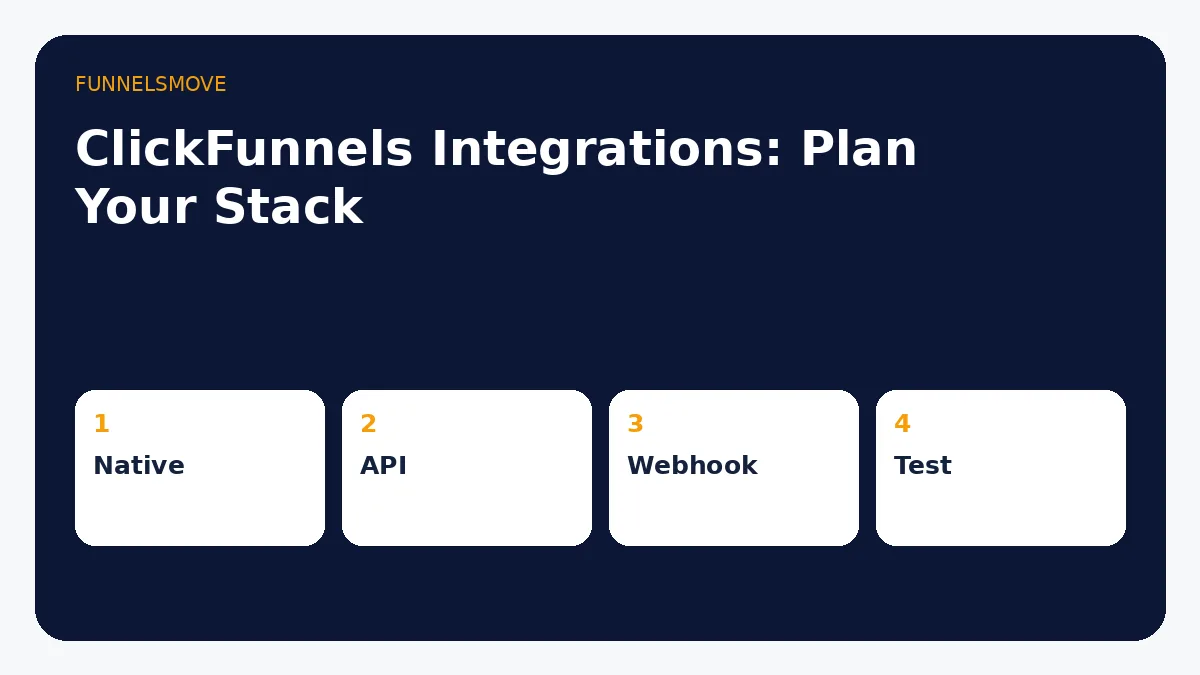
How to plan ClickFunnels integrations
Start by listing the systems involved in acquisition, contact management, email, payment and delivery. For each connection, define the trigger, data that must pass, destination and failure behavior. This is more reliable than choosing tools because an integration badge exists.
Email and autoresponder integrations
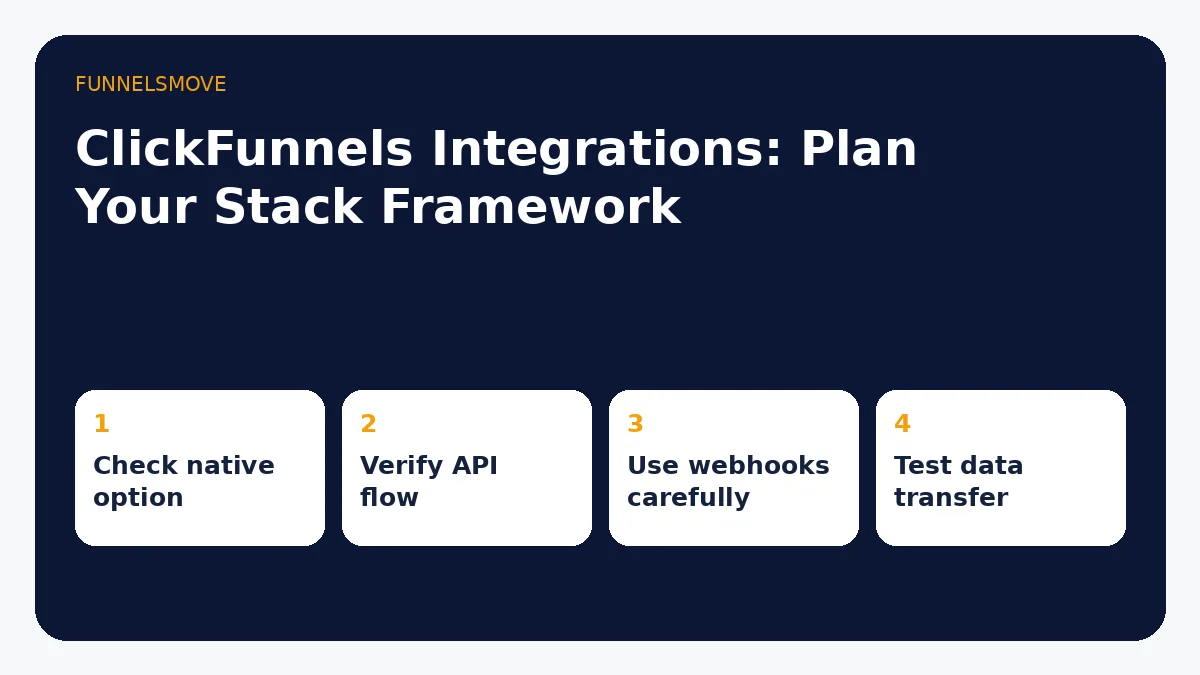
ClickFunnels support documentation currently lists autoresponder connections including AWeber, ActiveCampaign, ConvertKit, Drip, GetResponse, Keap and Mailchimp among others. The exact actions and fields vary, so check the provider-specific guide before assuming every field or automation transfers.
AWeber, ActiveCampaign and Mailchimp examples
Official ClickFunnels Classic documentation provides API-based setup instructions for AWeber, ActiveCampaign and Mailchimp. AWeber requires an appropriate list/form setup; ActiveCampaign uses API credentials; Mailchimp uses an API key and requires an email list. These details can change between ClickFunnels generations and provider versions.
If you use ClickFunnels 2.0 rather than Classic, verify the current in-product integration path before following Classic documentation step by step.
How to integrate AWeber with ClickFunnels: the current official Classic workflow connects AWeber in Account Settings → Integrations and requires the appropriate AWeber list/form setup. For ClickFunnels 2.0, verify the current in-product path before following Classic steps.
Forms, APIs and webhooks
When a native integration is unavailable, an HTML form, external automation service, API or webhook may be appropriate. ClickFunnels’ webhook documentation describes webhooks as event-driven communication and notes that implementation requires technical familiarity. Use the least complex connection that reliably handles the required data.
Domains, email and payment connections
ClickFunnels’ support material treats custom domains, email/SMTP and payment gateways as foundational connections for many Classic setups. Payment availability and provider terms can vary by region. Never assume a gateway is available in a target market without checking the provider.
Integration testing checklist
Create a test contact and trace it through every system. Check field mapping, tags or list assignment, consent state, duplicate handling, confirmation emails and failure behavior. For payment flows, use the platform/provider’s supported test process rather than placing uncontrolled live orders.
Avoid creating a fragile stack
Every connection adds another point of failure. If ClickFunnels already provides a capability that meets your needs, compare the benefit of keeping a specialist tool against the maintenance cost of connecting it. If the specialist tool is strategically important, document the integration so the business is not dependent on one person’s memory.
Quick decision table
| Connection | Best first check | Watch for |
|---|---|---|
| Autoresponder | Native integration | Field/action limits |
| Unsupported app | Form/API/automation | Data mapping |
| Webhook | Event + endpoint | Technical failures |
| Payment | Supported gateway | Regional terms |
For a deeper implementation path, see Shopify integration workflow.
For a deeper implementation path, see ClickFunnels email marketing setup.
For the implementation details, see ClickFunnels and WordPress setup.
Related: ClickFunnels and GetResponse comparison.
Related: ActiveCampaign and ClickFunnels comparison.
Evaluate ClickFunnels against your workflow
Verify the current offer, plan limits and terms before subscribing.
Explore ClickFunnels (opens in a new tab)Primary sources
- ClickFunnels autoresponder integration list (opens in a new tab)
- AWeber integration guide (opens in a new tab)
- ActiveCampaign integration guide (opens in a new tab)
- Mailchimp integration guide (opens in a new tab)
- Webhooks guide (opens in a new tab)
Product facts were checked against these official ClickFunnels sources on September 3, 2026. Third-party services and product interfaces can change.
Related workflow
For a closer look, read GA4 and pixel tracking setup.