How to Add ClickFunnels to WordPress
Keep WordPress as the content hub and use ClickFunnels for focused conversion flows when that division makes the stack easier to operate.
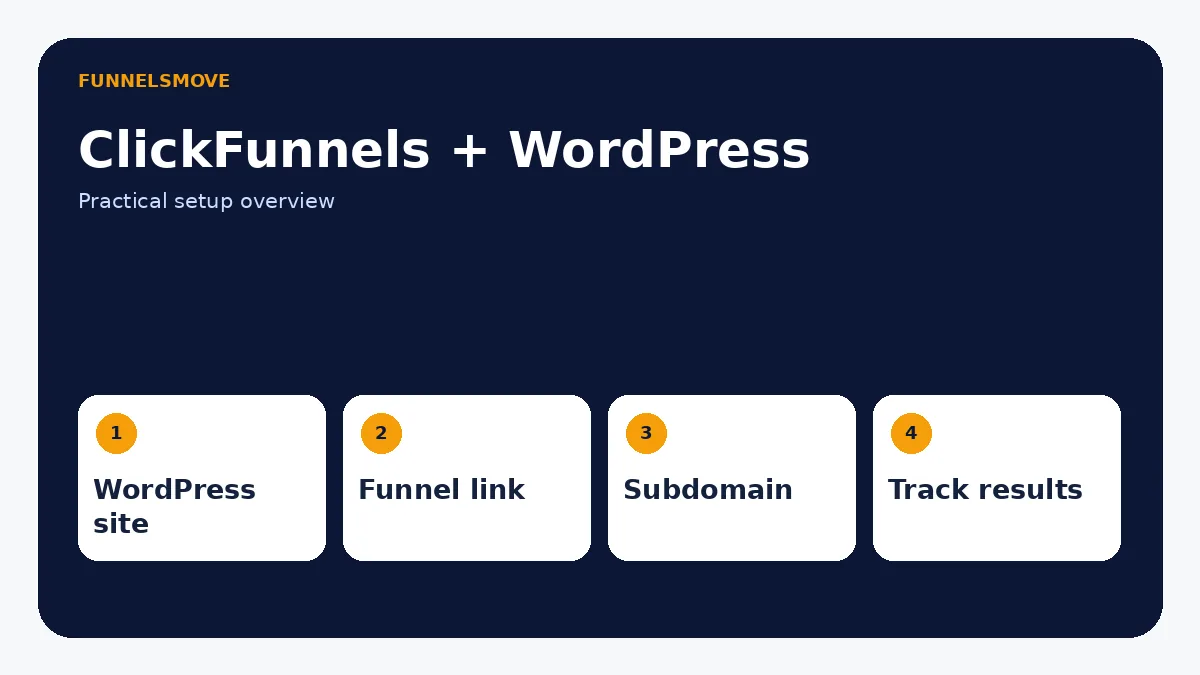
How should ClickFunnels and WordPress work together?
The cleanest setup is usually to keep WordPress as the main content website and use ClickFunnels for dedicated conversion flows. WordPress can own SEO pages, blog content, navigation and long-lived resources, while ClickFunnels handles opt-in pages, sales sequences, checkout or campaign funnels.
That arrangement does not require pretending the two platforms are one system. A normal crawlable link from WordPress can send a high-intent visitor into a ClickFunnels funnel, and a branded subdomain such as go.example.com can keep the experience consistent. This is often simpler and more durable than trying to recreate an entire WordPress site inside a funnel.
Three practical connection patterns
Pattern 1: link to a ClickFunnels funnel. Add descriptive buttons or contextual links in WordPress that point to the funnel URL. This is the lowest-complexity option and works well for lead magnets, webinars, consultations and campaign offers.
Pattern 2: use a branded subdomain. Keep www.example.com on WordPress and connect something like go.example.com or offers.example.com to ClickFunnels. ClickFunnels’ own domain guidance recommends a subdomain when the root domain already hosts another website.
Pattern 3: connect data through an integration layer. When a WordPress form, membership, CRM or automation must exchange data with ClickFunnels, use a supported integration, API/webhook, or automation platform such as Zapier. Map exactly which system owns the contact and which events should sync.
How to connect ClickFunnels to WordPress step by step
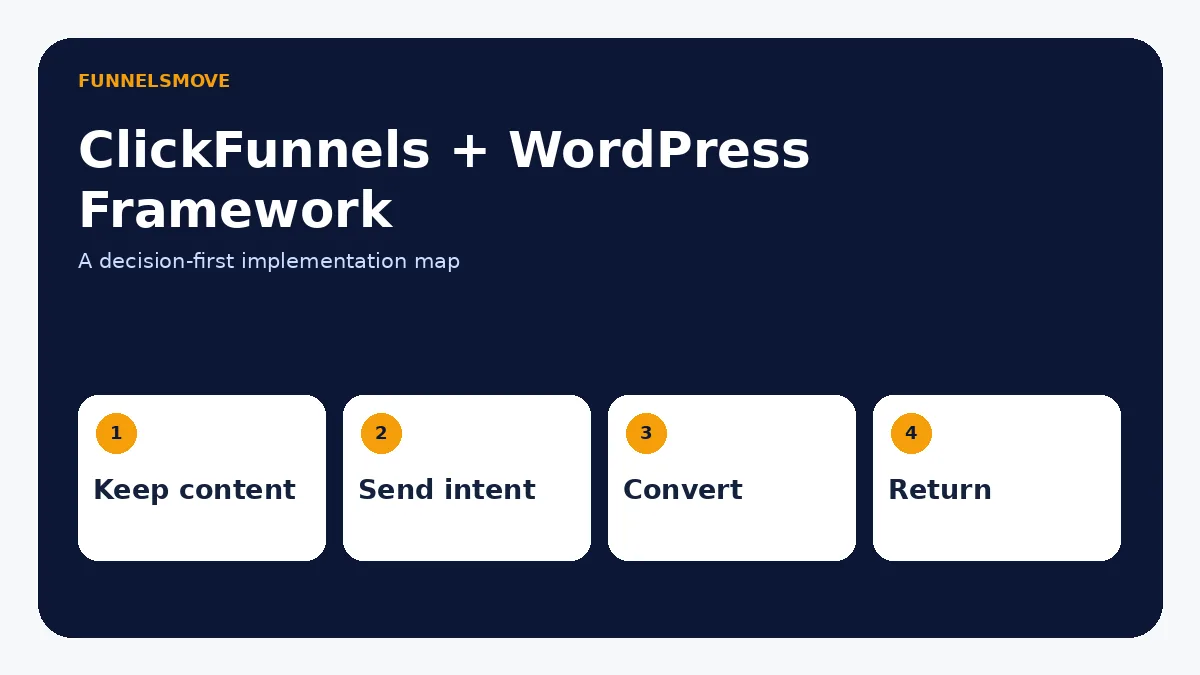
Start by deciding whether WordPress remains on the root domain. For most existing sites, it should. Then create the ClickFunnels funnel, connect a dedicated subdomain if you want branded URLs, and add links from the relevant WordPress pages to the funnel.
Next, test the visitor path on desktop and mobile. Verify that WordPress links reach the intended funnel step, the funnel uses the correct domain and path, forms or checkout actions work, and the confirmation path returns the visitor to the right destination.
If data must move between systems, document the trigger and destination before connecting anything. For example: “new ClickFunnels lead → CRM contact” is clear; “sync WordPress and ClickFunnels” is not. Use the broader ClickFunnels integrations guide to choose an appropriate connection method.
Should you embed ClickFunnels pages inside WordPress?
Embedding an entire funnel page inside WordPress is usually less attractive than linking to a dedicated funnel URL. Embedded experiences can create responsive-layout, analytics, cookie, navigation and troubleshooting complications. If the real requirement is only a form or call to action, use the simplest supported component or link rather than nesting a whole page.
When a seamless visual transition matters, match typography, colors and messaging between the WordPress page and the ClickFunnels funnel. Consistency does not require both systems to render the same HTML.
SEO and tracking considerations
Keep indexable informational content on the platform you intend search engines to treat as the canonical source. Do not publish substantially identical copy on WordPress and ClickFunnels under different URLs. Give each public page one clear purpose and canonical URL.
For measurement, use consistent campaign parameters and analytics rules across the handoff. Test referral behavior before launch so WordPress-to-funnel visits are not misread as unrelated sessions. If third-party analytics or advertising tags are added later, the site privacy disclosures should be updated accordingly.
When WordPress should stay primary—and when ClickFunnels can replace more of it
Keep WordPress primary when content publishing, extensibility, editorial workflows or an established organic-search footprint are central to the business. Use ClickFunnels as the conversion layer when campaigns need focused steps and less navigation.
If you are starting from scratch and mainly need funnels, checkout, courses or a simple business site, running two platforms may be unnecessary. Compare that decision in Can ClickFunnels replace your website? and the ClickFunnels review.
Pre-launch checklist
Confirm domain ownership, SSL, funnel path, mobile layout, form behavior, checkout behavior if applicable, confirmation destinations, tracking, and who owns each customer record. Then test the complete path in a fresh browser session instead of checking each system in isolation.
Choose the architecture before touching settings
A WordPress–ClickFunnels setup can fail even when every individual link works, simply because ownership is unclear. Decide which platform owns four things: the public content library, the conversion funnel, customer or lead data, and the post-conversion experience. For a content-led business, WordPress normally remains the public publishing system while ClickFunnels owns campaign-specific conversion pages. That preserves the value of an established site without forcing every marketing page into WordPress.
Also decide whether visitors should return to WordPress after converting. A lead-magnet funnel may send subscribers back to a useful article or resource center, while a paid funnel may send buyers into a course, customer center, onboarding page, or account area. Mapping that destination prevents dead ends and makes analytics easier to interpret.
Do you need a plugin?
Not necessarily. Many “how to add ClickFunnels to WordPress” searches assume a plugin is required, but the practical integration can be much simpler: WordPress sends qualified visitors to a branded ClickFunnels funnel URL. Only introduce a plugin, script, webhook, or automation layer when a specific data or interface requirement justifies it. Fewer moving parts are easier to secure, test, and maintain.
What if you are moving from WordPress to ClickFunnels?
A migration is different from an integration. Before replacing WordPress, inventory every indexable URL, page title, internal link, image, downloadable asset, form, redirect, analytics tag, and third-party integration that matters. Rebuilding only the visible homepage can erase years of accumulated content structure and inbound links.
If the goal is simply to improve conversion on a few commercial paths, a full migration is often unnecessary. Keep the established WordPress content and create purpose-built ClickFunnels campaigns for the high-value journeys. If you eventually replace WordPress, plan URL redirects deliberately and verify that important content still has an equivalent destination.
Troubleshooting common WordPress–ClickFunnels problems
The funnel works directly but not from WordPress
Check the exact destination URL in the WordPress link, including HTTPS, hostname, path, and any campaign parameters. Test in a private browser window so cached redirects do not mask the problem. If a security plugin rewrites external links, verify that it is not altering the destination.
The branded subdomain does not load
Confirm which provider actually controls DNS, then compare the required ClickFunnels record with the live DNS record. A domain registrar and DNS host can be different companies. Also check whether a proxy or conflicting record is preventing verification, and allow time for DNS changes to propagate.
Leads appear in one platform but not the other
Trace the automation one event at a time. Confirm the trigger fired, inspect the data sent, verify the destination accepted it, and check whether duplicate-prevention rules or missing required fields blocked the record. Do not add several new automations until the first path is understood.
Analytics show broken sessions
Cross-domain measurement can require additional configuration depending on the analytics platform. First confirm that both sites use the intended measurement setup and that campaign parameters survive the handoff. Do not assume every visit from WordPress to a funnel will automatically be recognized as one continuous journey.
WordPress and ClickFunnels ownership checklist
Before publishing, write one sentence for each system. WordPress owns: public content, navigation, editorial pages, and any SEO URLs that should remain stable. ClickFunnels owns: campaign-specific landing pages, funnel steps, and conversion actions. Your CRM or email platform owns: the subscriber record if that is not ClickFunnels. Your payment or fulfillment platform owns: settlement and delivery where applicable.
Then review every handoff. A WordPress article should link to the correct funnel; the funnel should use a branded destination; forms should send data to the intended contact system; and post-conversion pages should not strand the visitor. If two systems both send welcome email, both write the same CRM fields, or both claim the same public URL, simplify the design before launch.
This ownership map is also useful for maintenance. When a campaign changes, your team knows whether to edit WordPress, ClickFunnels, the integration layer, or the downstream system instead of making overlapping changes in several places.
When not to integrate WordPress and ClickFunnels
Do not create a two-platform stack simply because both tools are popular. If a small site has no established WordPress content and the business only needs a few funnels, ClickFunnels alone may be simpler. If WordPress already handles pages, forms, checkout, email and analytics reliably, adding ClickFunnels may not solve a meaningful problem. The integration is valuable when the conversion workflow benefits from ClickFunnels enough to justify another system.
Quick decision table
| Need | Recommended pattern | Why |
|---|---|---|
| Simple campaign | Link WordPress to a funnel | Lowest complexity |
| Branded handoff | Use a ClickFunnels subdomain | Keeps root site on WordPress |
| Data synchronization | Integration/API/automation | Connect only required events |
| Content SEO | Keep canonical content on one platform | Avoid duplicate intent |
The ClickFunnels SEO decision guide explains when WordPress, ClickFunnels, or a hybrid architecture is the better fit.
Evaluate ClickFunnels against your workflow
Check the current ClickFunnels offer and confirm the exact features you need before subscribing.
Explore ClickFunnels (opens in a new tab)Primary sources
- ClickFunnels: WordPress vs. ClickFunnels (opens in a new tab)
- ClickFunnels: Integrating a subdomain (opens in a new tab)
- ClickFunnels: Zapier integrations (opens in a new tab)
Product and interface facts were checked against these sources on September 8, 2026. Interfaces and third-party services can change.