Is ClickFunnels Good for SEO?
A capability and architecture guide for deciding whether ClickFunnels, a dedicated CMS, or a hybrid setup best fits search-led growth.
See the parent guide for broader context around this topic.
Is ClickFunnels good for SEO?
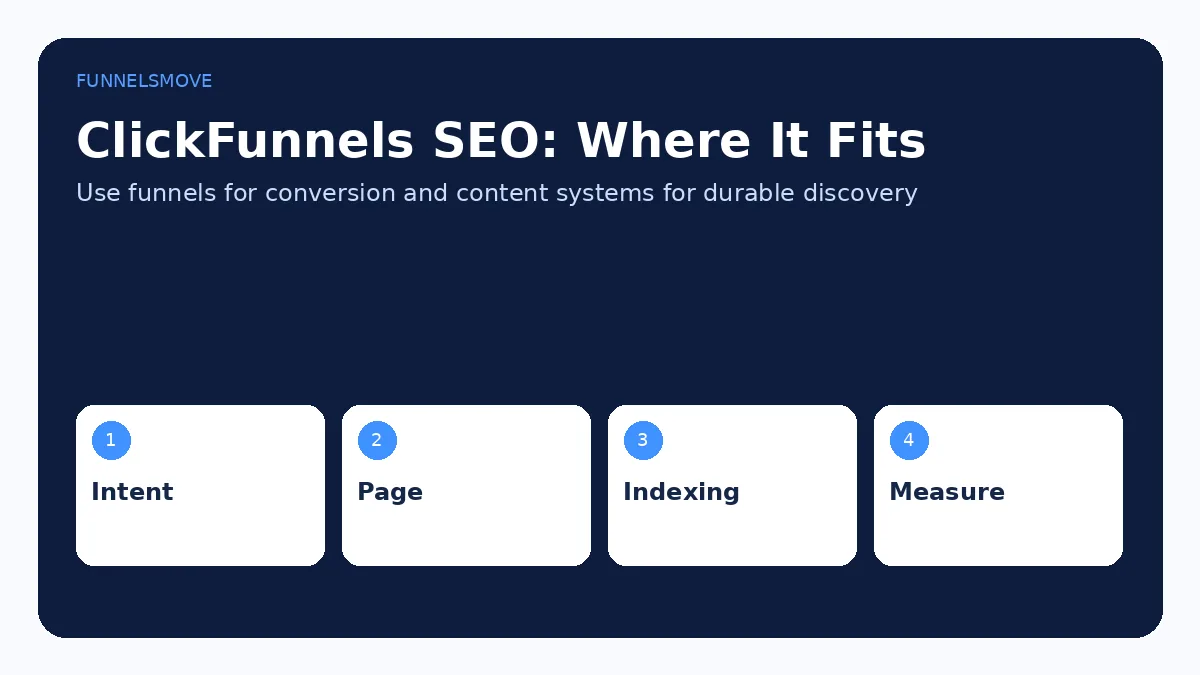
ClickFunnels can support SEO, especially for branded sites, focused landing pages, and blog content, but it is not automatically the best primary CMS for every search-led publishing strategy. The current platform includes Site & Blog features, page and blog SEO fields, indexing controls, connected-domain sitemap generation, and analytics integrations. That is enough to make many pages discoverable and optimizable.
The bigger decision is architectural. Funnel pages are usually built to move a visitor toward one conversion, while SEO content often needs broad topic coverage, editorial workflows, internal linking, archives, taxonomy, and long-term content maintenance. A business with a few strategic articles may be comfortable inside ClickFunnels. A publication with hundreds or thousands of search-focused pages may prefer WordPress or another content-oriented CMS.
What SEO controls ClickFunnels provides
Current ClickFunnels documentation includes SEO and Sharing fields for site and blog experiences. Blog posts can use an SEO page title, SEO page description, and current URL path. Blog settings also support a default blog title and description. Page settings include search-index controls for supported page types.
Use those fields intentionally: write a concise title that reflects the query and page purpose, a useful meta description, and a readable path. Titles and descriptions do not guarantee rankings, but they help search engines and users understand the page. Avoid duplicating the same title or description across many pages.
The ClickFunnels website builder guide covers the broader site-building capabilities.
Indexing, robots controls, and sitemaps
ClickFunnels’ current page-management documentation provides an “Allow search engines” control for page types the platform can manage. It also documents crawler-access controls for certain AI crawlers separately from search-engine indexing. Treat these as technical controls, not ranking switches: allowing crawling and indexing only makes a page eligible to be discovered; it does not make the page useful or competitive.
ClickFunnels’ Site & Blog documentation also references automatic sitemap generation for connected domains. After publishing, verify that important URLs are crawlable, indexable, internally linked, and present in the appropriate sitemap. Do not intentionally index thin test pages, duplicate variants, thank-you pages, or utility pages merely to increase URL count.
Can you blog with ClickFunnels?
Yes. The current Site & Blog app supports creating and managing blog posts, assigning categories and authors, setting SEO fields, and publishing content inside the ClickFunnels site experience. That can be useful when you want content and funnels managed in one platform and your editorial needs are modest.
A blog alone is not an SEO strategy. You still need useful topics, credible content, logical internal links, technical accessibility, maintenance, and a reason for other sites or users to value the material. Publish content because it answers real search intent, not because a keyword list exists.
Where funnel pages fit in organic search
Some funnel pages can rank when they genuinely satisfy search intent, but many conversion pages are poor substitutes for informational content. A short opt-in page designed around one CTA may not answer a broad “how does this work?” query as well as a detailed guide. Use the right page for the job.
A practical hybrid is content → relevant funnel. Let an indexable guide answer the search query thoroughly, then offer a next step such as a checklist, consultation, webinar, trial, or product when it is genuinely relevant. This preserves the informational value of the content while still giving the business a conversion path.
On-page SEO basics inside ClickFunnels
Use one clear H1, descriptive H2 sections, natural language that covers the topic, meaningful internal links, useful image alt text, and concise titles and descriptions. Keep the primary content accessible without requiring unusual scripts or interactions. Compress images and avoid unnecessary third-party code that slows the page.
Do not repeat the primary keyword mechanically. Search engines can understand related language, and readers benefit from natural wording. Supporting questions should be answered where they improve completeness rather than forced into headings.
Build internal links around topic relationships
Internal links help users and crawlers discover related pages. Link from broader pillar pages to detailed guides, from supporting articles back to their parent topic, and between sibling articles where the relationship is genuinely useful. Use descriptive anchor text rather than “click here” when practical.
For a ClickFunnels site, link blog content to relevant site pages or funnels without turning every paragraph into a CTA. For a hybrid WordPress-plus-ClickFunnels stack, cross-link intentionally so the content site and conversion funnel feel like one customer journey.
Performance and user experience still matter
SEO is not only metadata. Page speed, mobile usability, layout stability, readable typography, and a clear experience affect how people use the page and can influence search performance indirectly or directly through technical signals. Keep scripts, embeds, video, and tracking purposeful.
Funnels often accumulate marketing scripts over time. Audit them periodically. Remove obsolete pixels, duplicate analytics tags, unused widgets, and third-party code that no longer serves a business purpose.
Measure organic traffic beyond rankings
Track impressions, clicks, landing-page sessions, engaged visits, leads, and meaningful conversions. ClickFunnels supports GA4 integration and other tracking options; Google Search Console can provide search-query and indexing visibility for verified properties. Rankings are useful diagnostics, but the business outcome is whether qualified searchers find useful content and take appropriate next steps.
For implementation, see the ClickFunnels tracking guide. Validate measurement before relying on reports.
When WordPress or another CMS may be preferable
A dedicated CMS may be better when content publishing is the core acquisition engine, especially if you need extensive editorial workflows, advanced taxonomy, specialized SEO plugins, complex content types, large-scale archives, or developer-level control. That does not require abandoning ClickFunnels for conversion.
A common hybrid is WordPress for the content site and ClickFunnels for landing pages, funnels, checkout, courses, or campaigns. The ClickFunnels and WordPress guide explains that division of responsibilities.
ClickFunnels, CMS, or hybrid: a decision framework
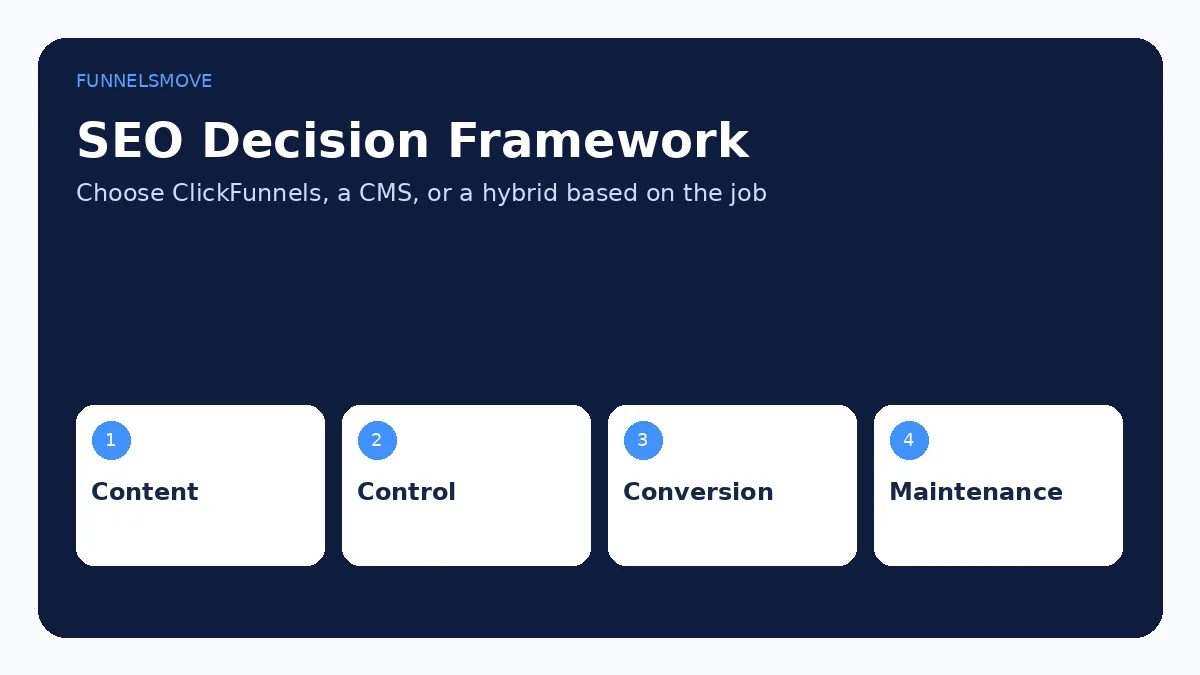
Choose ClickFunnels-first when your site is relatively focused, conversion flows are the priority, and its current Site & Blog tools meet your publishing needs. Choose a dedicated CMS when high-volume content operations, extensibility, or deep editorial control dominate. Choose a hybrid when you want a content-centric site plus specialized funnel and checkout experiences.
Do not migrate solely because one platform is labeled “better for SEO.” Migration itself can create ranking risk if URLs, redirects, metadata, internal links, canonicals, or content are mishandled. Base the decision on actual constraints and maintain a careful URL plan.
A practical ClickFunnels SEO checklist
Connect a domain, use descriptive URLs, set unique titles and meta descriptions, confirm important pages allow search-engine indexing, publish genuinely useful content, organize internal links, keep page performance reasonable, generate or verify the sitemap, add analytics and Search Console, and review crawl/indexing issues after launch.
If you need a broader comparison before choosing the stack, see ClickFunnels alternatives. ClickFunnels can participate in an SEO strategy; the quality of the strategy still depends on content, architecture, authority, technical execution, and ongoing maintenance.
Content quality matters more than the platform label
Search engines do not rank a page simply because it was built in WordPress, ClickFunnels, or another CMS. The platform affects technical control and publishing workflow, but the page still has to satisfy the searcher. That means accurate information, useful depth, clear structure, trustworthy sourcing, and a reason to choose the page over weaker alternatives.
For commercial topics, avoid turning every article into a thin bridge to a sales page. Explain tradeoffs, limitations, alternatives, and who the product is not for. Useful editorial content can support conversions precisely because it helps the reader make a more informed decision.
Check technical SEO after publishing
After publishing a ClickFunnels site or blog post, inspect the canonical URL, title, description, indexability, internal links, sitemap presence, and page response in a browser. If you change domains or paths, use a redirect plan so old links do not simply disappear. Confirm that important pages are reachable through normal crawlable links rather than only through scripts or hidden interactions.
For images, use descriptive alt text where the image conveys information, set dimensions, compress assets, and avoid uploading unnecessarily large files. For embedded video or widgets, consider whether the third-party code delays useful content or causes layout shifts.
Evaluate ClickFunnels for your workflow
Check the current ClickFunnels offer, features, and limits against the funnel system you actually need.
Explore ClickFunnels (opens in a new tab)Primary product sources
- Understanding Blog Settings (opens in a new tab)
- Creating and Managing Blog Posts (opens in a new tab)
- Managing Pages in Your Workspace (opens in a new tab)
- Site & Blog Documentation (opens in a new tab)
ClickFunnels interface and capability details were checked against current first-party documentation on September 10, 2026. Commercial terms and interface labels can change, so verify critical settings in your own account.