ClickFunnels vs GetResponse: Funnels, Email and Automation
ClickFunnels is funnel-first; GetResponse is email-and-automation-first. Both now overlap in landing pages and selling tools, so the better fit depends on which job should be central.
ClickFunnels vs GetResponse: the short answer
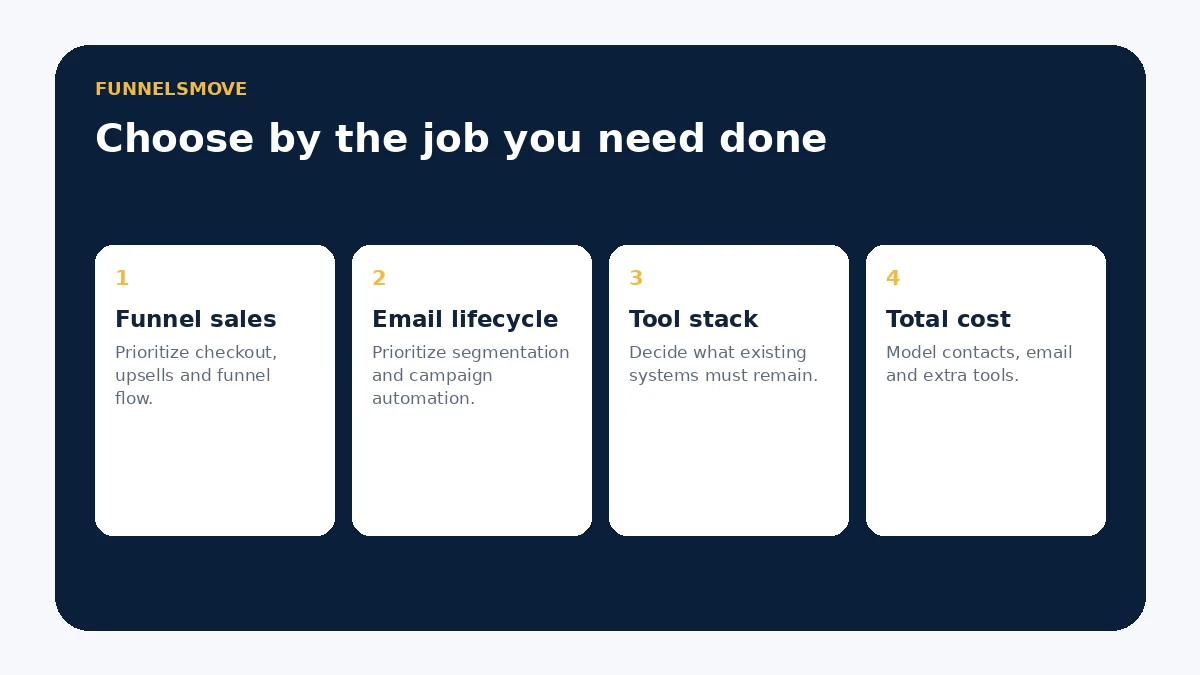
Choose ClickFunnels when the core job is building sales funnels, landing pages, checkout paths, upsells and a broader online-sales journey in one system. Choose GetResponse when email marketing, subscriber segmentation and lifecycle automation are the center of the stack and you want landing pages and funnels around that email engine.
The overlap is significant. Current ClickFunnels plans include email capacity, landing pages, stores and courses. Current GetResponse Marketer and Creator plans include sales funnels, ecommerce automation and landing pages. The practical question is therefore not which platform has “funnels,” but which platform’s data model and daily workflow match your business.
Core platform focus
ClickFunnels organizes work around funnels and workspaces. Its current pricing page lists unlimited funnels for a limited-time offer across its main plans, plus landing pages, stores, site pages, email contacts and monthly email allowances. That makes it a broad sales-platform option for businesses that want pages, offers and follow-up close together.
GetResponse organizes work around contacts, email campaigns and marketing automation. Its current plans scale with list size and feature tier. Starter includes newsletters, autoresponders, landing pages and one custom automation workflow; Marketer adds unlimited automation workflows, advanced segmentation, ecommerce tools and sales funnels; Creator adds creator-focused capabilities such as courses and webinars.
Funnels, pages and checkout
ClickFunnels is the more funnel-centered product. It is designed to move visitors through sequences such as opt-in, sales, order, upsell and confirmation pages. Its broader product set also includes stores and courses, so a funnel can sit inside a larger customer journey.
GetResponse supports landing pages and, on appropriate plans, sales funnels and ecommerce marketing. That can be enough when the page or funnel primarily feeds an email-led lifecycle. If complex offer sequencing and checkout optimization are the central operating requirement, test ClickFunnels first. If the funnel is mainly one acquisition surface for a mature email program, GetResponse deserves the stronger look.
Email marketing and automation
GetResponse has the clearer email-first architecture. Current documentation describes newsletters, autoresponders, segmentation and visual automation workflows. Automation depth varies by plan: Starter is limited to one custom workflow with basic capabilities, while Marketer and Creator provide broader automation functionality and advanced segmentation.
ClickFunnels also includes email capacity in current plans and can connect funnel events to follow-up. Businesses should distinguish modern ClickFunnels 2.0 plan capabilities from older Classic documentation, which often refers to SMTP integrations and Follow-Up Funnels. If you are migrating from Classic, verify which email workflow you actually use before assuming a one-for-one move.
Contact management and segmentation
GetResponse’s contact model is built for audience management. Segmentation, list management, tags, scoring and behavior-driven conditions become increasingly important as lifecycle marketing grows. That can be valuable for publishers, ecommerce brands and businesses running many campaigns to the same subscriber base.
ClickFunnels contact data is more closely tied to funnel activity and the broader selling environment. For a simple business, keeping lead capture, pages and follow-up together can reduce integration work. For a marketing team with complex subscriber logic, test whether ClickFunnels segmentation and reporting answer the same questions your current email platform does.
Integrating ClickFunnels with GetResponse
This does not have to be an either-or decision. ClickFunnels maintains official Classic documentation for connecting an opt-in page to GetResponse so funnel contacts can be added to a GetResponse campaign list. That documentation also notes that GetResponse MAX accounts are not supported by that Classic page integration.
A combined stack can make sense when ClickFunnels owns conversion pages and checkout while GetResponse owns subscriber marketing. The cost is another integration boundary: field mapping, consent, duplicates, unsubscribes and failure monitoring all need ownership. Test the exact integration path used by your ClickFunnels version before relying on it in production.
Pricing-model differences
ClickFunnels currently lists Launch at $97/month, Scale at $197/month and Optimize at $297/month when billed monthly, with annual pricing available. Plan limits include workspaces, team members, contacts, email volume, courses and domains.
GetResponse pricing scales by both plan and list size. Its current pricing starts at $19/month for Starter at up to 1,000 subscribers on monthly billing, while Marketer and Creator cost more and unlock broader automation, ecommerce or creator features. Because the models differ, compare the configured annual cost at your expected contact count and email volume rather than headline entry prices.
Decision table
| Priority | ClickFunnels | GetResponse |
|---|---|---|
| Sales-funnel building | Core product focus | Available on higher marketing tiers |
| Email lifecycle marketing | Included, tied to broader funnel stack | Core product focus |
| Advanced segmentation | Evaluate against your workflow | Strong emphasis on Marketer/Creator |
| Checkout/offer journeys | Strong funnel-first fit | Useful ecommerce/funnel tools |
| Keep existing website/store | Can integrate, but may duplicate tools | Often fits as marketing layer |
Choose ClickFunnels if…
- Your revenue path depends on dedicated funnel sequences and offer pages.
- You want landing pages, funnels, checkout, courses or stores in one sales-oriented platform.
- You prefer funnel events to sit close to follow-up and customer records.
- You are willing to consolidate parts of the existing marketing stack.
Choose GetResponse if…
- Email campaigns, subscriber segmentation and lifecycle automation are the main requirement.
- You already have a website or commerce stack you intend to keep.
- You need plan options that scale primarily around audience size and marketing depth.
- Funnels are useful, but they are not the center of daily operations.
Migration and testing checklist
- Inventory contacts, consent status, tags, segments and suppression records.
- Map forms and funnel steps to the correct destination fields.
- Rebuild one real automation before moving the full database.
- Authenticate sending domains and test transactional versus promotional messages.
- Test opt-out synchronization if both systems remain.
- Calculate first-year subscription, list-size, email and integration costs.
For more context, see our ClickFunnels email marketing guide, integration guide and pricing guide.
Reporting and measurement
GetResponse reporting naturally emphasizes campaigns, contacts, automation and ecommerce marketing. ClickFunnels reporting is more closely connected to funnel and sales activity. Before switching, write down the questions your team answers every week: which source produced the lead, which email moved a subscriber, which funnel step loses buyers, which offer generated revenue, and which segment should receive the next campaign.
If one platform cannot answer a critical question natively, determine whether an analytics integration can. Do not migrate simply because a dashboard looks more modern. Preserve campaign parameters, conversion events and revenue definitions so historical and future reports remain comparable.
Deliverability and sending setup
No platform can guarantee inbox placement. Domain authentication, consent, list quality, complaint rates, sending patterns and content all affect deliverability. GetResponse supports custom DKIM across its current paid plans and offers additional sending infrastructure on Enterprise. ClickFunnels plan packaging includes monthly email allowances, while older Classic workflows may rely on external SMTP or transactional-email configuration.
If email is business-critical, test authentication, suppression behavior, bounce handling and reply routing before moving a large list. Separate transactional messages such as receipts or access notices from promotional campaigns where your architecture requires it.
Which platform fits common scenarios?
Consultant selling a flagship offer: ClickFunnels may fit when the main work is building an application or sales funnel with a clear conversion path. GetResponse may fit if the consultant already has a website and needs stronger long-term newsletter and nurture operations.
Ecommerce brand with an established store: GetResponse can be attractive as an automation layer around the existing commerce stack, especially where segmentation and abandoned-cart workflows matter. ClickFunnels is worth testing for campaign-specific direct-response offers where a dedicated funnel is more important than catalog browsing.
Creator building courses and newsletters: both now have creator-adjacent features. Compare course delivery, email depth, checkout, contact limits and the publishing experience rather than assuming one historical category still defines the product.
Important limitations
ClickFunnels’ breadth can duplicate tools a mature marketing team already owns, and moving pages, email and checkout into one system increases platform dependence. GetResponse’s most advanced automation and ecommerce features require higher tiers, and list-size pricing can rise as the audience grows.
Neither platform removes the need for clean contact data, consent management, testing or integration monitoring. A smaller business may benefit from consolidation; a specialized team may prefer separate best-of-breed tools.
Team workflow and maintenance
Consider who will operate the platform after setup. A funnel-focused team may spend more time building pages, offers and conversion paths in ClickFunnels. An email-focused team may spend more time creating broadcasts, segments and automation logic in GetResponse. The platform that reduces handoffs for the recurring work can be more valuable than the one with the longest feature list.
Document naming conventions for campaigns, forms, tags and automations. Assign ownership for broken integrations and stale segments. If both products remain in the stack, decide which system owns consent and unsubscribe status so marketing permissions do not drift.
Questions to answer before choosing
- Is the primary revenue journey a funnel or an email lifecycle?
- How many contacts and emails will you have over the next year?
- Do you need advanced segmentation, scoring or ecommerce automation?
- Will you replace the current page builder and checkout, or keep them?
- Which integrations are business-critical?
- Who will maintain pages, campaigns and automations every week?
Running a side-by-side trial
Use the same real campaign brief in both products. Build one landing page, one form, one follow-up sequence and one measurable conversion. Import only a small permissioned contact set. Then compare setup time, editing friction, segmentation, reporting and the number of external tools required.
Include failure cases: an unsubscribe, a duplicate form submission, a bounced address and an integration delay. The trial should expose maintenance work as well as the happy path. Record the configuration you used so the comparison remains useful when plans or features change.
Primary sources
- ClickFunnels pricing (opens in a new tab)
- ClickFunnels GetResponse integration guide (opens in a new tab)
- GetResponse pricing (opens in a new tab)
- GetResponse marketing automation pricing (opens in a new tab)
Pricing and product details were checked on September 19, 2026. Verify current plan limits before purchase.
Evaluate ClickFunnels for your workflow
Use the current plan details and test the complete journey that matters to your business before moving production traffic.
Explore ClickFunnels (opens in a new tab)