ClickFunnels and Shopify: How the Integration Works
Use ClickFunnels for the funnel journey and Shopify for commerce operations only when that division solves a real workflow problem.
Does ClickFunnels work with Shopify?
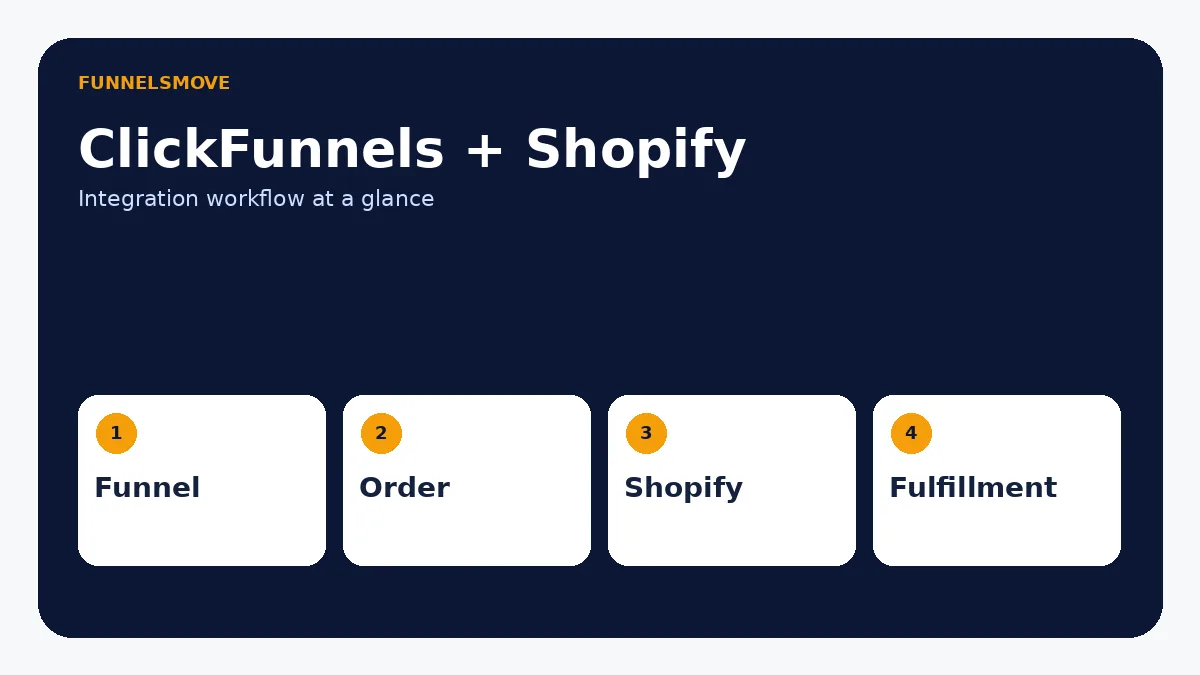
Yes. ClickFunnels documents a Shopify integration that lets a business sell products through ClickFunnels while using Shopify for shipping and fulfillment. The practical reason to connect them is to let each platform do the job it is strongest at: ClickFunnels handles the funnel journey and conversion steps, while Shopify can remain the operational store and fulfillment system.
That does not mean every Shopify store needs ClickFunnels. If your existing Shopify storefront, checkout and marketing stack already convert well, adding another platform creates another system to maintain. The integration is most relevant when you specifically want funnel-style landing pages, order flows, upsells or campaign journeys outside the normal storefront experience.
A useful way to frame the decision is to ask where the customer experience should diverge from the standard store. A Shopify collection page is designed for browsing a catalog; a sales funnel is usually designed around one offer and a narrower sequence of choices. If the campaign depends on a dedicated lead-in, long-form education, order bump or post-purchase sequence, ClickFunnels may add value before Shopify resumes its fulfillment role.
Conversely, if customers need to browse many SKUs, filter variants, manage accounts, use store search or interact with a complex merchandising system, Shopify should remain the center of gravity. The integration should not force store-shaped behavior into a funnel simply to justify another subscription.
How the ClickFunnels–Shopify workflow is divided
A clean architecture assigns ownership. Traffic can enter a ClickFunnels funnel, the customer can move through the offer path, and order information can then be handed to Shopify for fulfillment. Before connecting anything, write down which platform owns product data, checkout, tax settings, inventory, shipping notifications, refunds and customer support.
The official ClickFunnels integration guide specifically frames Shopify as the fulfillment and shipping side of the connection. That is useful because it avoids treating the integration as a magical two-way replacement for every ecommerce function. Decide what information must cross the boundary and test that data explicitly.
If you are evaluating several connections at once, start with the broader ClickFunnels integrations directory so the Shopify connection fits your overall stack rather than becoming an isolated workaround.
Decide which system is authoritative
Pick a source of truth for product names, variants, inventory, customer service history and order status. When both platforms can represent similar data, teams sometimes assume the records will always stay synchronized. That assumption is risky. Document which platform staff should edit first and what should happen when an order changes after purchase.
For example, if Shopify owns fulfillment, a support agent handling an address correction needs to know whether the change must also be reflected in ClickFunnels, and whether downstream automations read the Shopify record or the original funnel order. The right answer depends on the exact connection and apps in use, which is why a controlled test matters more than a generic “integration successful” message.
How to connect Shopify with ClickFunnels
ClickFunnels’ current support documentation provides a native Shopify connection flow. Follow the current interface rather than an old screenshot-based tutorial: open the integration area in your ClickFunnels workspace, choose Shopify, authenticate the store, and complete the connection steps shown by the platform.
After authentication, test with a non-critical product before moving a live campaign. Confirm that the correct product is mapped, the order reaches the intended system, fulfillment details arrive as expected, and the customer receives the right post-purchase communications. Interface labels can change, so the official integration article linked below should be the final authority for button names and exact screens.
Test one product before scaling the catalog
Use one low-risk product or a duplicate test offer to validate the connection. Check the product mapping, quantity, customer email, shipping address and any variant information that matters to fulfillment. Then verify the record appears where your fulfillment team expects it. If an automation or third-party connector is part of the path, test failure handling as well as the happy path.
Do not copy old tutorials blindly. ClickFunnels has changed product generations and interface labels over time, while Shopify also changes its admin and app permissions. Use the official documentation as the step-by-step authority and use this guide as the architecture and testing checklist around those steps.
Can you dropship with ClickFunnels and Shopify?
You can build a funnel-led sales flow while using Shopify as the commerce and fulfillment layer, but “dropshipping” is not one single ClickFunnels feature. Your supplier, Shopify apps, inventory process, shipping rules and customer-service workflow still determine whether the operation works reliably.
For a dropshipping business, the important test is operational: does every paid order reach the system that can fulfill it, with the right variant, address and quantity, and can refunds or exceptions be reconciled? A funnel can improve merchandising and offer sequencing, but it cannot repair weak supplier operations.
Dropshipping adds another handoff
With dropshipping, the order may travel from ClickFunnels to Shopify and then to a supplier or fulfillment app. That adds another place where product identifiers, shipping methods or stock status can fail to match. Before running traffic, follow an order all the way to the supplier-facing system and confirm that tracking information and cancellation handling return to the systems your support team uses.
Also test edge cases that can create costly support work: multiple quantities, product variants, coupons, post-purchase upsells, partial refunds and out-of-stock items. Not every stack handles these cases the same way, and a connection that works for a single simple SKU may not behave identically for a more complicated catalog.
When using both platforms makes sense
The combination is most defensible when you already rely on Shopify for catalog or fulfillment operations but want a dedicated campaign funnel for a specific product, launch or offer. It can also make sense when a funnel needs a different narrative than the main store: advertorial → product education → offer → order, for example.
It is less compelling when the main goal is simply “have a store.” In that case, compare the additional software cost and operational complexity against the conversion problem you are trying to solve. Our ClickFunnels alternatives guide explains how to compare funnel-centered and store-centered platforms by use case.
When Shopify alone may be the better choice
If your main growth work is merchandising, search, collections, loyalty, subscriptions, point-of-sale or a large app ecosystem, keep the evaluation centered on Shopify. A funnel builder does not replace those store-management priorities. You can still create focused landing experiences inside a Shopify-centered stack using specialized page or campaign tools.
When ClickFunnels should lead the campaign
If the offer is intentionally narrow and the customer should move through a controlled sequence rather than browse, a funnel-led campaign is easier to justify. Typical examples include a single-product launch, advertorial-style education, a lead-generation step before sale, a high-margin bundle or an offer where post-purchase sequencing matters. The funnel should solve a conversion or message problem you can name.
A pre-launch integration checklist
Before sending paid traffic, test a complete customer path from first click through fulfillment. Check mobile layout, product/variant mapping, taxes, shipping expectations, confirmation messaging, refund ownership, inventory behavior and the customer record in both systems. Document which platform your team should use for each support task so staff do not make conflicting changes.
Also decide whether email follow-up comes from ClickFunnels, Shopify or another system. Duplicated automations can send customers redundant or contradictory messages. If ClickFunnels will own nurture or promotional email, use the ClickFunnels email marketing guide to plan that layer.
Operational checks after launch
After launch, reconcile orders across both systems periodically until the workflow is proven. Watch for products that fail to map, unexpected shipping states, duplicate notifications and customer records that split across platforms. If paid traffic scales quickly, a small synchronization problem can become a large fulfillment problem before conversion metrics reveal it.
Keep a short internal runbook that says where staff should look for order status, how refunds are initiated, how inventory exceptions are handled and which automations are safe to pause. That documentation is often more valuable than adding another connector because it reduces human error when something goes wrong.
Bottom line
ClickFunnels can work with Shopify, but the value comes from a deliberate division of labor: funnel conversion in ClickFunnels and store/fulfillment operations in Shopify. Use the connection when that architecture solves a specific sales problem, not merely because both tools can be connected.
Questions to answer before you connect
Write down the answers to five questions: Which platform creates the customer-facing offer? Which one owns inventory and fulfillment? Where is the authoritative order record? Which system sends transactional and marketing messages? Who fixes a failed handoff? If the team cannot answer these clearly, the integration is not ready for paid traffic.
Also decide what “success” means. For a campaign funnel, that may be a reliable order flow plus a measurable lift in conversion or average order value. For a new business, the better outcome may simply be proving demand with fewer moving parts. Integration should support a business objective rather than become the objective itself.
Finally, keep the architecture reversible. If the funnel experiment does not justify its cost or complexity, you should be able to return traffic to the Shopify-centered journey without losing control of fulfillment. That makes testing the integration a business experiment rather than a permanent platform commitment.
Quick decision table
| Decision | Use both | Keep it simpler |
|---|---|---|
| Primary need | Funnel-led campaigns plus Shopify fulfillment | Standard storefront without a funnel-specific problem |
| Operations | Shopify already owns catalog/fulfillment | No established store operations yet |
| Complexity | Team can test and document handoffs | Extra platform would add unclear ownership |
| One system clearly owns follow-up | Multiple systems would send overlapping messages |
Related comparison: ClickFunnels vs Shopify comparison.
Related: ClickFunnels ecommerce operating guide.
Evaluate ClickFunnels against your workflow
Check the current ClickFunnels offer and plan details before subscribing, then compare them with the workflow you actually need.
Explore ClickFunnels (opens in a new tab)Primary sources
- ClickFunnels: Integrating Shopify With ClickFunnels (opens in a new tab)
- ClickFunnels: Shopify integration overview (opens in a new tab)
- ClickFunnels: Connecting a domain (opens in a new tab)
Product and interface facts were checked against these sources on September 4, 2026. Product interfaces and third-party services can change.