How to Use GoHighLevel: Practical Setup Guide
Start with one real customer journey, then connect CRM, lead capture and automation before adding more HighLevel features.
See the guides for broader context.
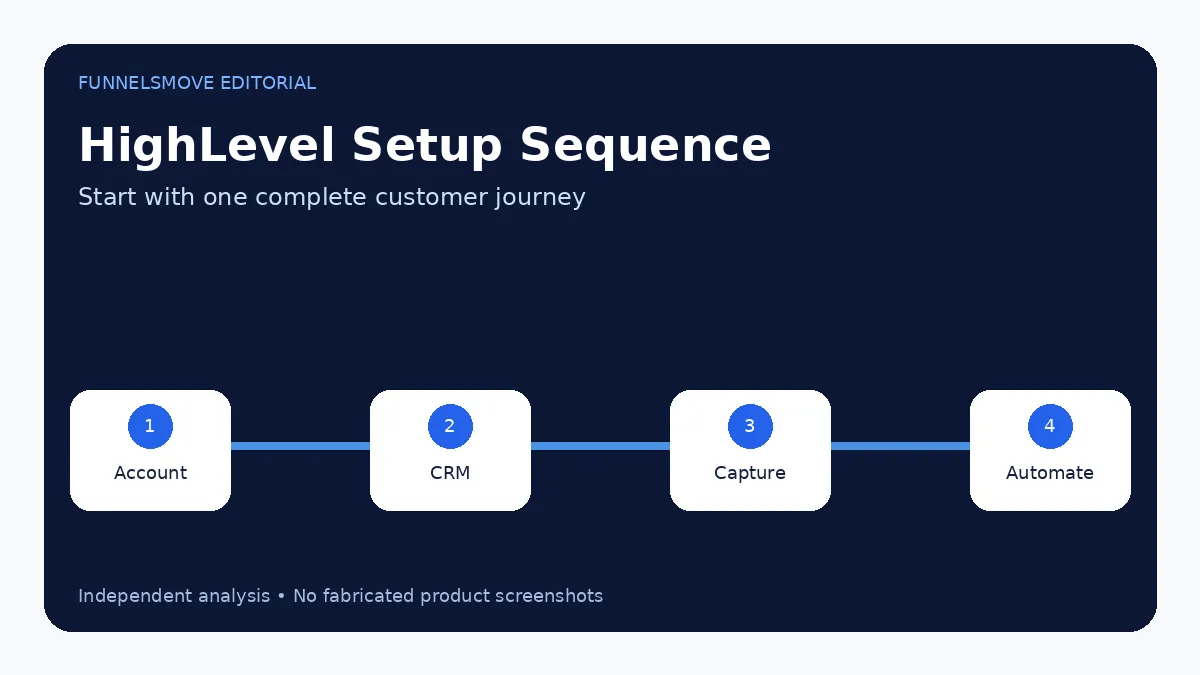
How to use HighLevel: start with one customer journey
The fastest way to learn HighLevel is not to explore every menu. Pick one real customer journey—lead arrives, gets contacted, books, becomes an opportunity and either buys or does not—and configure the minimum system required to run it.
For a new account, that normally means basic company settings, users, contact fields, a pipeline, lead-capture source, calendar if appointments matter, sending setup and one workflow. Once the journey works end to end, expand deliberately.
Understand agency view and sub-accounts
HighLevel separates agency-level administration from sub-accounts (also called locations in parts of the product and documentation). The agency layer manages subscriptions, client accounts and higher-level settings. The sub-account is where a business typically manages contacts, conversations, pipelines, calendars, websites, funnels and workflows.
Keep each business or client in the appropriate sub-account. Mixing unrelated client data into one location undermines permissions, reporting and automation.
Set up contacts, fields and your first pipeline
Create the fields your team genuinely needs, then define pipeline stages that mirror the real sales process. HighLevel’s current getting-started documentation models the relationship as contact → opportunity → pipeline → stage. That distinction matters: a person can exist as a contact without being an active sales opportunity.
A simple local-service pipeline might use New Lead, Contacted, Appointment Booked, Proposal, Won and Lost. Avoid adding dozens of stages just because the interface allows it.
Connect lead capture
Next, choose where leads enter the system. HighLevel supports forms, surveys, calendars, funnels, websites, chat and connected ad sources. You can also embed HighLevel forms on external sites.
Every capture point should map to the right contact fields and trigger only the follow-up that belongs to that source. Test with a real non-admin email address and phone number before sending traffic.
Build one workflow before building ten
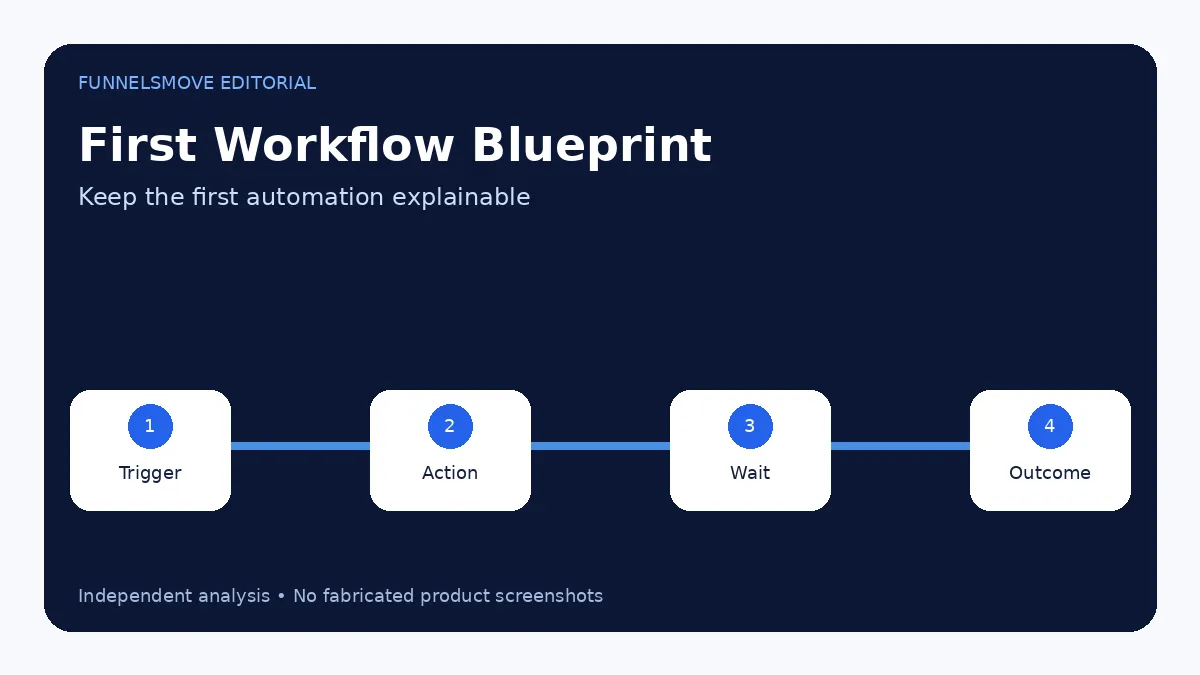
HighLevel workflows use triggers and actions. A form submission might create or update an opportunity, assign an owner, send a confirmation, wait, send a reminder and create a task. Keep the first workflow short enough that you can explain each step.
Use names that make ownership obvious. “Website lead — first 24 hours” is easier to maintain than “Workflow 7.” Publish only after testing each branch.
Add calendars when appointments are part of conversion
If the business books calls or appointments, configure availability, meeting location, team assignment and confirmation/reminder behavior. Connect the calendar to the same CRM and pipeline logic rather than treating it as a separate scheduling island.
Build a website, funnel or landing page only when needed
HighLevel includes website and funnel builders. A website is appropriate for broader navigation and durable business information; a funnel is appropriate for a focused sequence. Keep the first build simple and connect the domain only after the page flow and forms work in preview.
If your existing website already performs well, you do not need to rebuild it solely because HighLevel includes a site builder. Integrate forms, calendars or tracking where that creates value.
Measure the pipeline, not just clicks
Track lead source, response, booked appointments, opportunities, closed revenue and customer quality. Marketing metrics become more useful when they connect to CRM outcomes. Use consistent UTM parameters and source fields if acquisition comes from several channels.
A practical first-week setup sequence
- Configure company and user access.
- Import or create a small clean contact set.
- Create one pipeline.
- Connect one lead source.
- Build one workflow.
- Add calendar or checkout only if needed.
- Test the complete journey.
- Document naming and ownership before scaling.
For deeper platform context, use the HighLevel hub. For CRM structure, continue with the HighLevel CRM guide.
Set up email and phone before automating outreach
Automation is only useful when the sending infrastructure is configured correctly. Verify the email domain, sender identity, phone setup and any required messaging registrations before a workflow starts contacting real leads. In the U.S., messaging compliance and consent requirements should be treated as implementation requirements rather than afterthoughts.
Start with internal test contacts and low-risk messages. Confirm replies, opt-outs and conversation history appear where the team expects.
Create naming conventions before the account grows
Use consistent names for pipelines, workflows, forms, calendars, tags and custom fields. A small account can tolerate “Workflow 1” and “Form Copy,” but an agency managing dozens of client assets cannot.
A simple convention might include function, source and stage—for example, “Website Lead — First Response” or “Booked Call — Reminder.” The goal is operational clarity, not bureaucracy.
Test with real-world edge cases
Test duplicate contacts, missing phone numbers, rescheduled appointments, replies after an automation has started, failed payments and leads that should stop receiving nurture. Edge cases reveal whether the workflow is resilient.
Document how a human should intervene when automation is wrong. The best system still needs a clear exception path.
Related guide: HighLevel forms and surveys.
Related guide: HighLevel workflows.
Related guide: HighLevel calendars and booking.
Evaluate HighLevel for your workflow
Use the current trial and plan details to check whether the platform fits your real lead-generation, CRM and automation workflow.
Visit HighLevel (opens in a new tab)Sources checked
- HighLevel Getting Started (opens in a new tab)
- Getting Started with Workflows (opens in a new tab)
- HighLevel Websites Overview (opens in a new tab)
- Pipelines and Opportunities (opens in a new tab)
Research checked on September 13, 2026. HighLevel changes features, limits and pricing regularly; verify time-sensitive details before purchase or implementation.
FunnelsMove Editorial Team researches official product documentation, current pricing and independent user feedback. We do not claim hands-on testing unless explicitly stated.
If pages are part of your rollout, see the HighLevel website and landing-page builder guide for templates, forms, domains, mobile QA and SEO controls.