HighLevel Calendars & Booking: Features and Setup
HighLevel provides several booking models for one-to-one meetings, team distribution, classes, services and events. The key is choosing the simplest calendar type that matches who must attend and how availability should be calculated.
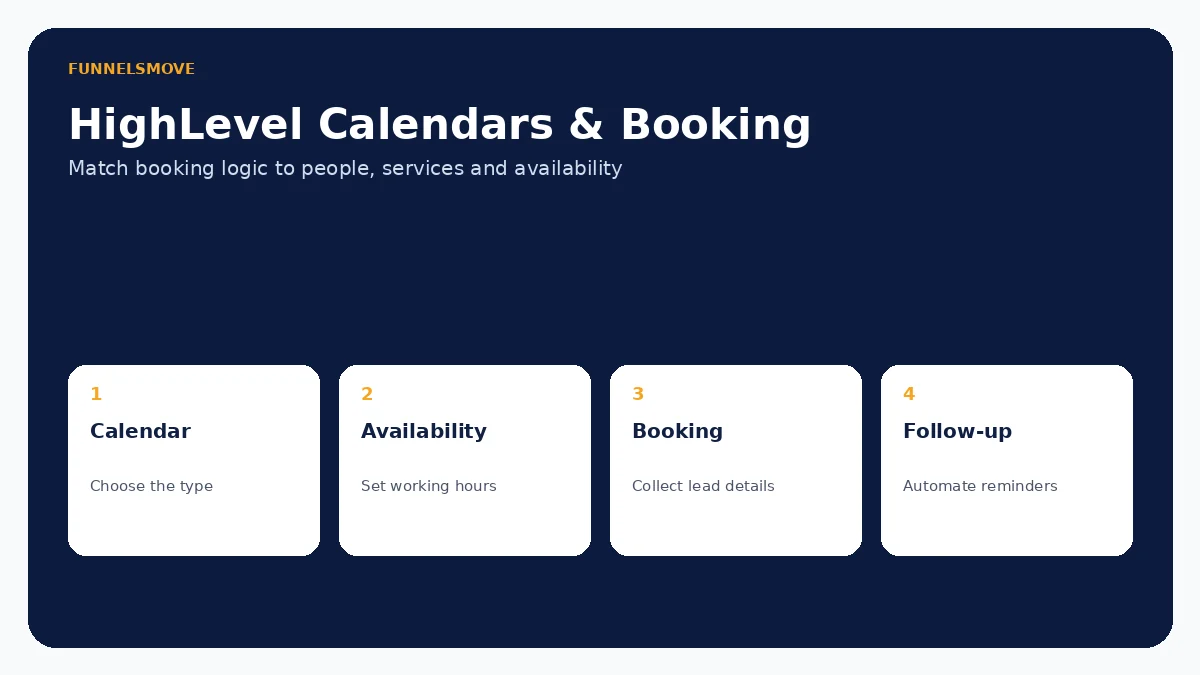
For broader context, start with our HighLevel platform guide, HighLevel review and HighLevel setup guide.
What does HighLevel's calendar booking feature do?
HighLevel lets businesses publish booking experiences, manage availability and connect appointments to CRM and automation workflows. Current documentation includes personal booking, round robin, collective, class, service and event-oriented scheduling, plus group calendars that organize multiple calendars behind one link.
The number of options is useful but can create unnecessary complexity. Start with the attendance model: one person, one of several people, several team members together, one host with many attendees, a service/staff combination or an event that does not need a host.
HighLevel calendar types at a glance
| Calendar model | Best fit |
|---|---|
| Personal booking | One-to-one scheduling with one team member |
| Round robin | Distribute bookings among multiple team members |
| Collective | Several team members attend the same appointment |
| Class | One host with multiple attendees per time slot |
| Service | Service businesses with staff, service duration and related booking options |
| Event | Shared events that do not require an assigned host |
| Group | Organize multiple existing calendars under one link |
HighLevel continues to evolve its scheduling products, including separate Meetings and Services views, so verify the exact calendar types available in your account.
Personal, round robin and group scheduling
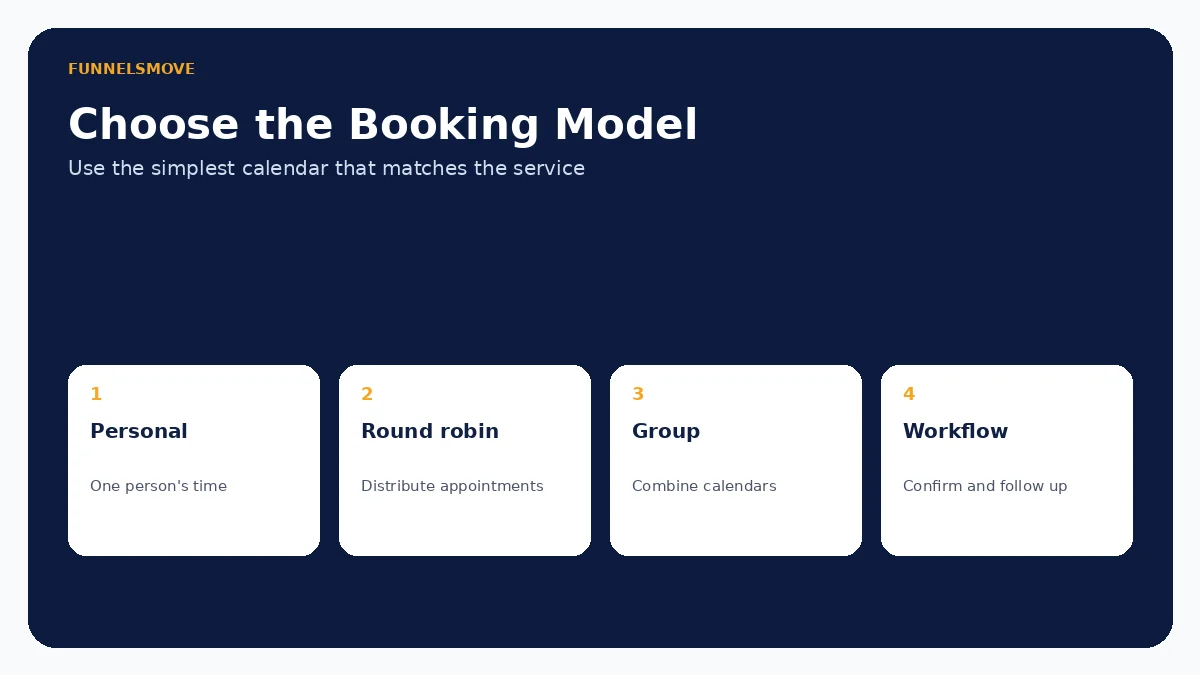
A Personal Booking Calendar is designed for one-to-one appointments and is limited to one team member. HighLevel says it shares the feature base of Round Robin while removing the multi-user complexity. Round Robin distributes appointments among team members and supports availability-focused or equal-distribution approaches.
A Group Calendar is different: it is a container for existing calendars, not an appointment-assignment algorithm. It can place multiple providers or services behind one booking link. Choose round robin when the system should assign a suitable person; choose a group when the visitor should navigate among calendar choices.
Collective and class bookings
Collective booking is useful when multiple team members need to attend the same meeting. HighLevel's current setup requires at least two team members and designates a primary owner. This can fit complex sales calls, onboarding sessions or meetings requiring multiple roles.
Class Calendars solve the opposite attendance pattern: one host with multiple invitees in the same slot. HighLevel documents capacity controls and use cases such as workshops, training and sports sessions. Do not use a class calendar when each attendee needs a private appointment.
Service calendars for appointment-led businesses
HighLevel's Service Calendars are designed for businesses selling scheduled services. Current documentation supports assigning staff, service duration and service organization, and describes payment collection during booking. HighLevel has also been expanding its Services scheduling experience with options such as variations, add-ons and staff-specific pricing.
This is more appropriate than a generic sales calendar when the booking itself represents a service operation. Salons, clinics and local service providers should model staff, locations, durations, buffers and payment requirements before building automation around the calendar.
Event calendars and important limitations
Event Calendars are designed for bookable events that do not require an assigned user. HighLevel documents them for conferences, seminars and similar shared events. Because no user is assigned, dynamic meeting-link tools such as Zoom, Google Meet and Microsoft Teams are not supported in the same way; a static virtual link can be used instead.
HighLevel also documents different external-sync behavior for Event Calendars. This is a good example of why choosing a calendar by name alone is risky: availability, host assignment and synchronization differ by type.
Forms, qualification and booking data
Booking flows can collect contact information, and supported custom-form booking flows can use conditional logic. That can help qualify leads before an appointment is completed. For example, a service business can ask a small number of questions that determine whether the prospect is eligible for a particular booking path.
Keep qualification proportional to the appointment. Long forms reduce booking completion. See the HighLevel forms and surveys guide for conditional logic, CRM contact creation and spam considerations.
Reminders, follow-up and workflow design
Appointments become more useful when the surrounding process is defined. Workflows can handle supported appointment events, reminders, internal notifications and post-appointment actions. A booking confirmation should tell the contact what happens next; reminders should be timed deliberately rather than added simply because automation exists.
After a completed service, a separate process might request a review. Our HighLevel workflows guide explains automation design, while the reputation management guide covers review-request workflows.
Practical calendar setup checklist
- Define who must attend each appointment.
- Select the calendar type that matches that attendance model.
- Configure availability, duration, buffers and meeting location.
- Connect external calendars and test conflict behavior where applicable.
- Keep booking questions limited to information needed before the meeting.
- Configure confirmation, reminders and internal ownership.
- Test booking, rescheduling, cancellation and mobile behavior before publishing.
Round robin teams should also test distribution over several appointments rather than one booking. Service businesses should verify staff, payment and service configuration for every bookable option.
Who should use HighLevel calendars?
HighLevel calendars are a strong fit when appointments need to connect closely with CRM records, conversations and workflows. Agencies can build repeatable scheduling systems for clients, while service and sales teams can keep booking data near follow-up automation.
A dedicated scheduling product may be preferable when scheduling itself is unusually complex, when an organization has specialized resource planning, or when existing enterprise calendar governance should remain separate from the CRM. Evaluate the complete scheduling operation, not just the booking widget.
Related guide: HighLevel for real estate.
Related guide: HighLevel for law firms.
Evaluate HighLevel with a real workflow
Use a representative process, test normal and exception paths, and confirm any usage-based charges before putting automation in front of customers.
Visit HighLevel (opens in a new tab)Sources checked
HighLevel product documentation was reviewed on September 15, 2026. Features and usage charges can change, so verify account-specific settings before deployment.
- HighLevel personal booking calendar (opens in a new tab)
- HighLevel round robin setup (opens in a new tab)
- HighLevel group calendars (opens in a new tab)
- HighLevel collective calendars (opens in a new tab)
- HighLevel class calendars (opens in a new tab)
- HighLevel service calendars (opens in a new tab)
- HighLevel event calendars (opens in a new tab)