HighLevel Reputation Management: Reviews & Workflows
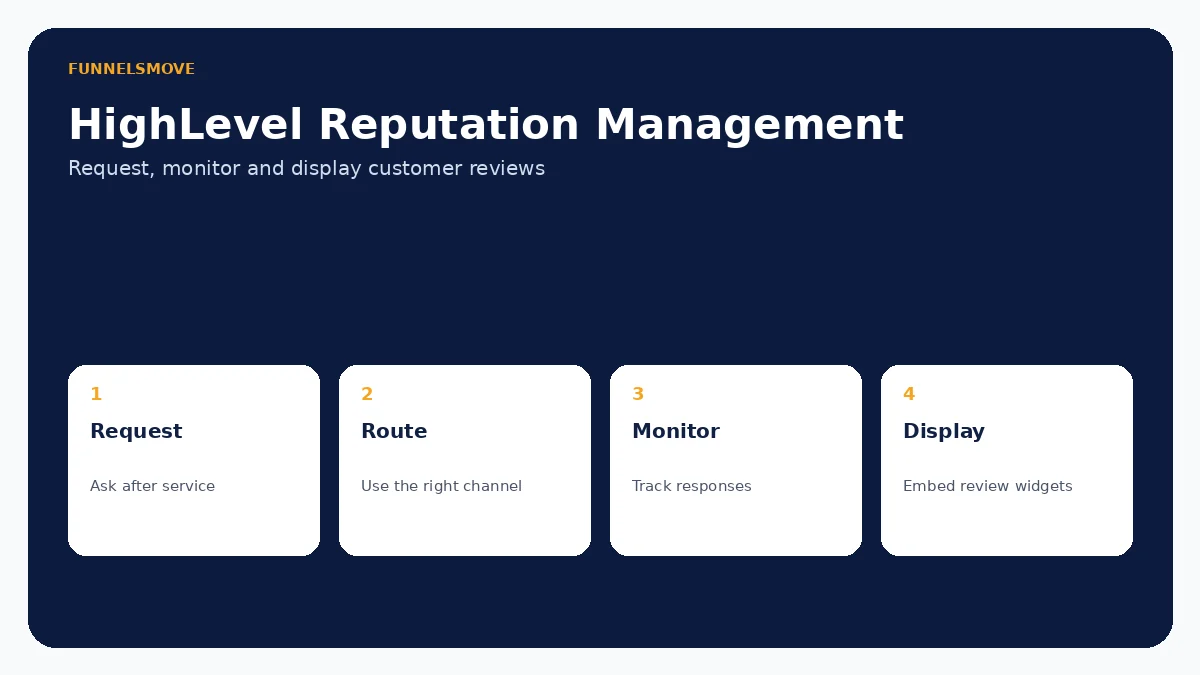
HighLevel reputation tools can request reviews manually or through workflows, monitor connected review sources and display customer feedback with embeddable widgets. The best setup focuses on authentic, timely requests rather than maximizing volume at any cost.
For broader context, start with our HighLevel platform guide, HighLevel review and HighLevel setup guide.
What is HighLevel reputation management?
HighLevel's reputation tools help businesses request customer reviews, monitor connected review activity and display reviews on websites. Current documentation supports manual requests and automated workflow requests by email or SMS, along with review widgets that can display connected feedback such as Google and Facebook reviews.
This does not guarantee positive reviews or better rankings. Reputation management software organizes the process; customer experience determines what people actually say. Use automation to ask consistently and respond promptly, not to manufacture sentiment.
How HighLevel review requests work
HighLevel documents three main request paths: quick actions, manual requests from the Reputation area and the workflow action “Send Review Request.” For Google review links, its documentation says the Google Business Profile connection should be configured, or a third-party review link can be used.
The workflow approach is useful when a predictable business event should trigger the ask—for example, after a completed appointment or service. Manual requests are useful when a staff member should exercise judgment before sending. Avoid requesting reviews from contacts who have not actually experienced the service.
Automating review requests with workflows
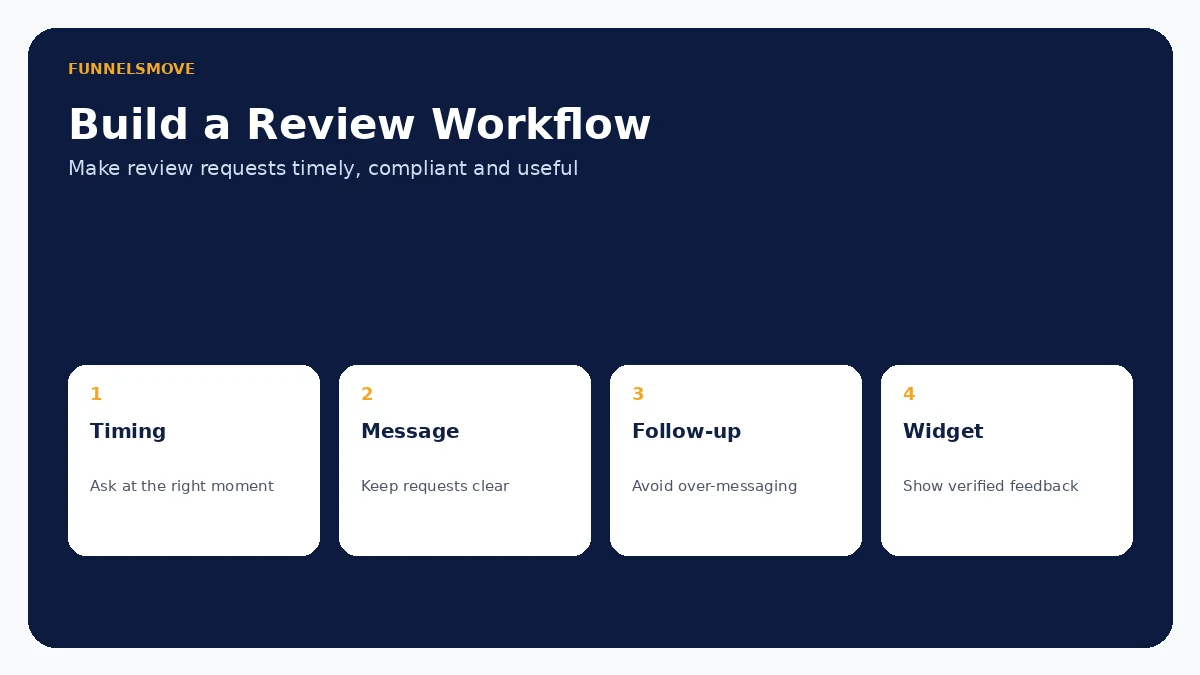
A workflow can send a review request through supported email or SMS channels. The safest design starts from a meaningful completion event, waits an appropriate amount of time if needed and checks that the contact should receive the message. Avoid repeated requests caused by duplicate triggers or re-entry.
Review-request automation sits inside the broader Workflow Builder, so premium or external steps elsewhere in the automation can have their own usage costs. See our HighLevel workflows guide for trigger design, testing and premium execution pricing.
Displaying reviews with HighLevel widgets
HighLevel's current Review Widget documentation supports displaying connected customer feedback and customizing layout and content. Widgets can be embedded on HighLevel funnels/websites and on compatible third-party sites. Current options include controls such as minimum ratings, headers and a write-a-review button.
HighLevel has also added newer widget formats such as floating badges and sliders, plus configurable AI summaries. Treat AI-generated summaries as vendor functionality that still requires responsible oversight. The original customer reviews—not an AI summary—should remain the authoritative feedback.
Google, Facebook and connected review sources
The guided setup documentation directs users to connect review platforms such as Google or Facebook, configure a review link and send an initial request. Connection availability and permissions can change, so verify the integrations inside the sub-account rather than assuming an old connection is still authorized.
Keep business-profile ownership and access under appropriate company control. Agencies should document which party owns the Google Business Profile and who is responsible for responding to reviews when a client relationship ends.
Reviews AI and response automation
HighLevel documents Reviews AI functionality for suggested and automated review responses, and its setup wizard includes a Reviews AI configuration step. AI can reduce repetitive response work, but it can also produce an inappropriate tone or miss context.
Use tighter review and approval processes for sensitive complaints, regulated industries and situations involving refunds, safety or legal issues. Automation should not turn a serious customer concern into a generic public reply.
Review policy, authenticity and responsible requests
Do not condition incentives on positive sentiment or use software to create fake feedback. Review platforms have their own policies, and consumer-protection rules can apply to endorsements and testimonials. Ask real customers for honest feedback and make sure staff understand the applicable platform rules.
If you use filters or routing in the feedback process, evaluate whether the implementation could suppress legitimate negative feedback or violate a review platform's policies. HighLevel provides tooling; the business remains responsible for how it uses that tooling.
What to measure beyond star rating
Track request delivery, response rate, review volume over time, recurring themes and how quickly the business responds. Star rating alone can hide operational problems. A small drop in rating accompanied by useful service feedback may be more actionable than a vanity metric.
Use review themes to improve the underlying customer experience. If complaints repeatedly mention scheduling, communication or follow-up, fix the process rather than simply increasing the number of requests.
Practical reputation-management setup
- Confirm ownership and access for the relevant review profiles.
- Connect supported review sources and verify the review link.
- Decide which completed customer event should trigger a request.
- Write clear email/SMS copy without pressuring customers for positive sentiment.
- Test manual and automated request paths with internal contacts.
- Configure review widgets only after confirming the intended source and display rules.
- Assign responsibility for monitoring and responding to feedback.
If the trigger is an appointment or service completion, pair this checklist with our HighLevel calendars guide.
Who benefits from HighLevel reputation management?
It is particularly useful for local and service businesses where reviews influence trust and where customer completion events already live in HighLevel. Agencies can standardize request and monitoring processes across client accounts while keeping each client's review profiles separate.
A specialized reputation platform may be preferable for large multi-location brands, advanced enterprise governance, deeper sentiment analytics or complex review-source requirements. Choose based on operational scale and reporting needs, not simply whether a widget is available.
Evaluate HighLevel with a real workflow
Use a representative process, test normal and exception paths, and confirm any usage-based charges before putting automation in front of customers.
Visit HighLevel (opens in a new tab)Sources checked
HighLevel product documentation was reviewed on September 15, 2026. Features and usage charges can change, so verify account-specific settings before deployment.