HighLevel Workflows: Automation, Triggers and Costs
HighLevel workflows automate CRM and marketing processes with event-based triggers and sequential actions. The feature is broad, but reliable automation requires clear goals, exception handling, testing and awareness of premium execution charges.
For broader context, start with our HighLevel platform guide, HighLevel review and HighLevel setup guide.
What are HighLevel workflows?
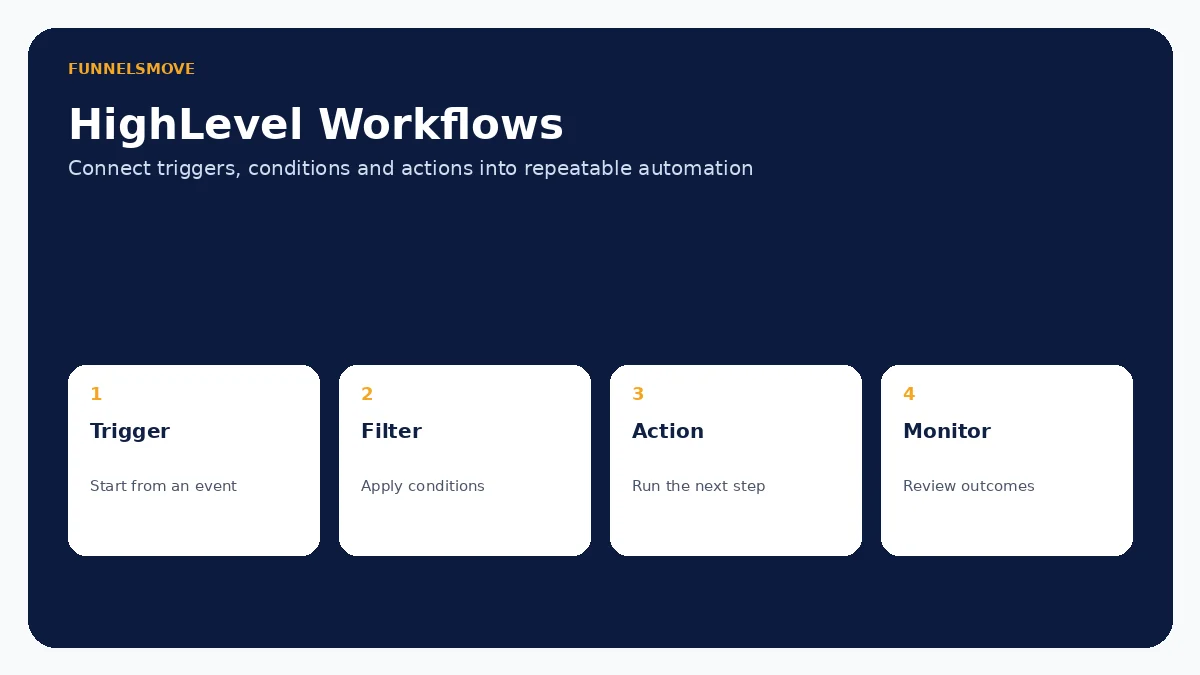
HighLevel workflows are event-driven automations: a trigger starts the workflow and actions execute the process that follows. Current HighLevel documentation groups triggers across contacts, appointments, opportunities, payments, communications, courses, ecommerce and other categories. Actions cover contact updates, communication, appointments, internal tools, data transfer, AI and additional integrations.
This makes workflows useful for lead follow-up, appointment reminders, pipeline operations, customer onboarding and internal notifications. The breadth is also a reason to design carefully: a workflow can affect many contacts quickly when a trigger or filter is too broad.
Triggers, filters, conditions and actions
A trigger answers “what starts this?” Examples include a contact being created, an appointment event or another supported account event. Filters narrow which records qualify. Actions then perform work in sequence—send a message, update data, assign ownership, wait, branch or invoke a supported integration.
Keep each workflow centered on a business outcome. A single enormous automation that handles every lifecycle stage is harder to debug than several clearly named workflows with deliberate entry and exit rules. Document what data each workflow expects before it starts.
Useful HighLevel workflow examples
Common patterns include a form submission that creates a contact and starts a lead-response sequence; an appointment booking that triggers confirmations and reminders; a missed call that starts follow-up; an opportunity-stage change that assigns tasks; and a completed service that starts a review request.
These examples connect naturally with our forms and surveys guide, calendars guide, missed-call text-back guide and reputation management guide. Use automation to enforce a process you understand—not to hide an undefined process.
Agency rebilling and cost governance
HighLevel documents access to Workflow Premium Features across its agency plans, with controls at agency and sub-account level. Agencies that enable premium functionality should understand who pays for executions and whether rebilling is enabled. A small per-execution charge can become material when a high-volume workflow calls a premium step repeatedly.
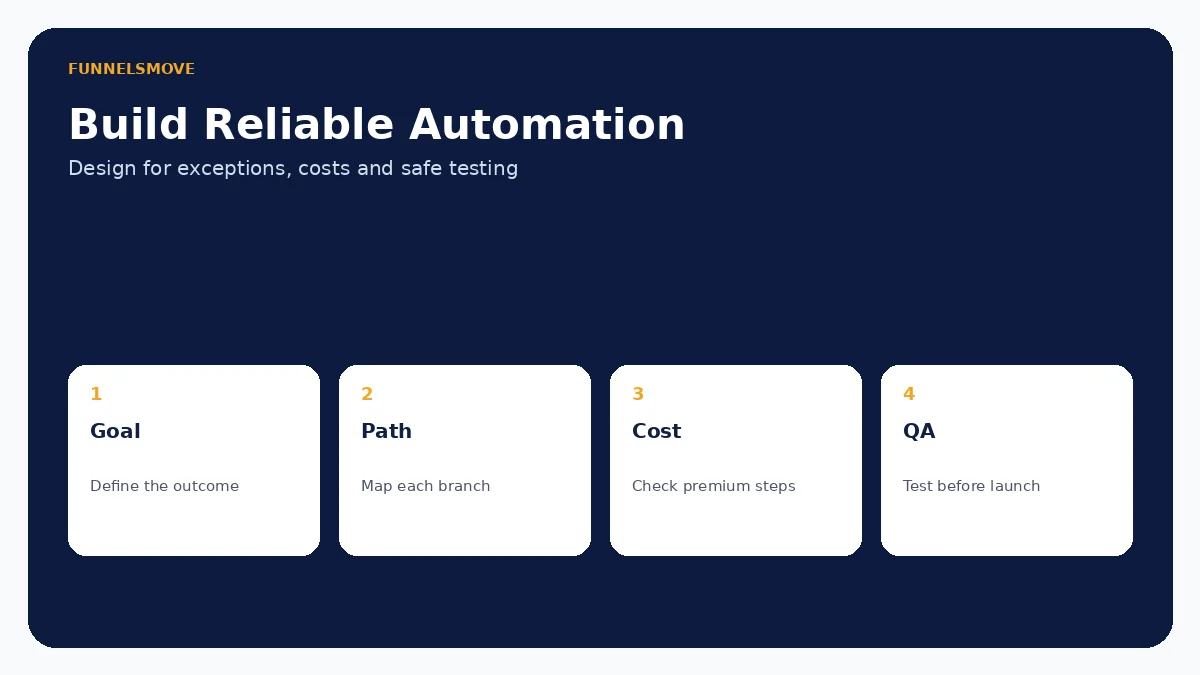
Before enabling a premium action, estimate monthly executions under normal and peak volume. Add filters before expensive steps when possible, and monitor whether retry logic or duplicate enrollment can multiply usage. Cost governance belongs in workflow design, not only in billing review.
Testing workflows before launch
Use test contacts and a controlled environment where possible. Check every branch, wait step, message, assignment and data update. Test missing fields, duplicate contacts, rescheduled appointments, opt-outs and other exceptions that can change the expected path.
For messaging, confirm sender configuration, consent and timing. For integrations, verify failure behavior rather than assuming an external service will always respond. For webhooks and developer-driven processes, see the HighLevel API and webhooks guide.
Monitoring, naming and maintenance
Name workflows by outcome and audience so another operator can understand them. Record the trigger, key filters, systems touched and owner. When a business process changes, update the workflow documentation at the same time.
Review enrollment volume and unexpected outcomes after launch. Avoid editing a critical live workflow without understanding contacts already inside it. Duplicate and test substantial changes when the risk justifies it, and maintain a rollback plan for automations that affect revenue or customer communication.
When a simpler automation is better
Not every task needs a large workflow. A simple native notification or form autoresponder can be easier to maintain. Likewise, if the process spans several external applications, a dedicated integration platform or custom API implementation may provide better observability and data control.
Choose HighLevel workflows when the process is closely tied to HighLevel contacts, conversations, appointments, opportunities or other native records. Choose an external automation layer when cross-system orchestration is the primary problem.
Who benefits most from HighLevel workflows?
Agencies benefit when they need repeatable client automations and centralized process control. Small businesses benefit when lead response, booking and follow-up can be standardized without custom development. Sales and service teams can use workflows to reduce repetitive administrative steps.
The feature is less suitable as a substitute for process design. If nobody can explain the desired customer journey, adding more triggers and actions usually increases complexity. Define ownership and outcomes first, then automate the stable parts.
Related guide: HighLevel email marketing.
Related guide: HighLevel Payments and Stripe.
Related guide: Meta Lead Ads integration.
Related guide: HighLevel messaging.
Related guide: HighLevel for real estate.
Related: reusing workflows through controlled snapshots.
Related: HighLevel versus HubSpot automation comparison.
Related: course and membership workflows.
Related: HighLevel vs ActiveCampaign.
Evaluate HighLevel with a real workflow
Use a representative process, test normal and exception paths, and confirm any usage-based charges before putting automation in front of customers.
Visit HighLevel (opens in a new tab)Sources checked
HighLevel product documentation was reviewed on September 15, 2026. Features and usage charges can change, so verify account-specific settings before deployment.