GoHighLevel Video Gate: How Gated Video Forms Work
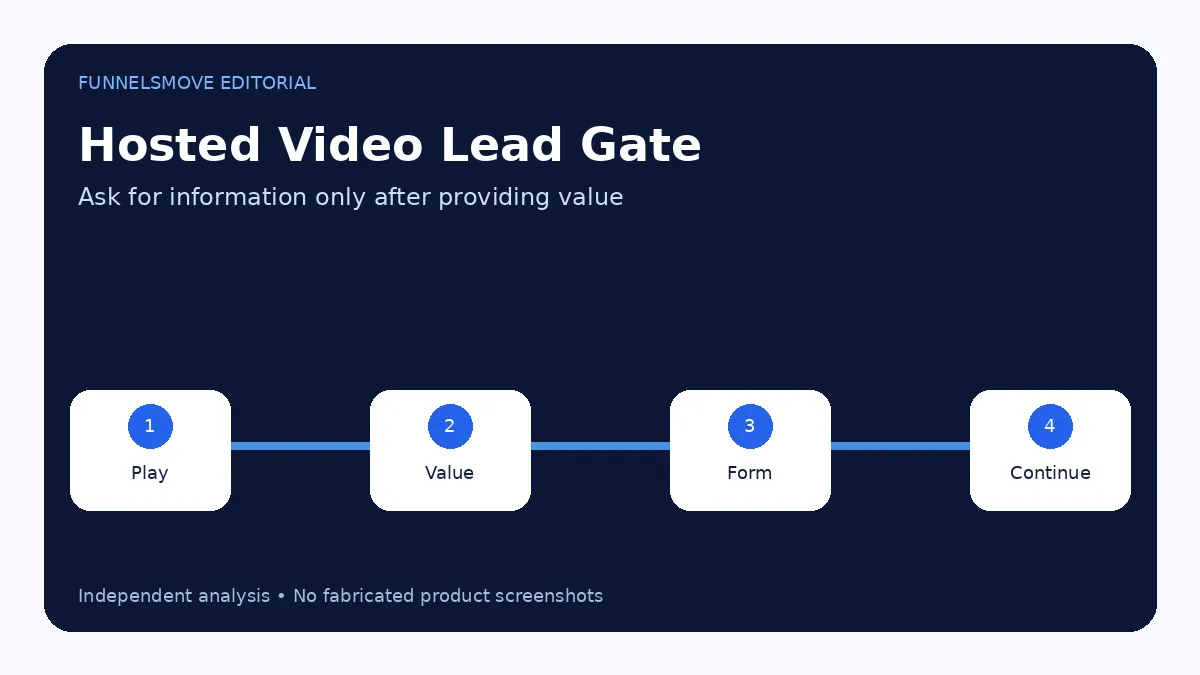
HighLevel can display a form at a chosen timestamp in a hosted video, letting you collect a lead before the viewer continues.
See the guides for broader context.
What is HighLevel video gating?
HighLevel’s hosted-video lead-generation feature can pause or gate a video at a chosen timestamp and display a form. The viewer can be required to submit the form before continuing, or the form can be dismissible depending on the configuration.
This is useful when the video itself provides enough value to earn a lead capture partway through the experience. It should not be used simply to block every viewer without a clear value exchange.
Requirements and limitations
HighLevel’s official documentation states that the lead-generation gate works with the Hosted Video option because the platform needs time tracking for the timestamp lock. The same guidance says it is not available for video elements placed inside popups.
Current hosted-video documentation supports common video formats and files up to 4 GB, but always verify the latest limits before a large media migration.
How to set up a gated video
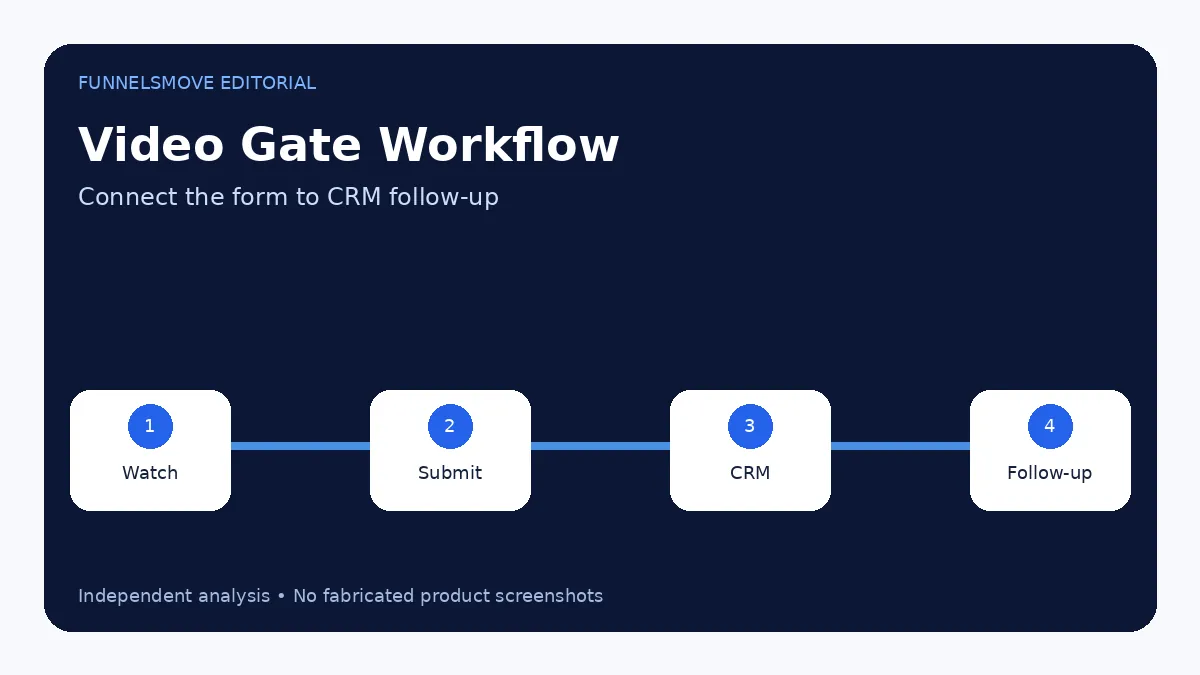
Add a Video element to a HighLevel funnel or page, choose Hosted Video, upload or select the media, then enable the lead-generation setting. Set the timestamp when the form should appear, choose the form, and decide whether viewers can close the gate without submitting.
Use a form with only the fields needed for the next step. Asking for extensive qualification data in the middle of a video can create unnecessary friction.
Design the viewer experience
Place the gate after the viewer has received meaningful value but before the content that justifies the exchange. If the first thirty seconds are generic introduction, gating at ten seconds gives the visitor little reason to submit.
Explain why you are asking. “Enter your email to continue and receive the worksheet” is clearer than a form appearing with no context.
Connect the form to CRM and follow-up
The form submission can feed the HighLevel CRM and trigger workflows. Tag or source the contact so the team knows the lead came from the gated video. Follow-up should relate to the content the viewer was consuming rather than dropping the contact into a generic sequence.
See the HighLevel CRM guide and setup guide for the broader workflow.
Consent and privacy considerations
A video gate is still a data-collection form. Explain what information is collected and how it will be used, provide access to the privacy policy, and obtain the level of consent required for the communications you intend to send. Do not treat a forced gate as permission for unrelated marketing.
Test the gate before publishing
Test on desktop and mobile, confirm the timestamp, verify whether closing is allowed, submit the form with a real address and confirm the contact record and workflow behavior. HighLevel notes that a viewer who previously submitted a form for a specific video may not see the timestamp lock again for two weeks, so use clean test conditions when validating repeat behavior.
When video gating makes sense
Video gating works best when the viewer already has a reason to continue: a useful training, demonstration, case-study explanation or resource. It is less appropriate for a short promotional clip where the gate feels like an interruption with little value in return.
Consider the business goal. If the real objective is simply email capture, a standard opt-in page may be clearer. Gating is valuable when watching the video itself is part of the conversion journey.
Measure the effect on both leads and viewing
A gate can increase captured leads while decreasing completion rate. Track form submissions, continued viewing, downstream appointments or purchases and unsubscribe/complaint signals. The best configuration is the one that improves the quality of the full journey, not merely the form-submit count.
If traffic is limited, avoid over-interpreting small changes. Start with a clear hypothesis about where the gate adds value.
Evaluate HighLevel for your workflow
Use the current trial and plan details to check whether the platform fits your real lead-generation, CRM and automation workflow.
Visit HighLevel (opens in a new tab)Sources checked
- Lead Generation with Hosted Videos (opens in a new tab)
- Hosted Video Player (opens in a new tab)
- Forms in the Site Builder (opens in a new tab)
Research checked on September 13, 2026. HighLevel changes features, limits and pricing regularly; verify time-sensitive details before purchase or implementation.
FunnelsMove Editorial Team researches official product documentation, current pricing and independent user feedback. We do not claim hands-on testing unless explicitly stated.