Systeme.io Website Builder: Features, Setup and Fit
Systeme.io’s website builder is a visual, no-code tool for creating multi-page websites that connect directly with the platform’s email, funnels, courses and payments.

Systeme.io website builder: the practical answer
The Systeme.io website builder creates multi-page websites with a drag-and-drop editor, templates, navigation and page-level SEO settings. The official website-builder page says it can handle homepages, blogs, landing pages and navigation without standard coding.
Its distinguishing feature is integration: forms and pages can sit beside email, funnels, checkout and courses in the same account.
Begin with a page map before opening the editor. Identify the homepage, core offer or service pages, About and Contact information, and any resources the audience genuinely needs. A small, coherent site is easier to navigate and maintain than a collection of loosely connected pages.
How a Systeme.io website is created
According to the official website creation guide (opens in a new tab), you create a site from the Websites area, assign a name, domain, homepage URL path and language, then manage pages within that website.
The documentation notes that a domain can only be assigned to one website at a time.
The website feature is different from a single funnel because visitors can navigate between pages. Use menus deliberately, keep labels predictable and avoid hiding essential information behind clever wording. Every important page should also have a clear next action.
A four-step website workflow
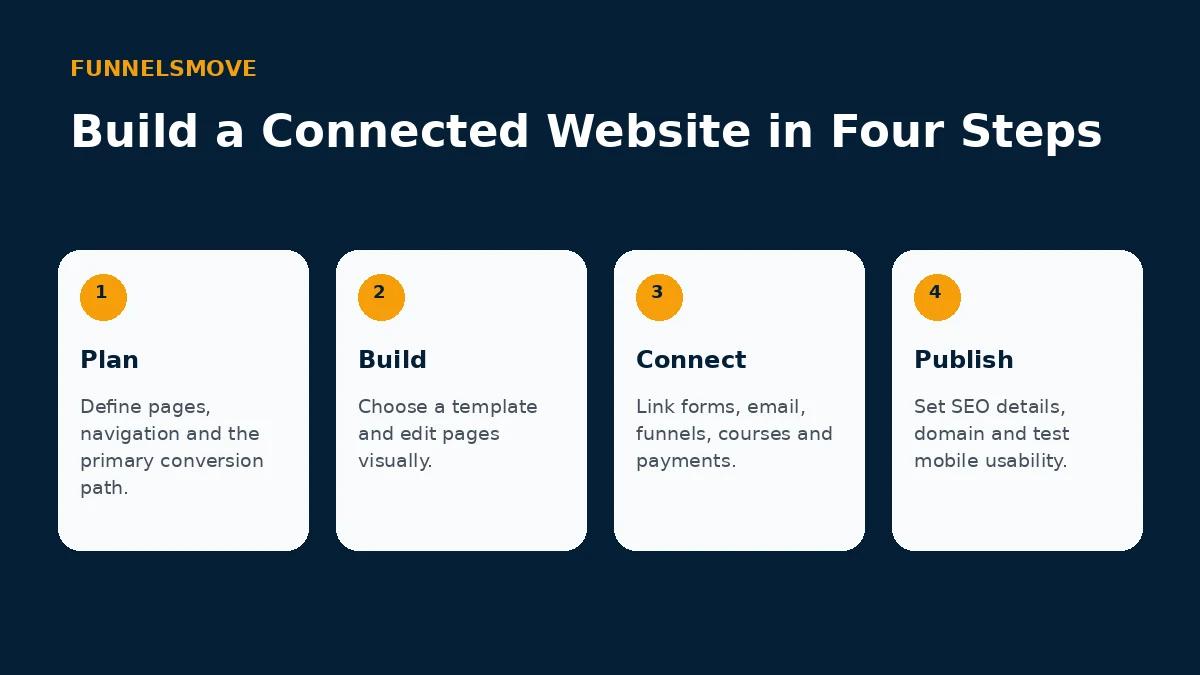
Plan the information architecture first, choose or customize a template, connect forms and business tools, then configure the domain and SEO details before publishing. This order reduces the chance that design decisions create awkward navigation later.
If you want a starting layout, see our Systeme.io templates guide.
Templates can accelerate production, but the content still needs to reflect your business. Replace generic claims and imagery, remove unsupported sections and keep visual choices consistent. If a template is structurally wrong, switching early is usually easier than forcing it to fit.
Templates and the visual editor
The official builder page describes a drag-and-drop editor and professional templates. Use global visual consistency where possible, but keep individual pages focused on their role in the visitor journey.
SEO fields are only one part of search visibility. Give each indexable page a distinct purpose, useful copy, descriptive internal links and a canonical URL. Avoid creating multiple thin pages that answer the same query simply because the builder makes adding pages easy.
SEO settings and page structure
Systeme.io says page settings include SEO title, description and keywords. Those controls are useful, but rankings still depend on content quality, crawlability, internal linking, competition and other factors outside the page editor itself.
Integration is where an all-in-one website can be practical. A visitor can read an informational page, join a list, enter a funnel or buy a product without moving between unrelated systems. Map these transitions and test them as a user would experience them.
Connecting the website to funnels and email
A website can serve as the broader information layer while funnels handle focused conversion journeys. Forms can feed contacts into email follow-up, and relevant pages can route visitors into offers or courses.
Custom domains affect both branding and technical setup. Decide whether Systeme.io will host the main site or a subdomain before launch, then follow the current DNS instructions for that structure. Changing the domain plan later can create avoidable redirects and broken campaign links.
When a dedicated CMS may be preferable
A dedicated CMS may fit better when publishing operations require complex editorial workflows, a large plugin ecosystem, highly customized content models or developer-controlled architecture. Compare those requirements before migrating an established site.
A dedicated CMS may still be preferable for large editorial operations, unusual content models or extensive developer customization. The relevant comparison is not the number of features on a checklist but whether the platform supports the publishing workflow you expect to maintain.
Who should consider the Systeme.io website builder?
It fits creators and smaller online businesses that value an integrated site, email and funnel workflow. It is less compelling when the website itself is a highly customized software project.
For smaller creator businesses, simplicity can be the main benefit. If the site primarily introduces the brand, captures leads and routes visitors to offers or courses, keeping those functions together may reduce maintenance and integration work.
Explore Systeme.io
See the current platform details and decide whether the workflow fits your business.
Explore Systeme.io (opens in a new tab)Frequently asked questions
Can Systeme.io build a multi-page website?
Yes. Systeme.io’s current website documentation describes multi-page sites managed from the Websites area, including navigation and page settings.
Can I use a custom domain?
Yes, subject to the current plan and domain configuration. Follow the current custom-domain instructions because the required DNS records are generated for your domain.
Is it a replacement for every CMS?
No. It can be a practical integrated builder, but large publishing teams or highly customized sites may need capabilities better served by a dedicated CMS or custom stack.