How to Test a ClickFunnels Funnel Before Launch
A practical pre-launch QA workflow for funnel pages, checkout, automations, analytics, and split tests.

See the parent guide for the broader context around this task.
How to test a funnel in ClickFunnels before launch
A useful funnel test is not one click on the first page. Treat it as a complete customer journey: arrive on the public or preview URL, interact with the page, submit the opt-in, follow the next step, complete any checkout in test mode, confirm the order or thank-you page, and verify the emails, workflows, tracking events, and redirects that should fire afterward.
Start with a written test path. List the expected sequence of pages and the action that moves a visitor from one step to the next. For each step, note the primary CTA, form behavior, product or offer, and expected automation. This turns testing from “looks good” into a repeatable QA process.
Use a fresh browser session when possible. Cached sessions, remembered form values, logged-in status, and browser extensions can hide issues that a first-time visitor will experience.
Test every funnel page and transition
Preview each funnel step and confirm the page renders correctly on desktop and mobile. Test buttons, forms, navigation, video playback, downloads, popups, countdowns, and any custom code. Make sure every CTA goes to the intended next step rather than an old duplicated URL.
For opt-in pages, submit a real test address you control and confirm the contact record is created or updated as expected. Then check whether the next page, workflow, tag, list, or email sequence matches the funnel design. If a step has conditional behavior, test every meaningful branch rather than only the happy path.
The ClickFunnels Page Editor guide covers page-level media, custom code, visibility, and publishing issues that may surface during QA.
Test checkout in Test or Sandbox Mode
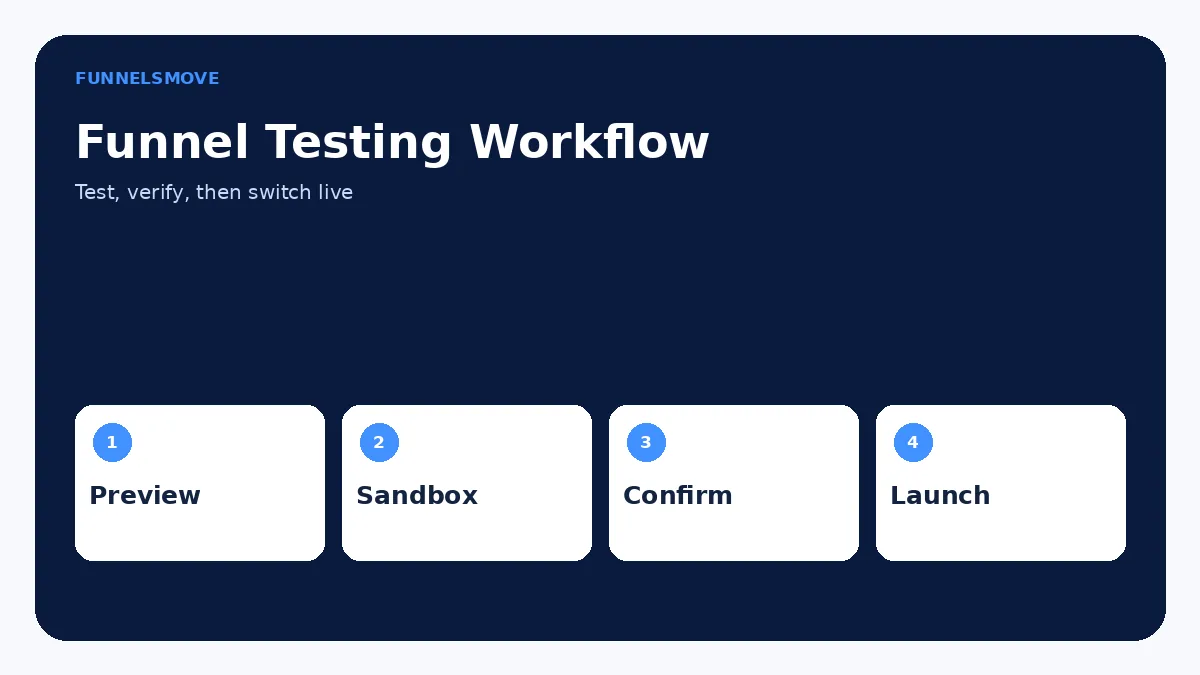
For a funnel with a checkout, ClickFunnels documents a dedicated Test Mode in Funnel Settings. The current workflow is to open the funnel, go to Settings, set Payments Mode to Test, save the funnel, then preview the checkout. In test mode, the page displays a sandbox banner and test-card information so you can submit an order without a real charge.
ClickFunnels currently documents 4111 1111 1111 1111 as a test card example, with a valid future expiry date and a three-digit CVV. Use the test details shown in your own sandbox banner as the controlling value. After submitting, inspect the order under Customers → Orders and confirm the expected product, price, customer data, order status, confirmation page, and post-purchase automation.
If you do not yet have a payment gateway connected, ClickFunnels also documents a Test Purchases option for testing orders without a live gateway. Once a payment processor is connected, use the processor/platform test workflow instead. See the ClickFunnels payments guide for the broader payment architecture.
Know the PayPal testing limitation
Do not assume every payment method behaves like a card sandbox. ClickFunnels’ current funnel-checkout testing documentation states that PayPal checkout does not have the same sandbox/test-mode path inside this ClickFunnels flow and appears in Live Mode. If PayPal is part of your offer, follow the current Payments AI/PayPal documentation and use a controlled live verification process where appropriate.
This distinction is important because a card test can prove that the ClickFunnels checkout structure works while leaving PayPal-specific behavior unverified.
Verify workflows, emails, and fulfillment
A completed test order is only the midpoint for many funnels. Check the actions that should occur afterward: confirmation email, course enrollment, product fulfillment, CRM update, tag application, webhook, internal notification, or follow-up sequence. If the funnel promises access immediately, confirm that the test contact can actually reach the resource.
For lead funnels, check the welcome sequence and unsubscribe behavior. For paid funnels, confirm receipts and access logic without accidentally sending test data into production systems that should remain clean. If automation is central to the funnel, document the expected trigger and the resulting action so future changes can be regression-tested.
Verify analytics and advertising events
Use your analytics platform’s realtime or test tools to confirm the funnel generates the events you designed. Typical checkpoints include page view, lead, checkout start, purchase, and important CTA clicks. Each event should fire once per intended action—not zero times and not twice.
If you recently added GA4, Meta Pixel, GTM, or custom scripts, review the ClickFunnels tracking guide. Duplicate tags can produce misleading conversion data even when the funnel itself works correctly.
How to split test with ClickFunnels
ClickFunnels supports A/B split testing on funnel steps. From the funnel, open the three-dot menu for the page and choose the split-test option. You can create a new variant or duplicate the existing page, then edit the variation. The platform currently allows one variant page per funnel step.
Change one meaningful hypothesis at a time when practical—such as headline, offer framing, CTA, layout, or form approach—so the result is easier to interpret. A test with several unrelated changes may still identify a winner, but it will not tell you which change caused the difference.
For the first funnel step, use the funnel root URL when testing or sending traffic. ClickFunnels documents special behavior for first-step split tests so variants can be served while the root URL remains consistent. For later funnel steps, test the journey from the preceding step or from the beginning.
Read split-test results cautiously
ClickFunnels surfaces page analytics such as pageviews, opt-ins, orders, and sales for split-test variants. Do not declare a winner after a handful of visits. The official support guidance recommends allowing enough time for the split to stabilize and specifically suggests a minimum 30-day run for optimal accuracy.
Time alone is not sufficient: a test still needs enough relevant traffic and conversions to be informative. Consider business impact as well as conversion rate. A variant that creates more opt-ins but materially worse customers may not be the better funnel.
Test devices, browsers, and failure states
Run the funnel on at least one desktop and one mobile viewport. Check common browsers, especially if the funnel uses video, custom code, payment wallets, or embedded tools. Test slow-loading media and form validation, and deliberately enter missing or invalid values to see whether error messages are understandable.
Also test links that leave the funnel: privacy policy, terms, support, calendar, external checkout, or download destination. A conversion funnel can fail because of a single external dependency even when every ClickFunnels page is healthy.
Pre-launch checklist and Live Mode
Before switching on real traffic, confirm domains and SSL, page sequence, mobile layout, forms, checkout, products, taxes or shipping where relevant, emails, fulfillment, tracking, privacy links, and the final thank-you experience. Remove obvious test copy and ensure test-only coupons or products cannot be selected by customers.
Finally, return the funnel to Live Mode and run a controlled live-path check. Do not leave a sales funnel in Test Mode. Save a short QA record so future redesigns can repeat the same test rather than inventing a new process each time.
Keep test data separate from live reporting
Testing creates contacts, orders, pageviews, emails, and sometimes advertising events. Decide in advance how those records will be identified. Use clearly recognizable test names or addresses, the platform’s test-order indicators, and documented filters where available. This makes it easier to keep internal QA activity from being mistaken for customer behavior.
After testing, remove disposable test records only when it is safe to do so. ClickFunnels provides a workspace option for deleting test and draft orders, but deletion is permanent. Preserve any test evidence you still need for troubleshooting before cleaning the workspace.
Repeat a smaller regression test after every major change
A funnel that passed QA once can break later. Re-test the critical path after changing a domain, checkout product, page template, form, workflow, custom script, tracking tag, integration, or payment configuration. You do not need to repeat every exploratory check after a one-line copy edit, but revenue-critical transitions deserve a regression test whenever their dependencies change.
Keep a short checklist with the expected page sequence, lead action, checkout result, confirmation, email, fulfillment, and analytics events. That gives future editors a known baseline and reduces the chance that a redesign silently removes an important automation.
Decide whether ClickFunnels fits your workflow
Review the current ClickFunnels offer and confirm the features, limits, and account setup you need before subscribing.
Explore ClickFunnels (opens in a new tab)Primary sources
- Testing Funnel Checkout in Test/Sandbox Mode (opens in a new tab)
- Managing A/B Split Testing in Funnel Steps (opens in a new tab)
- Testing Orders Without a Payment Gateway (opens in a new tab)
- How to Add and Manage Funnel Steps (opens in a new tab)
Interface and product details were checked against ClickFunnels documentation on September 9, 2026. If your account shows different labels, use the current official documentation as the controlling reference.