ClickFunnels for Agencies: Can You Use It for Clients?
A practical assessment of ClickFunnels for agencies and consultants managing client funnels, access, and handoff.
See the parent guide for the broader context around this task.
Can you use ClickFunnels for clients?
Yes—ClickFunnels can support client work, and the current platform now documents an Agency App specifically for dedicated client workspaces. The key decision is not simply whether funnels can be built for clients; it is how you separate ownership, access, billing, domains, integrations, contacts, and handoff so one client does not become entangled with another.
For occasional freelance work, team/workspace permissions may be enough. For an agency managing many clients, the Agency App is the more purpose-built model because it creates client workspaces with client-specific access rather than sharing your main operating workspace.
How the ClickFunnels Agency App works
ClickFunnels’ current Agency App documentation says it can create dedicated client workspaces, automatically invite clients, and manage permissions without sharing the agency owner workspace. The official guide lists the Agency Plan as a requirement and says a Team Administrator is required to create client workspaces.
The current documentation also states that the Agency App supports up to 50 client workspaces, with archived workspaces not counting toward that limit. Plan terms can change, so verify the current Agency plan before designing your business model around a specific capacity.
Client workspaces appear separately from the agency’s team workspaces in the workspace switcher, which reduces accidental cross-client editing.
Use the right permission boundary

Access design matters more than convenience. A client should normally have access to the workspace that contains their funnels, contacts, products, and integrations—not unrestricted access to other clients or agency billing. Current Agency App documentation says clients can work with funnels and pages, contacts, products and orders, sites, enabled email/workflow features, and workspace-specific integrations while agency-level team settings and billing remain restricted.
For contractors or internal staff, ClickFunnels Team Members can receive selected workspace roles. Workspace Collaborators can be added directly to a specific workspace. Use the narrowest role that supports the task, and review access when projects end.
Decide who should own the workspace
Before building, write down who owns the domain, payment processor, email sending identity, integrations, CRM data, product catalog, ad pixels, and ClickFunnels workspace. The cleanest setup depends on the engagement. A short-term build-and-handoff project may call for the client to own key assets from day one. A managed-service relationship may place more operational control with the agency while still keeping client data isolated.
Avoid building critical client infrastructure inside a personal or unrelated workspace merely because it is faster today. Handoff becomes difficult when the domain, checkout, contacts, and automation are all tied to the wrong owner.
A practical client onboarding workflow
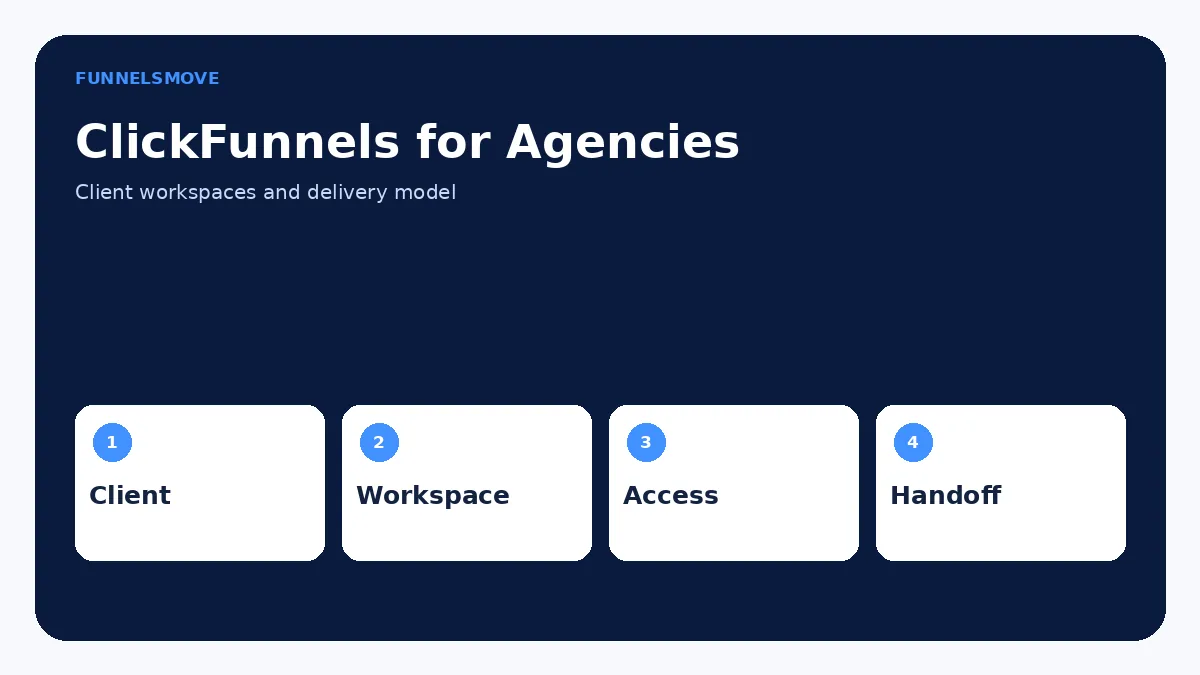
Start with scope: what funnel, pages, offers, domains, products, integrations, tracking, email, and post-launch support are included? Then create or select the correct client workspace, invite the right stakeholders, connect only client-owned services, and document access.
Next, build the funnel using a staging or test workflow. Confirm copy approval, compliance requirements, offer details, checkout settings, analytics, and domain configuration before launch. The funnel testing guide provides a reusable pre-launch QA process.
Finally, record what the client is responsible for after handoff: billing, support, email compliance, offer changes, domain renewal, payment disputes, and ongoing optimization.
Reuse frameworks without leaking client data
Agencies benefit from reusable funnel structures, page patterns, checklists, and automation logic. Reuse the framework—not another client’s confidential data. Before cloning or sharing any structure, remove client names, testimonials, credentials, tracking IDs, product IDs, domains, webhook destinations, private assets, and legal copy that belongs to someone else.
ClickFunnels supports duplicating and sharing funnel structures, but every copied funnel still needs a client-specific QA pass. Do not assume a template’s integrations or tracking are safe just because its layout is reusable.
Client review and approvals
Create a clear review process with defined decision points. Ask the client to approve offer claims, pricing, legal disclosures, brand assets, domain, form fields, checkout products, and final copy. Technical approval alone is not enough when the client is responsible for the accuracy of claims or regulated messaging.
Use a small change log so the agency can distinguish requested revisions from defects. This also prevents an endless review loop where stakeholders repeatedly revisit previously approved sections.
How to hand off a ClickFunnels client project
A proper handoff includes workspace access, domain ownership, integrations, payment setup, email identity, tracking, product and order configuration, funnel URLs, documentation, and a final test. Remove agency-only credentials and unnecessary collaborator access when the engagement ends.
For Agency App client workspaces, ClickFunnels says clients receive access to their assigned workspace while agency-level billing and team controls remain managed by the agency. If the commercial relationship requires the client to become fully independent, confirm the current ClickFunnels options before promising that an Agency App client workspace can simply be converted or transferred. The current official FAQ says an existing workspace cannot be converted into a client workspace; client workspaces must be created through the Agency App.
When ClickFunnels may not be the best agency operating system
ClickFunnels is strongest when the service revolves around funnels, landing pages, checkout, email/workflows, courses, and related conversion infrastructure. An agency whose core need is a white-label CRM, complex client reporting portal, field-service workflow, or broad multi-channel agency operating system may need a different primary platform or a complementary tool.
That does not make ClickFunnels unsuitable for funnel delivery. It means the agency should avoid forcing every internal process into the same software. Compare the platform against your actual client-service model in the ClickFunnels review and ClickFunnels alternatives.
Budget around client operations, not only the subscription
Agency economics include more than the ClickFunnels plan. Account for staff time, domain and email services, payment processing, external integrations, creative production, maintenance, client support, and testing. If a client needs capabilities outside your standard stack, price the implementation and ongoing responsibility explicitly.
Check current ClickFunnels plan limits and Agency-plan terms before selling a fixed “unlimited client” package. The platform’s documented capacities and prices can change, and a service contract should not promise more workspaces or features than your account actually supports.
A sustainable agency operating model
Standardize the parts that should repeat: intake checklist, naming conventions, workspace setup, permissions, funnel QA, analytics verification, launch checklist, and offboarding. Keep client strategy, copy, offers, data, and credentials isolated.
For each client, maintain one short system record listing workspace, domains, funnel URLs, payment owner, email owner, key integrations, analytics IDs, collaborators, and renewal responsibilities. That operational discipline is more valuable than adding another funnel template.
Protect client credentials and integrations
Do not pass passwords through page copy, shared documents, or funnel notes. Use each service’s invitation, collaborator, OAuth, or delegated-access mechanism when available. Keep payment, domain, email, analytics, and advertising accounts under the correct owner and remove agency access when it is no longer required.
When a contractor leaves, review both ClickFunnels permissions and connected external systems. Removing a user from one workspace does not automatically revoke access they may still have in a payment processor, domain registrar, analytics property, or advertising account.
Define what the agency will report
Agree on the funnel outcomes that matter before launch: leads, qualified calls, orders, revenue, cost per acquisition, conversion rate, or another business metric. Then verify that the tracking architecture can support those reports. Avoid promising attribution precision that the actual data stack cannot provide.
A concise recurring report should connect funnel performance to decisions. If a page underperforms, specify the proposed test or operational fix. If tracking is incomplete, identify that limitation instead of presenting estimated performance as observed fact.
Define the service boundary before the first build
Clarify whether the agency is selling a one-time funnel build, ongoing funnel management, paid-traffic support, email automation, conversion optimization, or a broader growth service. Each model needs a different access and handoff plan. A one-time builder may need temporary workspace access, while a managed service may need recurring operational permissions and reporting responsibilities.
Put change limits, approval deadlines, ownership, support response expectations, and post-launch maintenance in the engagement scope. Software permissions cannot solve an unclear commercial relationship; they only enforce the operating model you already chose.
For each client, document who owns the workspace, domain, payment provider, email identity, analytics, and final exported assets. Clear ownership makes both ongoing support and eventual offboarding much easier.
Use the same onboarding and offboarding checklist for every client, but keep credentials, data, offers, and brand assets separate. Standardizing the process should reduce mistakes without making different clients share the same operational records.
Review client access whenever team responsibilities change.
Decide whether ClickFunnels fits your workflow
Review the current ClickFunnels offer and confirm the features, limits, and account setup you need before subscribing.
Explore ClickFunnels (opens in a new tab)Primary sources
- ClickFunnels Agency App (opens in a new tab)
- How to Add Team Members or Subusers (opens in a new tab)
- How to Add a New Workspace (opens in a new tab)
- How to Manage Workspace Collaborators (opens in a new tab)
- ClickFunnels Pricing (opens in a new tab)
Interface and product details were checked against ClickFunnels documentation on September 9, 2026. If your account shows different labels, use the current official documentation as the controlling reference.
Related workflow
For a closer look, read scoping and hiring a ClickFunnels specialist.