How to Cancel ClickFunnels, Pause, or Downgrade
A current account-administration guide covering cancellation, pausing, downgrading, workspaces, and team access.
See the parent guide for the broader context around this task.
How to cancel ClickFunnels
In the current ClickFunnels product, subscription management is handled through the ClickFunnels Customer Center. From your workspace, open Workspace Settings → Billing. Billing opens the Customer Center in a new tab. Under Subscriptions, locate the ClickFunnels plan, open the three-dot menu, choose Manage Subscription, and start the cancellation process.
ClickFunnels’ current cancellation documentation makes an important point: selecting Cancel Subscription or Cancel Plan starts the process but does not finish it. You must continue through the cancellation screens, choose a reason, confirm the cancellation, and submit the final confirmation. After completion, the subscription should show a canceled-effective date in the Customer Center.
Because account screens can change, use the current official billing article linked below if your labels differ.
Before you cancel: protect access and data
Cancellation is more consequential than simply stopping the next invoice. ClickFunnels warns that canceling deactivates active funnels and removes platform access. Before confirming, inventory the funnels, courses, domains, contacts, integrations, assets, automations, and reporting data you may need later. Export or transfer anything that must remain available outside the account.
If Payments AI holds funds, ClickFunnels recommends retrieving those funds before canceling because access to Payments AI can be affected after the ClickFunnels subscription ends. Also review active customer subscriptions you sell through the platform. Canceling your own ClickFunnels account does not automatically mean your customers’ recurring charges should continue or stop; make that business decision deliberately before account closure.
Can you pause or park a ClickFunnels account?
ClickFunnels currently documents a Pause Plan for users who expect to return. The pause flow starts from Workspace Settings → Billing → Customer Center → Manage Subscription. From the cancellation path, choose the option indicating that you plan to come back, continue, review the pause terms, and confirm the pause.
The official pause documentation currently lists a nominal monthly pause fee and says the pause takes effect at the end of the current billing cycle. It also says paused accounts retain stored funnels, courses, and integrations while build access is restricted until the account is resumed. Because the fee and terms are commercial details that can change, verify the amount shown in your Customer Center before confirming.
If the objective is temporary cost reduction without deleting the account, pause may be less disruptive than full cancellation.
How to downgrade ClickFunnels instead
The Customer Center’s Manage Subscription interface also supports plan changes. A downgrade can make sense if you still need ClickFunnels but no longer need the current plan’s resource allowances. Check the current ClickFunnels pricing guide before changing tiers.
ClickFunnels’ current pricing documentation says existing content is not automatically removed when you downgrade below a resource limit. However, you may be prevented from creating additional resources until your usage is within the new plan’s limits. Review courses, workspaces, domains, team members, and other plan-limited resources before changing tiers so you know what operational constraint to expect.
How to cancel a ClickFunnels trial
If your goal is to stop a trial from turning into a paid subscription, manage the subscription before the trial converts. Current subscription management is still centered on the Customer Center. The interface may show trial-specific options, including an option to end a trial early and begin paid service, which is not the same as canceling.
Do not rely on deleting a funnel, removing a card from a page, or simply not using the workspace. Confirm the actual subscription status and effective date in the Customer Center.
Account cancellation is not the same as an email unsubscribe link
One supporting keyword asks how to add an unsubscribe link to ClickFunnels. That is a different task from canceling your ClickFunnels subscription. Marketing emails should include the platform’s appropriate unsubscribe mechanism so recipients can opt out of email. Do not use an account-cancellation workflow as a substitute for recipient unsubscribe controls.
For broadcasts and automated email flows, see the ClickFunnels email marketing guide. Keep subscription billing administration and subscriber-consent administration separate in your documentation.
How to add a manager or team member
Current ClickFunnels uses Team Members and workspace-level Collaborators rather than a single generic “manager” concept. A Team Member is invited through Team Settings and can receive access to one or more workspaces with roles such as Reader, Builder, or Workspace Administrator. Team-level privileges can also be granted where appropriate.
A Collaborator is added to a specific workspace through Workspace Settings → Collaborators and receives roles for that workspace. Use the narrowest access that allows the person to do the job. Avoid making freelancers or clients team administrators when they only need to edit one workspace.
If you are managing client work rather than your own internal team, the ClickFunnels for agencies guide explains client-workspace boundaries and the Agency App.
What is a workspace and how many can you have?
A workspace separates data, branding, funnels, products, contacts, and operating context inside a ClickFunnels team. Current plan limits determine how many workspaces and team members are available. Those limits can change, so use the current pricing documentation rather than an old screenshot or video when capacity matters.
If you downgrade while using more workspaces than the lower plan includes, ClickFunnels’ current pricing documentation says existing content remains, but creation of new resources can be restricted until usage fits the plan.
How to unpause and return later
A paused account is intended to be resumed. ClickFunnels provides a separate unpause process through its billing/customer-center flow. Before pausing, document any launch dates or client obligations that require the account to be active again, and confirm what happens to domains, automations, checkout, and public pages while paused.
If the break is uncertain or permanent, compare pause cost and restrictions with exporting what you need and canceling instead.
Cancel, pause, downgrade, or keep?
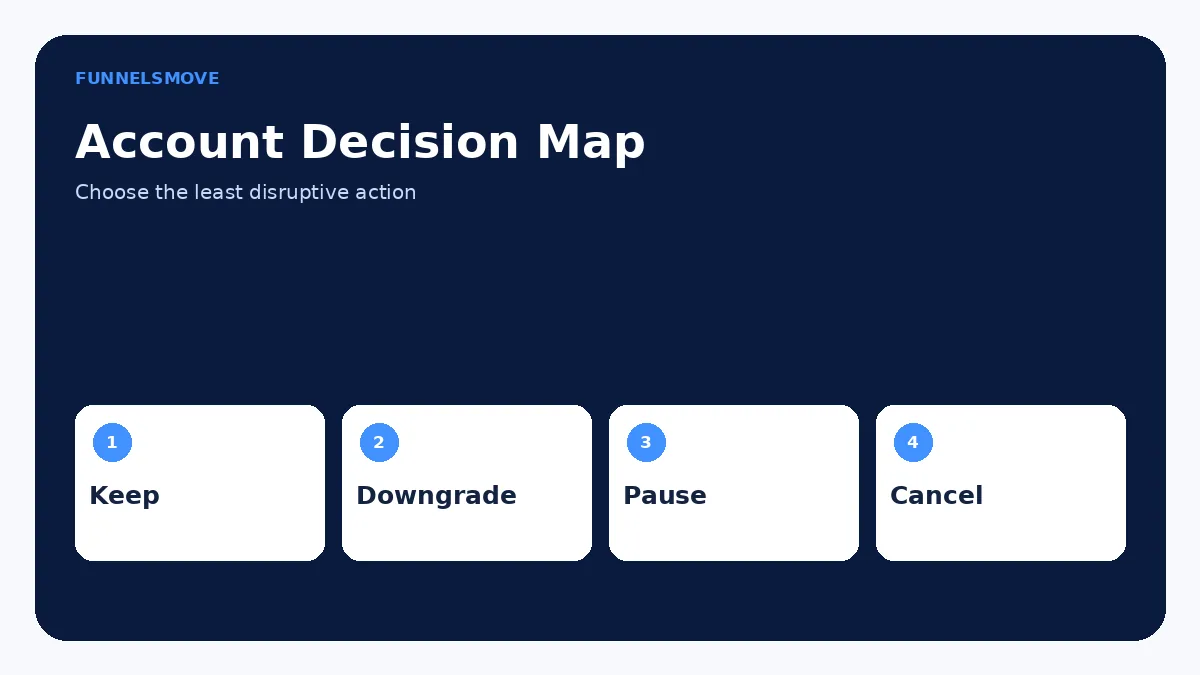
Cancel when you no longer need the platform and have completed data, customer-subscription, payment, and domain handoff. Pause when you expect to return and the current pause terms are preferable to rebuilding later. Downgrade when you still operate funnels but can live within lower plan limits. Keep the current plan when active revenue, clients, or automations depend on resources you would lose access to by changing the subscription.
For alternatives before leaving, compare the options in best ClickFunnels alternatives. The right choice is operational, not just a monthly-price comparison.
Plan a migration before a permanent cancellation
If another platform will replace ClickFunnels, map each dependency before shutting the account down. List public URLs, forms, contacts, email sequences, products, recurring subscriptions, payment connections, courses, domains, analytics, pixels, webhooks, and integrations. Decide which system will own each function after the move and when DNS or link changes should occur.
Run the replacement flow before disabling the old one. A staged migration is safer than canceling first and discovering later that a course, download, webhook, or payment process depended on the ClickFunnels workspace.
Save billing and ownership records
Before a plan change, download invoices or other records your business needs for accounting. Record the effective date of cancellation, pause, or downgrade and who approved it. If multiple stakeholders manage the account, document which login or billing contact will retain access during the transition.
For domains, payment providers, and third-party integrations, confirm ownership separately from the ClickFunnels subscription. Canceling ClickFunnels does not automatically transfer those external assets to another person or system.
What to do if the billing controls do not match the guide
Subscription screens can vary by account status, legacy plan, trial state, or product update. If the expected cancel, pause, or downgrade option is missing, use ClickFunnels support rather than repeatedly changing unrelated workspace settings. Have the account email, subscription name, recent invoice, and the outcome you want ready so support can identify the correct billing record.
Do not assume that removing a payment card, deleting funnels, or turning off domains cancels the subscription. The authoritative status is the subscription record in the Customer Center. After any change, verify the effective date and save confirmation for your records.
Before confirming any billing change, review the effective date, remaining access period, plan-specific limits, and any client or revenue workflows that still depend on the account. Treat the confirmation screen as the final authority for your specific subscription.
If the account is used by a team, notify the people responsible for live funnels, billing, domains, and customer support before the effective date. A technically correct cancellation can still create an operational outage when another stakeholder expected the workspace to remain active.
Confirm the final subscription status after any change.
Decide whether ClickFunnels fits your workflow
Review the current ClickFunnels offer and confirm the features, limits, and account setup you need before subscribing.
Explore ClickFunnels (opens in a new tab)Primary sources
- Billing: Cancel a ClickFunnels Account (opens in a new tab)
- Managing Your ClickFunnels Subscription Plan (opens in a new tab)
- How to Pause Your Account (opens in a new tab)
- How to Add Team Members or Subusers (opens in a new tab)
- How to Manage Workspace Collaborators (opens in a new tab)
Interface and product details were checked against ClickFunnels documentation on September 9, 2026. If your account shows different labels, use the current official documentation as the controlling reference.