Simvoly Funnel Builder: Features, Testing and Fit
Simvoly combines visual funnel building with A/B testing, analytics, checkout tools and the option to connect funnels with a broader website and CRM workflow.
What is the Simvoly funnel builder?
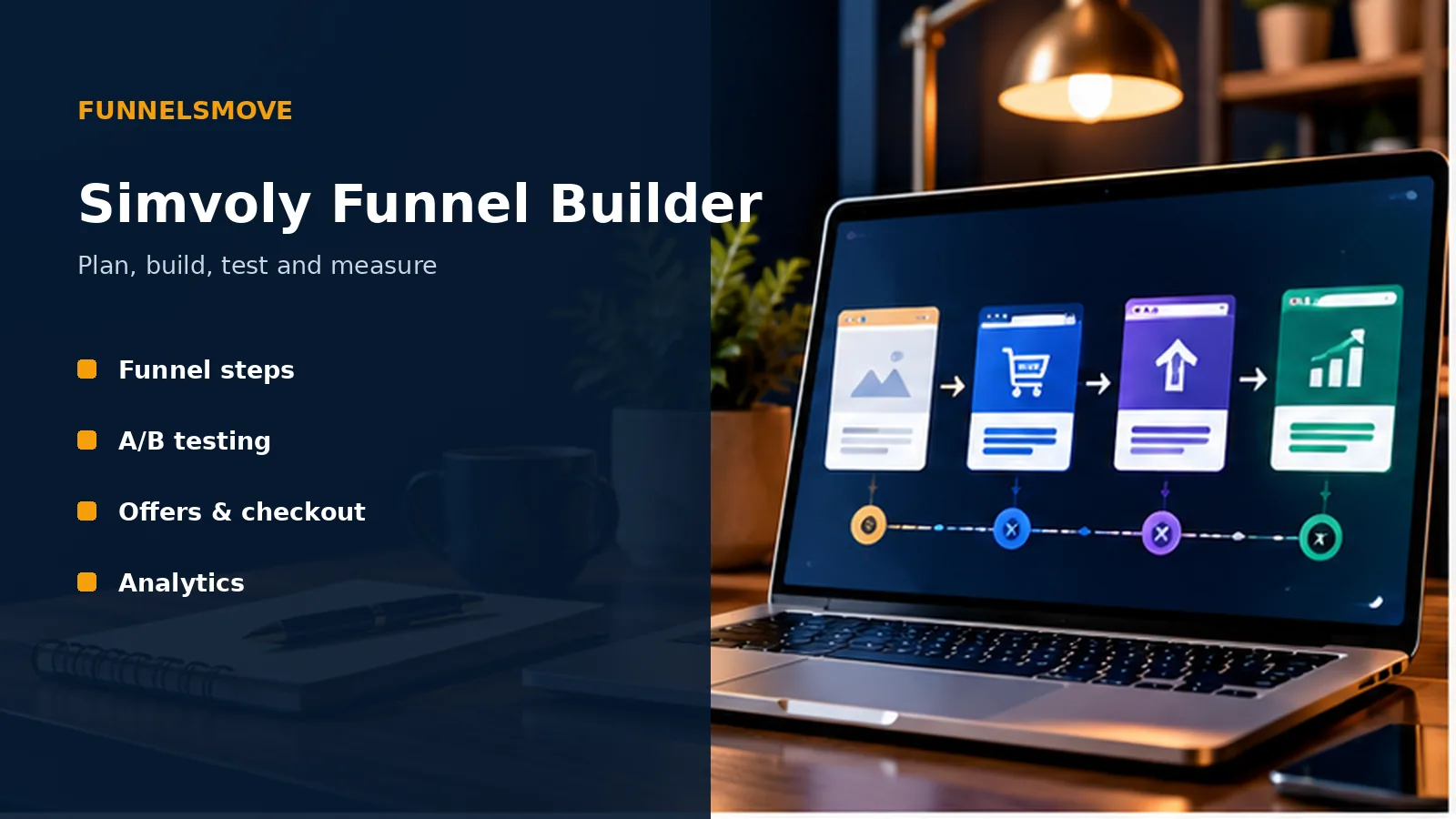
Simvoly’s funnel builder is a visual system for arranging focused conversion journeys as a sequence of pages or steps. Official Simvoly materials currently highlight A/B testing, funnel analytics, one-click upsells and bump offers, custom checkouts, templates and the ability to run funnels either on their own domain or alongside a website.
The useful distinction is intent. A normal website often supports exploration through navigation, while a funnel intentionally narrows the next action. That can suit lead generation, appointment booking, product sales, webinar registration or other campaigns where the journey is known in advance.
Because funnels can connect with Simvoly’s wider CRM, marketing and ecommerce features, evaluate the whole workflow rather than the page editor alone.
Plan funnel steps before designing
Start with the conversion goal and work backward. A lead funnel might need a landing page, form confirmation and follow-up sequence; a sales funnel may need a product page, checkout, optional order bump or upsell, and a confirmation page.
Keep each step responsible for one primary decision. Too many competing links can weaken the purpose of a funnel, while too little context can make an offer hard to trust. Map what a visitor needs to know before asking for the next commitment.
Also define what happens after conversion. Decide which CRM record, tag, automation or notification should be created so the funnel does not end at a form submission.
A practical funnel launch framework
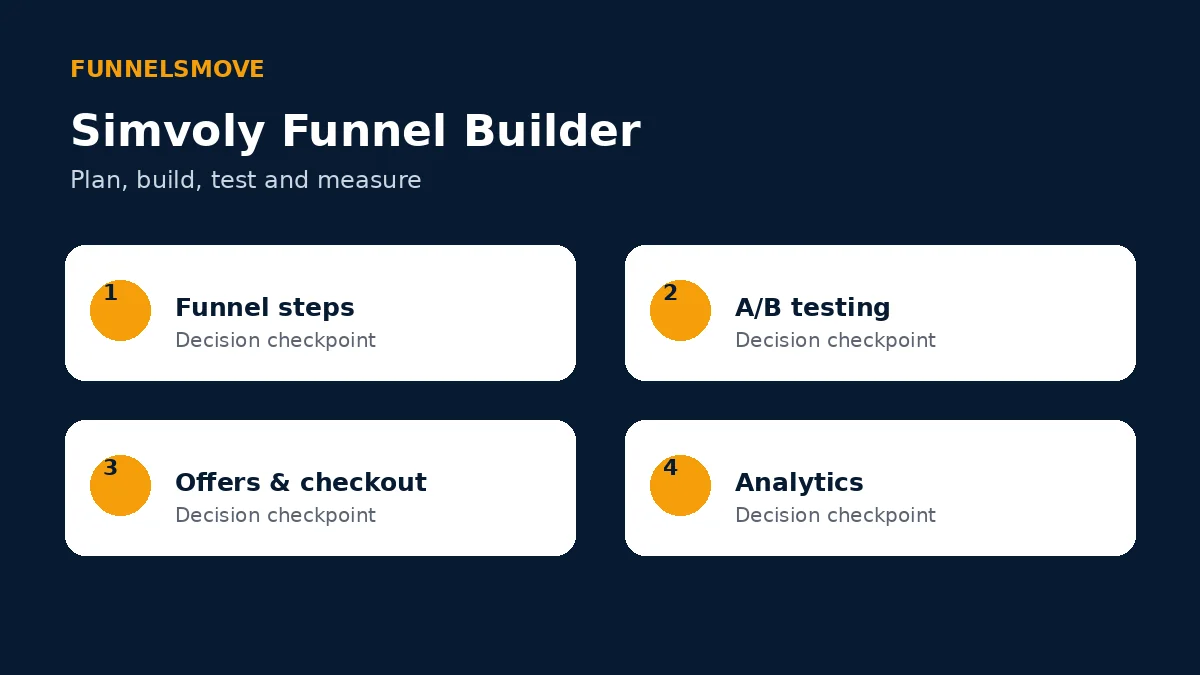
Use four checkpoints: map the funnel steps, build the offer and pages, test the conversion path, then measure results after launch. This keeps design work connected to the actual customer journey.
Treat the framework as a QA sequence rather than a promise of conversion performance. Results depend on the offer, traffic, audience, message and many factors outside the software.
A/B testing and optimization
Simvoly currently lists A/B testing for pages and pop-ups inside funnels. Split testing is most useful when you change one meaningful variable and have enough traffic to interpret the result responsibly.
Choose a hypothesis before creating a variation. For example, you might test a shorter lead form against a longer one because you expect lower friction to increase submissions. Avoid changing the headline, layout, offer and form at the same time if you want to understand what caused a difference.
Do not declare a winner from a handful of visits. Record the test period and traffic source so later comparisons have context.
Funnel analytics and measurement
Official product materials say funnel analytics can show traffic distribution across steps, conversion rates, sales and subscriptions. That makes it possible to look for where people leave the journey rather than treating the funnel as one page.
Define the events that matter before launch: visits, leads, booked calls, purchases, average order value or another business outcome. Verify tracking with test submissions and purchases where appropriate.
Analytics describe what happened; they do not automatically explain why. Pair numbers with form feedback, customer questions and offer changes before making large redesign decisions.
Checkout, upsells and bump offers
Simvoly promotes custom checkouts, one-click upsells and bump offers as funnel features. These tools can support a structured sales path, but every additional offer should be relevant to the original purchase.
Test the complete payment journey on desktop and mobile. Confirm product details, taxes or shipping where applicable, confirmation messaging, CRM records and follow-up emails. A visually correct checkout can still fail operationally if downstream data is wrong.
Use upsells selectively. An extra offer can increase order value, but it can also add friction if it feels unrelated or confusing.
Funnel templates and sharing
Simvoly currently advertises more than 100 funnel templates and funnel sharing. Templates can shorten setup time for common lead-generation or sales structures, while sharing can help teams reuse a proven internal process.
A template is a starting structure, not evidence that the offer will convert. Replace generic copy, imagery and proof with material appropriate to the business, then verify every button, form and checkout setting.
For broader template selection guidance, see our Simvoly templates guide.
Who is the funnel builder suited to?
The strongest fit is a business that wants focused conversion journeys while keeping websites, CRM, ecommerce and marketing in a connected environment. It can also suit agencies that prefer to build and reuse funnel structures for clients.
It may be a weaker fit if your organization already has a deeply integrated funnel stack and migration would create more operational cost than benefit. Teams needing highly specialized enterprise experimentation or data infrastructure should verify requirements directly rather than assuming an all-in-one platform replaces them.
Compare the funnel workflow with the broader Simvoly website builder if you are deciding whether a campaign belongs in a funnel or standard site navigation.
Bottom line on the Simvoly funnel builder
Simvoly’s funnel builder brings together step-based journeys, testing, analytics and sales tools within the same broader platform as websites and CRM. The practical value is consolidation, but the software does not remove the need for a clear offer, careful QA and disciplined measurement.
Official sources checked
Simvoly funnel-builder page (opens in a new tab) · Simvoly features page (opens in a new tab)
Funnel QA before launch
Run the funnel as a first-time visitor on desktop and mobile. Submit forms, verify confirmation states, test checkout behavior where applicable and confirm that CRM records, tags, notifications and follow-up automations arrive as intended.
Check every step for dead ends and accidental navigation. Then repeat the journey using the main traffic sources you expect to use so tracking parameters and analytics can be verified before campaign spend increases.
Explore Simvoly
Review the current product and plan details directly before deciding whether Simvoly fits your workflow.
Explore Simvoly (opens in a new tab)