ConvertKit vs ClickFunnels: Email-First vs Funnel-First
ConvertKit is now Kit and remains email-first. ClickFunnels is funnel-first. Both can capture leads and sell digital products, but they organize a creator business around different centers.
ConvertKit vs ClickFunnels: the short answer
ConvertKit was renamed Kit, so current product documentation uses the Kit name. Choose Kit when subscriber growth, newsletters, segmentation, email sequences and creator monetization are the center of the business. Choose ClickFunnels when landing pages, multi-step funnels, offers and checkout journeys are the center.
The products overlap more than older comparisons suggest. Kit now includes unlimited landing pages on every plan and can sell digital products and subscriptions. ClickFunnels current plans include email capacity alongside funnels, stores, courses and landing pages. The decision is about operating model, not whether either product can send email or publish a page.
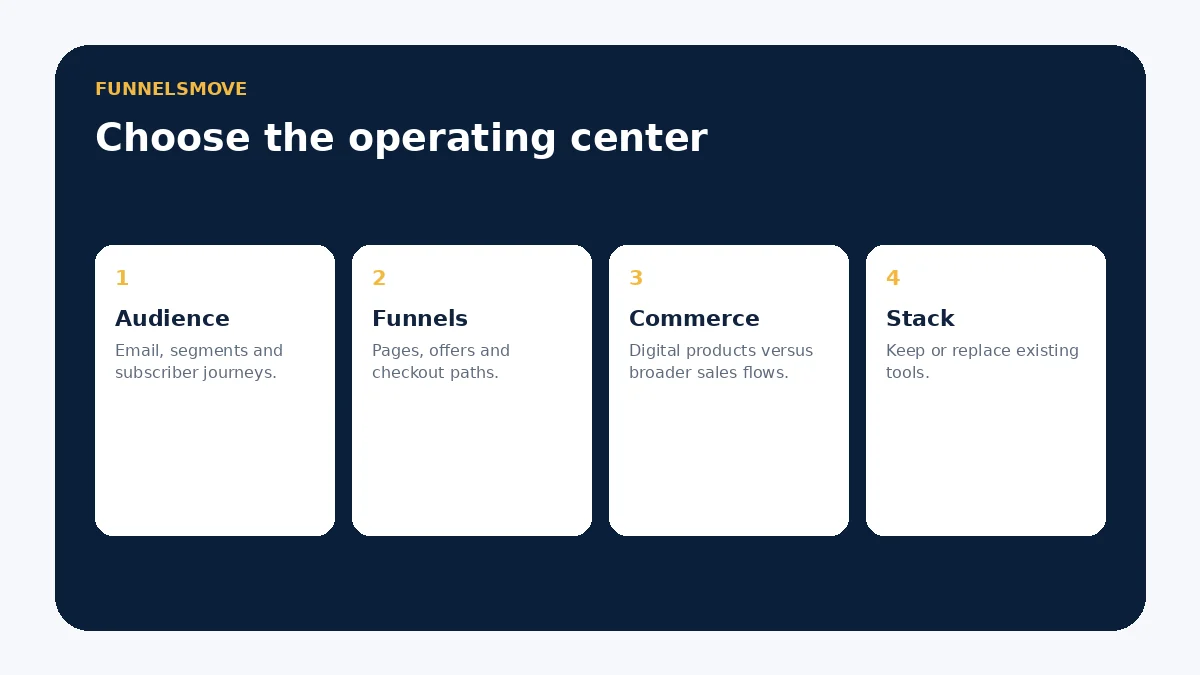
Audience management and email
Kit is built around subscribers. Its current plans include tagging, segmentation and broadcasts; paid Creator and Pro plans add unlimited visual automations and email sequences. The free plan supports up to 10,000 subscribers but does not include those paid automation features.
ClickFunnels includes email capacity inside a wider selling platform. That can reduce handoffs when funnel behavior should immediately affect follow-up. A newsletter-heavy creator should still compare Kit’s audience workflow carefully before consolidating into a broader funnel system.
Funnels, pages and selling
ClickFunnels is designed around conversion journeys: opt-in pages, sales pages, checkout, upsells and confirmation steps. Current packaging also includes stores and courses. That makes it a natural evaluation when a creator wants to build the acquisition and purchase path in one environment.
Kit provides unlimited forms and landing pages and can sell digital products, subscriptions and paid newsletters. Its commerce tools are tightly connected to subscribers and email. If the business needs a sophisticated multi-step sales funnel rather than a creator product page and email sequence, ClickFunnels is the more direct fit.
Automation differences
Kit’s visual automations are subscriber-centric: creators can use tags, events, sequences and branching to move people through email journeys. Current paid plans provide unlimited visual automations and sequences, while the free plan focuses on audience growth and broadcasts.
ClickFunnels automation is connected to a broader funnel and customer journey. The practical test is whether your automation starts with audience behavior or with sales-funnel events. Map one real journey in both tools rather than comparing automation counts.
Digital products and paid subscriptions
Kit Commerce is available across plans. Current documentation states that creators can sell digital products and subscriptions, with USD transactions priced at 3.5% + $0.30 including processing. Paid newsletters can use monthly, quarterly or yearly billing intervals.
ClickFunnels can sell digital and physical products and connects products to funnels, checkout and course delivery. If product monetization is mostly an extension of the newsletter, Kit may be enough. If the business uses complex offer sequencing, funnel-specific upsells or a broader storefront, ClickFunnels deserves the stronger test.
Pricing models
Kit pricing scales primarily with active subscriber count and plan. Its current pricing page shows a free tier up to 10,000 subscribers and, at 1,000 subscribers on annual billing, Creator at $33/month and Pro at $66/month. Exact monthly pricing and higher subscriber tiers should be checked at purchase.
ClickFunnels uses platform plans with limits such as contacts, email volume, workspaces and other capabilities. Compare the first-year total cost at your expected audience size, including any website, checkout or course tools that remain outside either platform.
Comparison table
| Priority | Kit / ConvertKit | ClickFunnels |
|---|---|---|
| Newsletter and subscriber operations | Core focus | Supported inside broader platform |
| Multi-step sales funnels | Landing pages + email journeys | Core focus |
| Digital products | Native creator commerce | Native products and checkout |
| Paid newsletter | Native use case | Not the central product model |
| Broader store/funnel stack | Often integrates with other tools | Designed for consolidation |
Choose Kit if…
- Your list and newsletter are the primary business asset.
- You need creator-focused tagging, sequences and visual email automation.
- You already have a website or checkout stack you want to keep.
- You sell straightforward digital products, subscriptions or paid newsletters.
Choose ClickFunnels if…
- Your primary workflow is a sequence of funnel pages and offers.
- You want landing pages, checkout, courses or stores closer together.
- You sell through application, webinar, direct-response or upsell-heavy journeys.
- You want to consolidate more of the customer-acquisition stack.
Migration and coexistence
The two tools can coexist. A creator may keep Kit as the email system while ClickFunnels handles campaign funnels and checkout. That approach preserves a mature subscriber database but creates an integration boundary that needs monitoring.
Before migrating, export contacts and consent data, inventory tags and sequences, map forms and products, authenticate sending domains, and test unsubscribe behavior. Do not delete the old system until the new journey has been tested end to end.
Run a fair trial
- Build the same lead-capture offer in both platforms.
- Create one nurture or sales sequence.
- Sell one representative product or route to its checkout.
- Test tagging, opt-out and duplicate-subscriber behavior.
- Compare reporting and weekly maintenance work.
- Calculate the configured annual cost at your real subscriber count.
Related: ClickFunnels email marketing, landing pages and pricing.
Creator scenarios
Newsletter-led creator: Kit is the natural starting point when regular publishing, subscriber segmentation and email products are the core business. Course creator using launch funnels: ClickFunnels may fit better when webinars, sales pages, checkout and course delivery need to operate as one campaign system. Creator with an established WordPress site: Kit can remain the audience layer without requiring a site migration, while ClickFunnels can still be added selectively for launches.
Reporting and team workflow
Kit reporting emphasizes audience growth, forms, email engagement and, on higher tiers, deeper engagement and revenue insights. ClickFunnels reporting sits closer to funnel and sales activity. Decide which weekly questions matter: subscriber growth, campaign engagement, funnel-step performance, checkout revenue or course/customer behavior.
Also test the editing workflow for the person who will use the system most. A creator who writes newsletters daily may value Kit’s email-centered environment; a team launching offers may value ClickFunnels’ page-and-funnel workflow.
Important limitations
Kit is not a full replacement for every website, cart or complex funnel stack. ClickFunnels’ breadth can duplicate tools a creator already uses and may be unnecessary for a newsletter-centered business. Both require domain, consent, analytics and payment configuration appropriate to the use case.
Primary sources
- Kit pricing (opens in a new tab)
- Kit free-plan documentation (opens in a new tab)
- Kit commerce documentation (opens in a new tab)
- ClickFunnels pricing (opens in a new tab)
Product and pricing details were checked September 19, 2026. Kit is the current name of ConvertKit.
Evaluate ClickFunnels for your workflow
Test the actual workflow, plan limits and integrations your business needs before moving production traffic.
Explore ClickFunnels (opens in a new tab)