Simvoly vs Webflow: Builder, Funnels and Fit
Compare Simvoly vs Webflow for visual website design, CMS, funnels, ecommerce, marketing, agency workflows, pricing and practical fit.
Simvoly vs Webflow at a glance
Simvoly and Webflow are both visual web platforms, but they target different priorities. Webflow centers on visual web development, CMS and sophisticated marketing-site production. Simvoly combines website building with native funnels, CRM, marketing, ecommerce, communities and white-label delivery.
Design teams seeking granular visual control and structured content may evaluate Webflow first. Businesses seeking an integrated funnel and customer-management stack may give Simvoly more weight.
The useful comparison is therefore design-system depth versus integrated business workflow, not simply which editor looks more advanced.
How this comparison is framed
We compare visual building, CMS, funnels, ecommerce, marketing, agency workflow and cost. Current vendor facts and prices were checked against official materials on October 3, 2026.
Webflow’s product packaging has changed over time, so verify the current plan available at purchase before relying on a historical comparison.
A practical platform framework
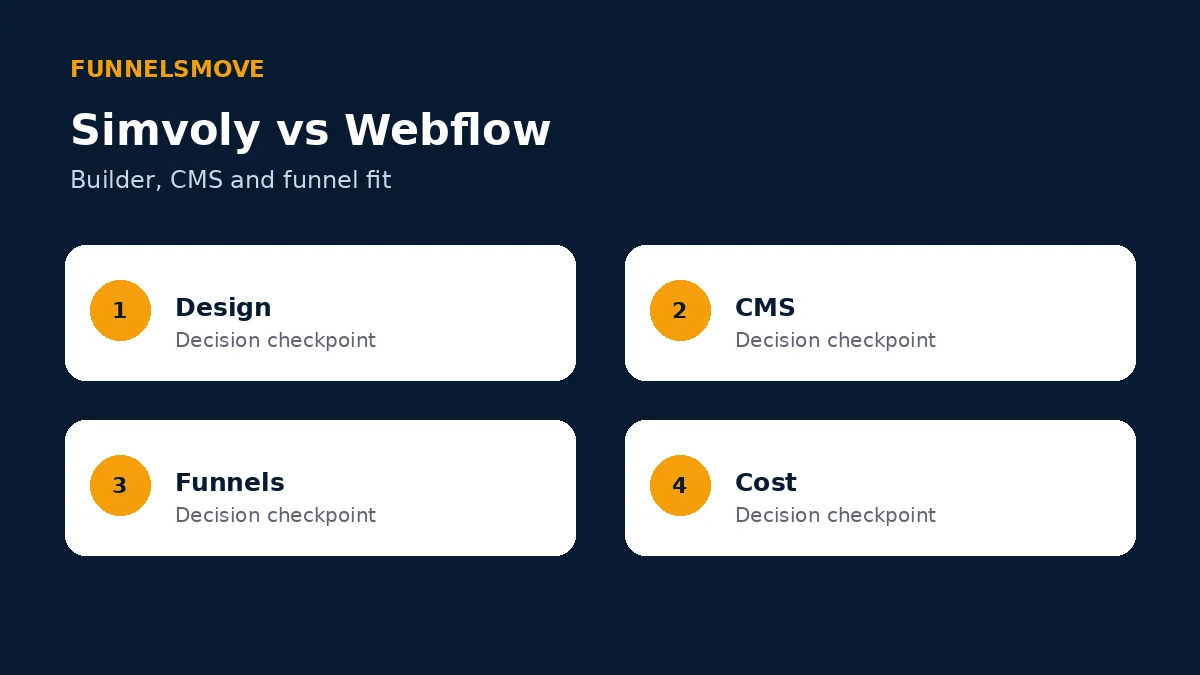
Score four areas: design/control, structured content, conversion/business workflow and operational cost. Weight them before testing.
Build one representative marketing site with a reusable content collection and one conversion journey. This exposes both CMS and funnel requirements.
Visual design and front-end control
Webflow describes its builder as a visual front end for HTML, CSS and JavaScript, allowing designers and marketers to create sophisticated web experiences while developers can extend with code. Simvoly uses a more conventional visual website builder connected directly to its business tools.
A design-led team may value Webflow’s control over layout and front-end behavior. A smaller business may prefer a simpler builder if it reduces implementation overhead.
Test responsive behavior and repeated design-system changes, not only a single hero section.
CMS and structured content
Webflow’s platform includes a visual, composable CMS that can be managed visually or through APIs. Its current Premium site plan includes Webflow CMS and is positioned for content-rich sites.
Simvoly supports website and blog content, but its platform identity is not centered on a Webflow-style structured CMS. Its strength lies more in connecting pages with funnels, CRM, commerce and memberships.
If directories, editorial collections or large structured-content systems are core requirements, model those explicitly before choosing.
Funnels and conversion journeys
Simvoly provides native funnel steps, A/B testing, analytics, custom checkout, upsells and bump offers. Webflow can create landing pages and marketing experiences, but a complete funnel may rely on Webflow’s wider ecosystem and connected tools rather than Simvoly’s dedicated funnel model.
Build the lead or sales journey end to end, including form capture, customer data, follow-up and reporting.
See our Simvoly funnel builder guide.
Ecommerce
Webflow currently offers ecommerce site plans with custom shopping cart and checkout. Its pricing page lists Standard, Plus and Advanced tiers with increasing item limits and lower transaction-fee treatment on higher tiers.
Simvoly supports physical, digital, service and membership products, subscriptions, variations and funnel-based offers.
For serious commerce, test catalog operations, payment flow and post-purchase management rather than assuming visual checkout customization is the main requirement.
CRM and marketing automation
Simvoly includes CRM, campaigns, segmentation and automation flows in its wider stack. Webflow is often used as the web experience layer connected to specialist marketing and CRM systems.
A modular stack can provide deeper specialist tools but increases integration ownership. An integrated stack can reduce handoffs but may require compromises in specialist depth.
Map your form-to-follow-up workflow and include integration costs in the comparison.
Agency and collaboration model
Webflow offers Workspace plans for teams, freelancers and agencies, with staging and collaboration capabilities. Simvoly’s dedicated white-label plans target agencies that want to resell the platform under their own brand.
A design agency delivering custom marketing sites has different needs from a SaaS reseller providing clients with a branded DIY platform.
Test permissions, handoff and reusable assets according to your actual service model.
Pricing comparison
Webflow currently lists a free Starter site plan, Basic at $15 per month billed yearly and Premium at $25 per month billed yearly. Ecommerce plans are $29, $74 and $212 per month billed yearly. Workspace plans are separate, with Core at $19 and Growth at $49 per month billed yearly.
Simvoly currently lists Starter, Business, Premium and Elite at $18, $36, $49 and $97 on monthly billing, with lower annual-billing equivalents. Simvoly’s plans bundle a different mix of funnels, CRM, communities and marketing capacity.
Because Webflow separates site and workspace concepts and Simvoly bundles business capabilities differently, compare the complete stack rather than one plan row.
SEO, performance and publishing workflow
Both platforms provide controls relevant to publishing search-friendly websites. Webflow emphasizes web-experience production, while Simvoly includes page SEO controls inside its website/funnel environment.
Preserve clean URLs, metadata, redirects and internal links during any migration. Performance claims should be tested on the actual production design rather than inferred from the platform name.
For a content-heavy project, evaluate editorial workflow as carefully as visual design.
Which platform fits which team?
Webflow is especially relevant to design and marketing teams that want visual front-end control and structured CMS workflows. Simvoly is especially relevant to businesses and agencies that want websites tightly connected to funnels, CRM, ecommerce, memberships and white-label delivery.
A team with developers and specialist marketing tools may value Webflow’s composability; a leaner team may value Simvoly’s consolidation.
Run a representative site pilot
Build a small content collection, reusable landing page and lead form in both platforms. Have both a designer and the person responsible for routine updates use the result.
Connect the lead to the follow-up system and verify analytics. Record every external service required to make the journey complete.
The pilot should measure maintenance as well as design freedom. A powerful build process is only useful if the team can sustain it.
Migration considerations
Inventory CMS collections, pages, forms, domains, redirects, analytics and integrations before switching. Structured content may require a different migration approach from static pages.
Rebuild and test representative templates before moving the entire site. Preserve public URLs where possible and map redirects before DNS changes.
Bottom line on Simvoly vs Webflow
Webflow is centered on visual web development and CMS; Simvoly is centered on connected websites, funnels and business operations. The better fit depends on whether your hardest problem is building sophisticated web experiences or consolidating conversion, customer and commerce workflows.
Custom code and extensibility
Webflow’s visual-development model is designed to expose concepts familiar from front-end development and can be extended with custom code and APIs. This can be valuable when design systems need bespoke interactions or connections.
Simvoly is aimed more directly at assembling business websites and funnels without making front-end development the center of the workflow.
Decide whether custom front-end control is a recurring business requirement or an occasional desire. More flexibility can also increase governance and testing responsibility.
Localization and multi-market sites
Webflow offers localization capabilities within its broader web-experience platform, with packaging that can vary by plan. Simvoly supports multi-language website scenarios but should be evaluated against the exact market and translation workflow required.
For international sites, test localized URLs, metadata, navigation, content ownership and publishing approval. Translation alone is not a complete localization process.
Verify current plan requirements before budgeting because localization products and limits can change.
Collaboration and publishing governance
Webflow’s Workspace and higher-tier platform offerings distinguish site hosting from team collaboration and governance. Simvoly packages admins and project access differently.
A small owner-operated site may not need elaborate governance. A marketing organization with designers, writers and developers may care about staging, roles and controlled publishing.
Map who can design, edit content, publish and change integrations before choosing the account structure.
Integrated stack versus composable stack
Webflow often acts as the web-experience layer in a composable marketing stack, connected to CRM, automation, analytics and other specialist systems. Simvoly attempts to keep more of those functions inside one environment.
A composable stack can provide specialist depth and replace components independently. It also creates more integration ownership. An integrated stack can simplify operations but may offer less depth in a specialist category.
Choose deliberately: list which systems should be sources of truth for contacts, content, products and analytics.
Questions to answer before choosing
Does the project require a structured CMS, advanced visual control or custom front-end behavior? Are native funnels and CRM more important than composability? Who will maintain the site after launch?
How many collaborators need access, and do they need staging or controlled publishing? Which marketing systems must connect to forms? Is ecommerce a core operation or a secondary feature?
Use these answers to weight the pilot and total-cost model.
Build a twelve-month cost model
Start with the plan that supports the required sites, traffic, products, contacts and collaborators, then add paid extensions, email capacity, integrations and any per-project charges. Do not compare a promotional entry price with a production configuration on the other platform.
Add migration and administration time. Rebuilding pages, checking redirects, training staff and maintaining integrations are real costs even when they do not appear on an invoice.
Model a reasonable growth case as well as today’s usage. A platform that is economical at launch can cross an important limit after the audience, catalog or client count expands.
Keep the spreadsheet assumptions dated and sourced. Pricing changes, so a reusable model is more valuable than a single snapshot.
Evaluate the operator experience
Have the people who will actually maintain the system perform routine tasks during the trial: publish a page, edit navigation, update a form, find a customer record, review analytics and change an offer. Record where they need administrator help.
Repeat the same tasks a few days later without following setup notes. A workflow that only feels easy immediately after a guided demo may create friction in normal operations.
Check mobile administration where it matters, and test how safely a less-technical team member can make changes. Permissions and guardrails can be as important as design freedom.
Document recurring tasks and assign ownership. A platform becomes sustainable when the team understands who maintains content, data, integrations and customer-facing workflows.
Create a decision record
For each finalist, save the official sources supporting important feature and price assumptions and mark unresolved questions as unknown rather than guessing. This makes the decision auditable when products change.
Write down the non-negotiable requirements and the compromises you are willing to accept. A platform does not need to win every category; it needs to satisfy the operating model without creating unacceptable risk or complexity.
Define what would trigger a future review, such as a larger catalog, more client accounts, a new market or a need for deeper automation. That prevents unnecessary migrations driven by novelty.
After the pilot, summarize evidence from setup time, maintenance, required add-ons and workflow success. Use that record rather than memory when the decision is revisited.
Plan migration before committing
A migration plan should exist before a purchase decision because switching difficulty changes the real cost. Inventory domains, DNS, public URLs, forms, contacts, analytics, integrations, products and customer access. Identify which records can be exported cleanly and which experiences must be rebuilt.
Create acceptance criteria for the replacement system. Examples include a successful form submission, correct customer record, verified purchase, preserved redirect and validated analytics event. Do not move production traffic until the criteria are met.
Keep the old system accessible long enough to verify important records where practical, but avoid maintaining two production sources of truth indefinitely. Define the cutover date and which system owns new data after that point.
Communicate changes to staff and customers when logins, checkout, subscriptions or support processes are affected. Technical migration is only one part of a platform change; clear operational handoff reduces avoidable support problems.
What to verify during a trial
Use a trial to answer uncertain requirements, not to browse every feature. Prepare a short script that starts with a visitor arriving on a real page and ends with the business outcome you care about. Include the form, purchase, booking or content interaction that creates value.
Inspect the data created by that journey. Confirm where the contact or customer record appears, which source information is retained, how staff are notified and what the reporting layer records. A polished front end is not enough if the operational data is incomplete.
Test failure states as well as success states. Submit incomplete forms, use an unavailable product variation where relevant, change permissions and verify that staff can recover from ordinary mistakes without rebuilding the project.
Finally, ask another team member to repeat the workflow using your documentation. If the system only works when the original builder remembers hidden configuration, that dependency belongs in the decision. A good platform choice should be understandable, supportable and repeatable for the people who will operate it.
Official sources checked
Simvoly features (opens in a new tab) · Simvoly pricing (opens in a new tab) · Webflow platform (opens in a new tab) · Webflow pricing (opens in a new tab)
Explore Simvoly
Review the current Simvoly product and plan details directly before deciding whether it fits your workflow.
Explore Simvoly (opens in a new tab)Related Simvoly resources
Simvoly platform hub · Simvoly review · Simvoly pricing · Simvoly alternatives