Simvoly CRM: Contacts, Sales and White-Label Fit
Explore Simvoly CRM for contacts, activities, form submissions, messaging, marketing, websites, funnels and white-label agency or SaaS workflows.
What is Simvoly CRM?
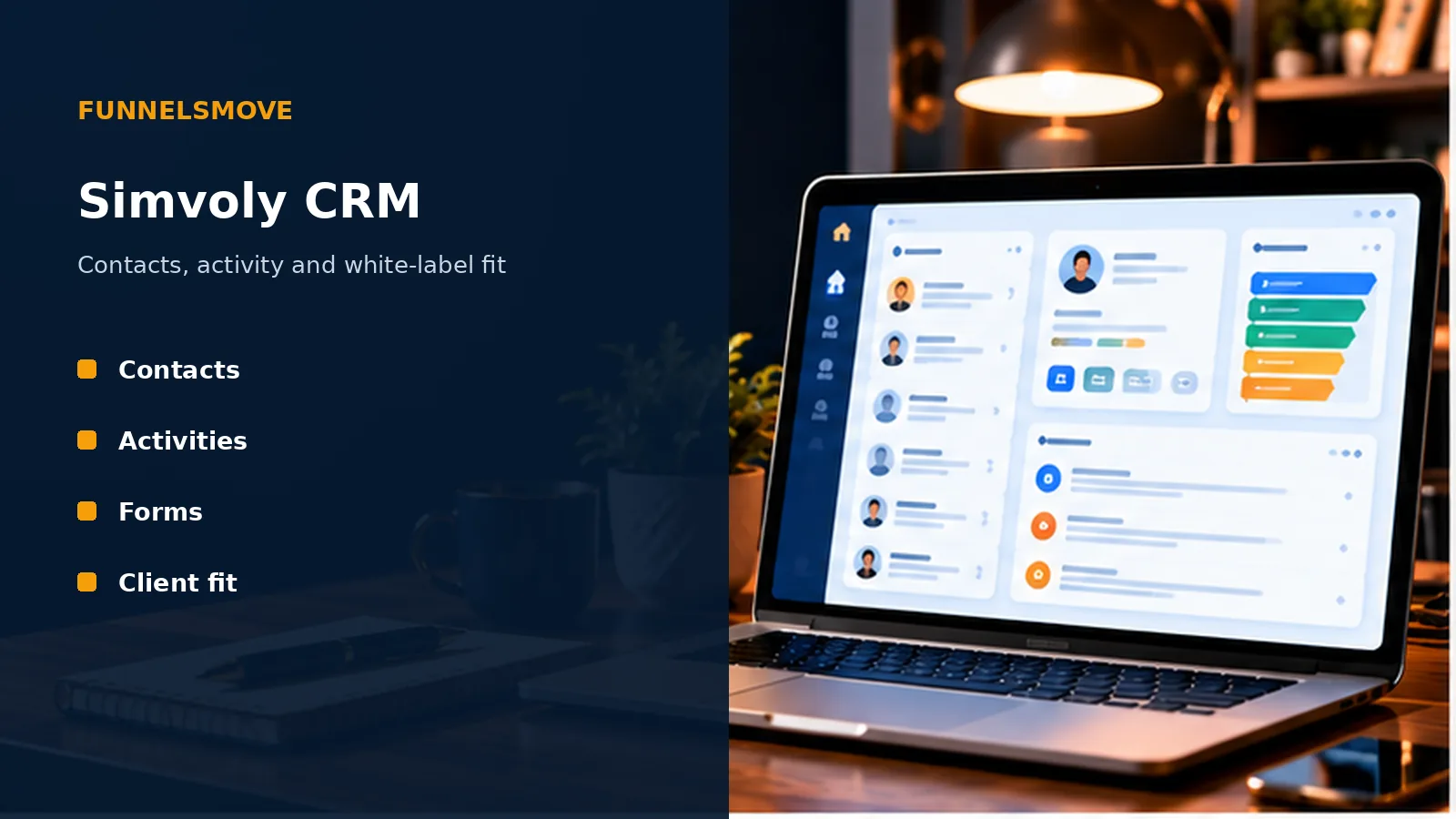
Simvoly’s CRM is the contact-management layer inside its broader website, funnel, marketing, ecommerce and community platform. Simvoly’s current white-label CRM page describes unlimited contacts, activities, custom properties, tags and detailed profiles for leads and members.
The CRM is therefore best evaluated in context. A form submission, funnel lead, customer or member can be connected to the same platform rather than exported immediately to a separate database.
The approved keyword plan emphasizes white-label CRM intent, so this guide also examines how the CRM fits agencies and SaaS-style resellers rather than treating it only as a small-business address book.
Contacts, properties and tags
A useful CRM starts with a clean contact model. Simvoly currently promotes unlimited contacts plus activities, properties and tags in its white-label CRM. Properties can hold structured information, while tags can help classify contacts for segmentation or workflow decisions.
Define a small set of authoritative fields before importing data. Duplicate fields such as “status,” “lead status” and “sales status” can make reporting and automation inconsistent when different people update different values.
Tags work best when their purpose is documented. Avoid turning every campaign name or one-time action into a permanent tag if the same information already exists elsewhere.
A practical CRM setup framework
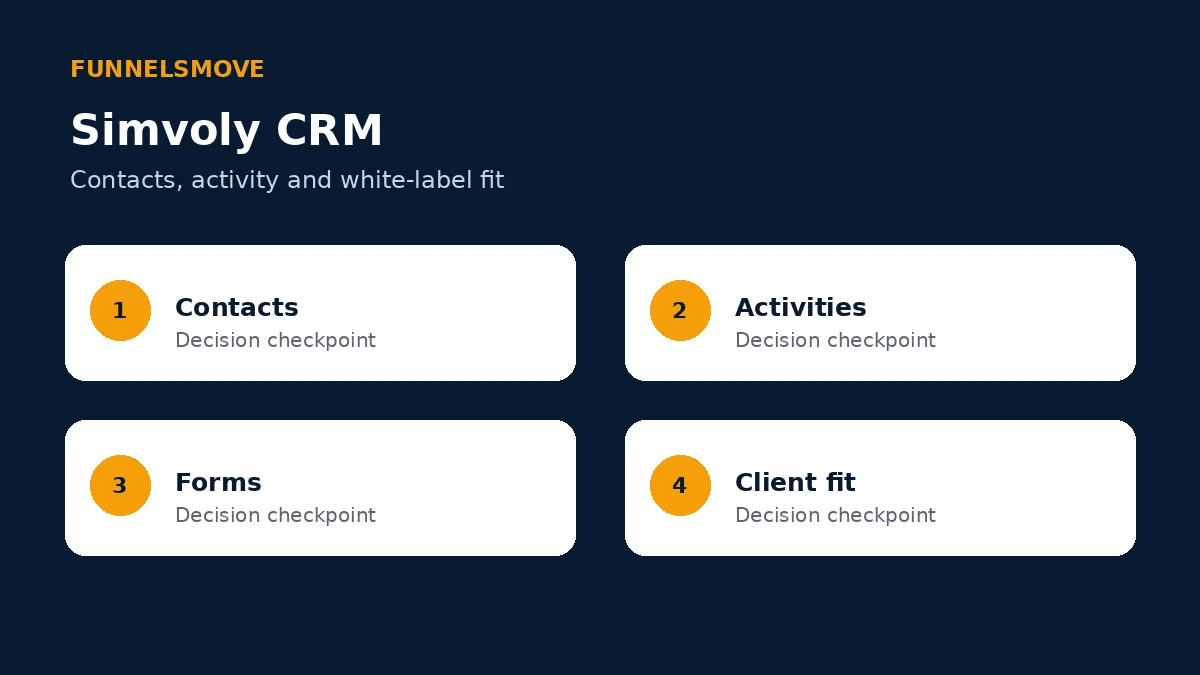
Use four checkpoints: define the contact model, capture clean data, connect follow-up workflows, and review activity and outcomes. This keeps the CRM tied to business operations rather than becoming a passive list.
Test the model with several representative contacts before importing a large database. Include a new lead, a customer, a member and any other record type your team handles regularly.
Activities and contact history
Simvoly says activities conducted by a team or client can be recorded in a dedicated history. A chronological activity view can help a salesperson or support operator understand what happened before the next interaction.
Decide which events are operationally meaningful. Recording everything can create noise, while recording too little removes context. Form submissions, purchases, membership changes and important communications are typical events worth reviewing.
Activity history is only useful when team members know where to look and what they are expected to record manually versus what the platform captures automatically.
Form submissions and lead capture
Simvoly’s white-label CRM materials highlight centralized form submissions. Because the same platform can build websites and funnels, lead capture can flow directly into contact records without a separate connector for basic use cases.
Standardize field names across important forms so one person does not acquire several versions of the same attribute. Validate required fields and test confirmation behavior before sending paid traffic.
For more complex external lead sources, see our Simvoly integrations guide for API, webhook and connection considerations.
CRM messages and marketing context
The keyword plan consolidates “simvoly crm messages” into this page. Simvoly’s current white-label marketing materials connect CRM data with email, SMS, WhatsApp campaigns, segmentation and automation flows.
Keep communication consent separate from basic CRM presence. A person being stored as a contact does not automatically mean every marketing channel is appropriate for that record.
For campaign and automation details, use our Simvoly email marketing and automation guide.
White-label CRM for agencies and SaaS operators
Simvoly positions its white-label CRM toward agencies, SaaS businesses, freelancers and marketers. The current product page describes custom branding, a custom domain, platform skins, customer projects and the ability to build subscription plans around the platform.
That model differs from simply giving clients access to an agency’s internal CRM. A white-label operator needs to think about provisioning, permissions, billing, support ownership and how much of the platform customers can configure themselves.
Our Simvoly white-label guide covers the wider reseller model, while this page focuses on CRM and customer-data workflows.
Current white-label pricing context
As of October 1, 2026, Simvoly lists WL Basic at $59 per month when billed annually or $69 monthly, WL Advanced at $129 annually billed or $149 monthly, and WL Ultimate at $429 annually billed or $497 monthly. Additional project pricing starts lower on higher white-label tiers.
Those figures are vendor-published prices and can change. The appropriate cost depends on the white-label tier, project mix and add-ons rather than the CRM feature in isolation.
See our Simvoly white-label pricing guide for a dedicated treatment of plan structure and project costs.
Who is Simvoly CRM suited to?
Simvoly CRM is most coherent for teams that want contacts connected closely with Simvoly websites, funnels, marketing, ecommerce, appointments, courses or communities. It is also relevant to agencies that want those capabilities under their own brand.
A specialist CRM may be a better fit when the organization’s core requirements involve complex sales forecasting, enterprise data governance or a deeply customized sales stack beyond Simvoly’s documented scope.
Before migrating, build a representative workflow from lead capture through follow-up and customer status. That proof of concept is more informative than comparing feature names.
Bottom line on Simvoly CRM
Simvoly CRM is designed as part of an integrated platform rather than as an isolated sales database. Its value is strongest when contact profiles, forms, marketing and client-facing sites need to work together, particularly in a white-label model.
Official sources checked
Simvoly white-label CRM (opens in a new tab) · Simvoly white-label email marketing (opens in a new tab) · Simvoly pricing (opens in a new tab)
Explore Simvoly
Review the current Simvoly product and plan details directly before deciding whether it fits your workflow.
Explore Simvoly (opens in a new tab)