ClickFunnels Templates: How to Choose and Customize
Understand the current ClickFunnels template options, how reuse works, and when a template saves time versus creating from scratch.
See the parent guide for broader context around this topic.
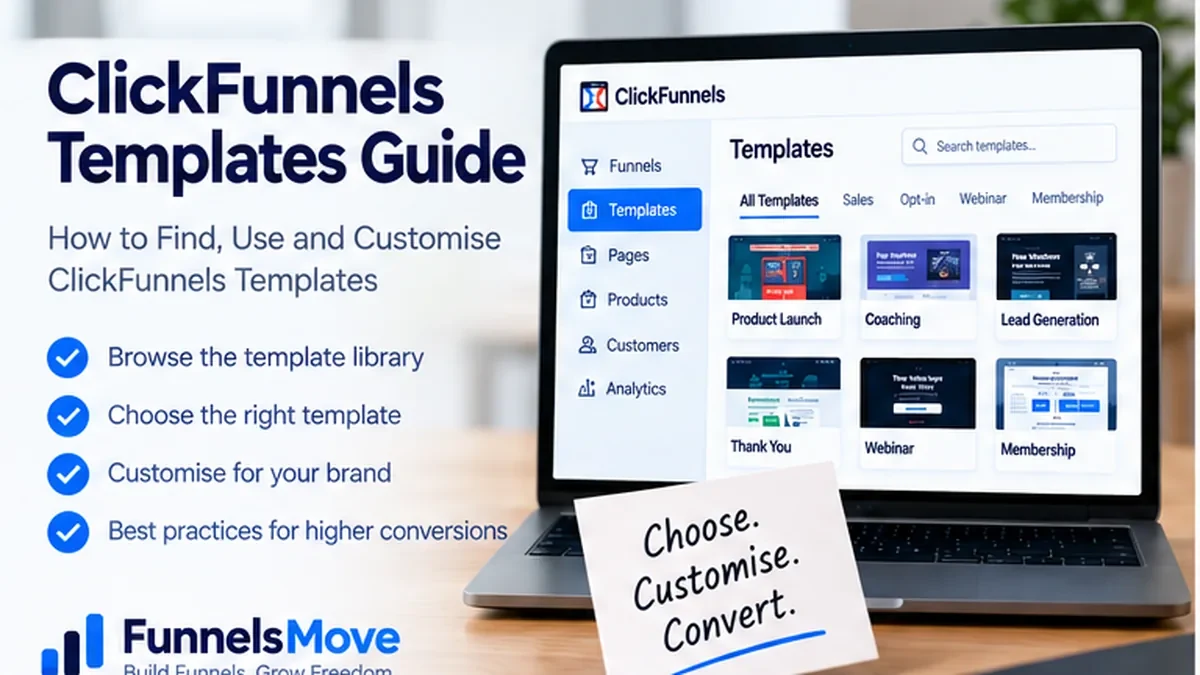
What ClickFunnels templates are available now
ClickFunnels currently gives users several ways to start from reusable design and funnel structures rather than building every page from zero. When you create a new funnel, the platform can show existing funnel templates that you preview and select before customization. The current editor also lets you save individual sections, rows and elements for reuse, while workspace themes define reusable template pages across site, store and blog experiences.
ClickFunnels also uses Frameworks, which are broader reusable packages. A Framework can include funnels, themes, courses, workflows, products, stores, landing pages, email templates and other resources. That makes “ClickFunnels templates” a broader concept than one downloadable page file.
The practical choice is therefore not just “which design looks best?” It is whether you need a complete funnel structure, a reusable page component, a theme-level layout, or a larger business blueprint. This guide separates those options so you can choose the lightest template that actually solves the job.
Template, saved content, theme or Framework: know the difference
A funnel template is useful when the overall customer journey is already known: lead generation, webinar registration, product launch or another multi-step flow. You install the structure, then rewrite the copy, replace media, connect products and workflows, and test the path.
Saved sections, rows and elements are better for smaller reusable components such as an opt-in block, testimonial row, guarantee section or CTA banner. Universal content goes further: changes to a universal component can propagate wherever that component is used, making it more appropriate for recurring headers, footers or shared promotional sections.
Theme pages control repeating site experiences. If your main goal is consistent site, blog or store presentation, theme customization may be more relevant than importing a funnel. Frameworks are the broadest option because they can package multiple resource types together for another workspace or user.
How to choose the right ClickFunnels template
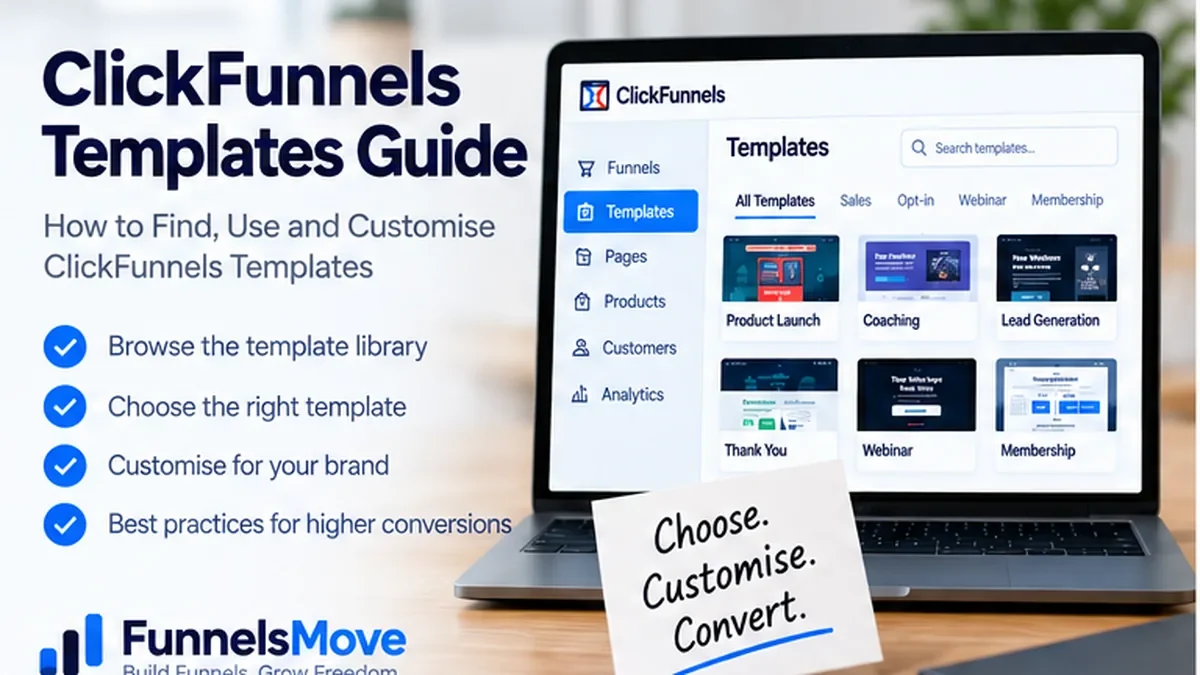
Start with the conversion job, not the visual style. A template should shorten setup without forcing an awkward customer journey. Define the visitor, the traffic source, the desired action, and what information the buyer needs before that action. Then evaluate whether the template already contains the correct sequence of steps.
For a simple lead magnet, a short opt-in plus confirmation flow may be enough. A webinar needs registration, confirmation, attendance or replay handling, and follow-up. A paid offer may need checkout, order confirmation and possibly an appropriate post-purchase offer. If the template has many extra steps, deleting them may be safer than keeping complexity because it “came with the template.”
Also inspect mobile behavior, form fields, checkout requirements, workflow triggers, products, integrations and tracking. A visually attractive template can still be the wrong operational fit if those components do not match your stack.
Are there free ClickFunnels templates?
ClickFunnels provides templates and pre-built structures inside the product experience, and first-party help documentation describes using existing templates when creating a funnel. Whether a particular template or Framework is included with your current plan or offered separately can change, so check the live library and current plan terms rather than relying on an old “free templates” list.
Be cautious with third-party “free ClickFunnels templates” and download offers. A legitimate shared funnel or Framework normally uses ClickFunnels sharing mechanisms rather than asking you to install unknown code or hand over account credentials. Review who created the asset, what it includes, whether resharing is allowed, and whether imported products, workflows or settings need to be reconnected.
Customize a template without preserving someone else's funnel
After importing or selecting a template, treat it as a starting system rather than finished marketing. Replace the headline, offer, proof, imagery, colors and calls to action with assets that accurately represent your business. Remove claims you cannot substantiate and replace stock testimonials or placeholder logos before publishing.
Then examine the structure. Check whether every button leads to the intended next step, whether forms capture only the fields you need, and whether checkout pages attach the correct product. Review workflows and email copy separately; page design does not guarantee that automation logic is correct.
For hands-on editor details, use the ClickFunnels page editor guide. If the template is being used for a standalone page rather than a multi-step funnel, the ClickFunnels landing page guide is the more relevant workflow.
How to create and reuse your own template system
The current editor can save sections, rows and elements for reuse. That is useful when your brand repeatedly uses the same testimonial layout, feature row, guarantee block or CTA. Save only components that are genuinely reusable; otherwise the saved library becomes a collection of near-duplicates that are difficult to maintain.
Use universal content for components that should update across many pages from one source. Use themes for recurring site-level templates. Use funnel sharing when you need to duplicate a complete funnel. Use a Framework when you want to distribute a broader package of resources. Each method solves a different level of reuse.
Document naming conventions as the library grows. A clear name such as “Lead Magnet CTA — Dark — v2” is more useful than “Section Copy 7.”
What about a ClickFunnels template marketplace or templates for sale?
Third-party sellers may offer ClickFunnels funnel shares, Frameworks, design services or template libraries. Evaluate them as you would any software-adjacent purchase: verify compatibility with the current ClickFunnels product, confirm what is included, understand licensing and resharing rights, and check whether ongoing updates are provided.
Do not assume a paid template contains a proven conversion formula. Conversion depends on audience, offer, traffic, copy, trust and execution. A purchased template can save build time, but it cannot validate a market or guarantee performance.
If a seller describes results, separate documented evidence from marketing language. FunnelsMove does not recommend using another creator’s revenue screenshots as a forecast for your own business.
Match template type to common business use cases
A coach might start with a webinar or application funnel template, then customize registration, booking and follow-up. A course creator may use a lead magnet or webinar funnel that feeds into a course checkout and enrollment flow. A product seller may use a storefront or offer funnel. An agency may build standardized Frameworks or share funnels to speed repeat client delivery.
Real-estate or solar businesses sometimes search specifically for “real estate ClickFunnels templates” or “solar ClickFunnels template.” The industry label is less important than the conversion process. Lead capture, qualification, booking and follow-up usually matter more than whether the original template carries industry-specific imagery.
Test every imported template before sending traffic
Templates can carry hidden assumptions: missing integrations, test products, placeholder domains, outdated workflow actions or links that made sense only in the original account. Run through the complete journey on desktop and mobile before publishing.
For paid funnels, verify products, payment mode, confirmation and receipts. For lead funnels, confirm form submission, tags, email delivery and next-step redirects. For webinar funnels, test registration, timezone communication and reminder links. Use the ClickFunnels funnel testing guide for a structured pre-launch QA process.
Template or blank page: when each approach wins
Use a template when the desired journey is conventional and speed matters. Start from blank when the template would force you to delete or redesign most of the structure, or when the offer has unusual information architecture. The more changes required, the less time a template actually saves.
A useful middle ground is to begin with a simple funnel template and insert your own saved components. That preserves proven internal design consistency without inheriting unnecessary sections.
ClickFunnels template checklist
Choose the conversion job, preview the template, confirm the step sequence, inspect mobile layout, replace all placeholder copy and imagery, verify products and forms, reconnect integrations, review workflows, check sharing rights, test every button, and run the complete funnel before traffic arrives.
If you are still evaluating the platform rather than choosing a template, read the ClickFunnels review and ClickFunnels pricing guide first. A template library matters only if the underlying platform fits your business.
A maintainable template workflow for teams
As a workspace grows, template governance becomes more important than the number of templates available. Decide who can create shared assets, how they are named, and when an old version should be retired. A small business may only need a handful of approved sections and funnel patterns; an agency may need a documented library by client type, campaign stage and offer model.
Separate reusable structure from campaign-specific content. A reusable lead-generation section can contain the layout and form pattern, while the headline, proof and CTA should remain specific to the campaign. That reduces accidental carryover of another offer’s claims, pricing or legal language.
Before distributing a funnel share or Framework, remove private test data, confirm products and workflow actions, and document anything the recipient must reconnect. ClickFunnels notes that some actions may need manual review after sharing because workspaces differ. Treat the import as a deployment starting point, not a guarantee that every integration remains intact.
Do templates improve conversion rates?
A template can improve build speed and help a team avoid obvious layout mistakes, but it cannot guarantee a higher conversion rate. Performance depends on the traffic source, offer, message match, proof, friction, pricing and customer trust. A beautiful template aimed at the wrong audience will usually underperform a plain page with a clear offer.
Use templates to standardize what should be standardized—spacing, mobile behavior, forms, trust blocks and brand components—then test the parts that are specific to the campaign. If you have enough traffic, compare meaningful changes through the funnel’s testing workflow rather than assuming a popular template is automatically best.
Related: ClickFunnels examples and funnel patterns.
Related: how to hire a ClickFunnels expert.
Evaluate ClickFunnels templates in context
Compare the current ClickFunnels features and limits with the workflow you actually need before choosing a plan.
Explore ClickFunnels (opens in a new tab)Primary product sources
- Create a New Funnel (opens in a new tab)
- Create and Manage Frameworks (opens in a new tab)
- Creating a Page Layout (opens in a new tab)
- Share and Clone a Funnel (opens in a new tab)
Product capabilities and plan details were checked against current first-party sources on September 12, 2026. Interfaces, pricing and limits can change, so verify critical details before purchasing or publishing a live funnel.