ClickFunnels Webinar Funnel Guide
A practical guide to registration, live or evergreen delivery, reminders, replay, integrations and post-webinar follow-up.
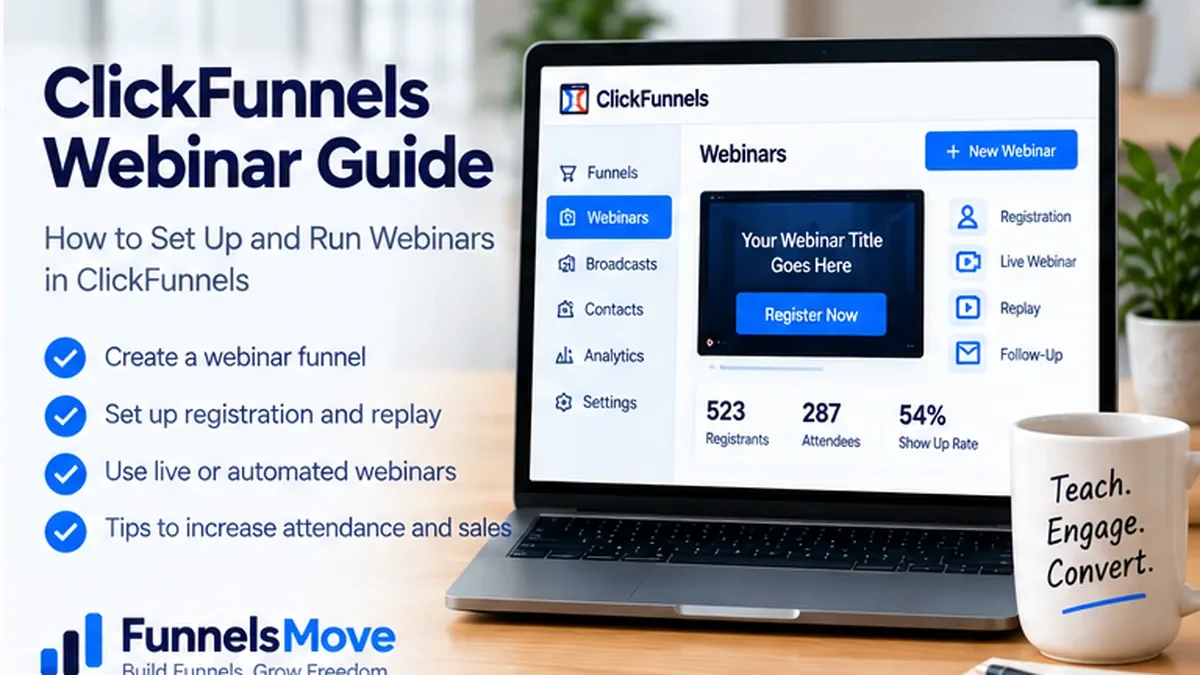
See the parent guide for broader context around this topic.
What a ClickFunnels webinar funnel does
A webinar funnel organizes the journey around a presentation: registration, confirmation, attendance, replay and follow-up. ClickFunnels can host the funnel pages and workflows around that journey, while a live webinar may still be delivered through an integrated webinar platform such as Zoom or GoToWebinar. Current first-party documentation also describes webinar funnels for recorded or evergreen presentations.
The key is to separate the funnel from the broadcast technology. The funnel captures and routes the registrant, communicates timing, delivers reminders and directs people toward the next action. The webinar platform may handle the live room, attendee controls and actual video delivery.
That distinction prevents a common planning mistake: building a polished registration page before deciding how attendance, reminders, replay and post-webinar offers will work.
Live versus automated or evergreen webinars
A live webinar has a fixed event time and usually benefits from real-time interaction, Q&A and a clear attendance deadline. Your funnel needs accurate date, time and timezone communication, confirmation, reminders and a reliable join link. If using a third-party webinar tool, create the event there first so the integration can register attendees correctly.
An evergreen webinar uses a prerecorded presentation and a repeatable schedule or on-demand experience. The attraction is operational leverage: the presentation can run without the presenter being live each time. The tradeoff is that timing, authenticity and follow-up must be designed carefully so users understand what experience they are joining.
Choose live when interaction, launch energy or timely questions matter. Choose evergreen when the presentation is stable, repeatable and already validated. Some businesses use both: live sessions to improve the presentation, then an evergreen version after the message is proven.
A practical webinar funnel structure
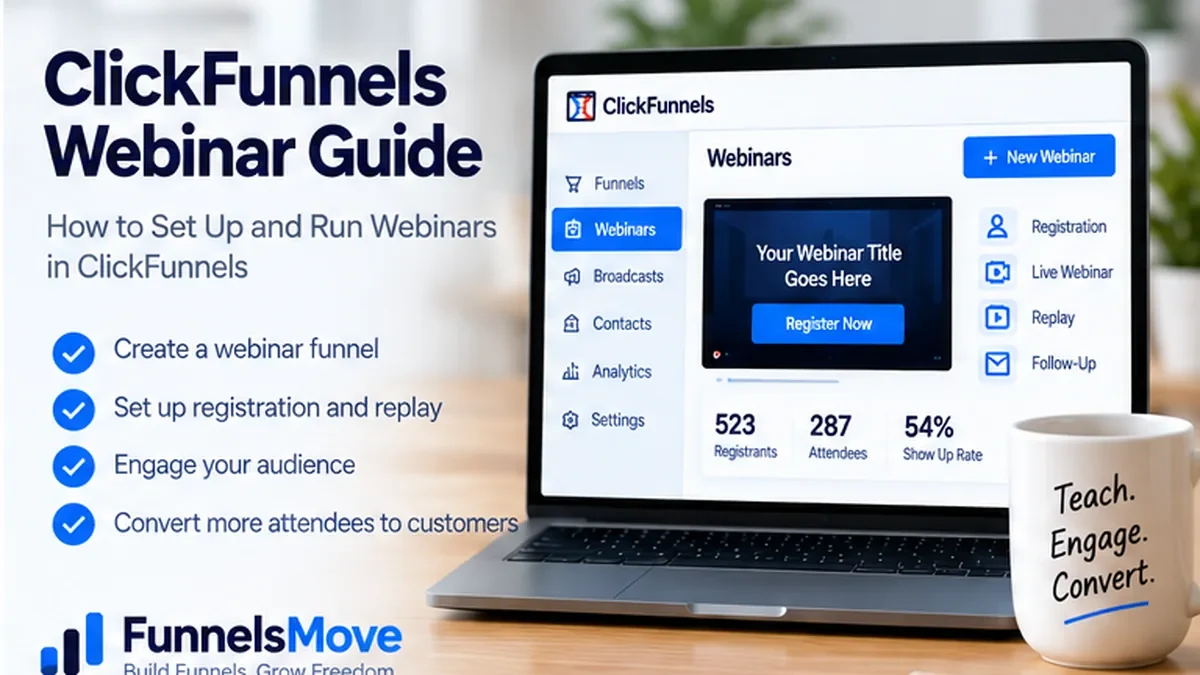
A dependable webinar funnel starts with a registration page that explains who the session is for, what attendees will learn, when it happens and what they need to do next. After registration, a confirmation page should restate the date and time, set expectations, and tell the registrant where reminders will arrive.
Before the event, use permission-based reminders. During or after the presentation, direct attendees to the appropriate next step: an application, consultation, product, course, trial, or simply additional education. After the event, a replay page can serve people who missed the live session or want to revisit the training.
Keep the path as simple as the offer allows. Adding multiple order pages, upsells or side offers before the attendee receives the promised training can reduce clarity.
How to build a webinar funnel in ClickFunnels
Current ClickFunnels guidance offers two broad setup routes: create the funnel from scratch or use a pre-built webinar framework/template. Either way, define the pages first. For a free live webinar, that normally means registration, confirmation, event or join experience, replay, and the next-step offer page if there is one.
For a paid webinar, ClickFunnels documentation describes replacing a standard opt-in with an order form and attaching the relevant product. Payment configuration should be tested before promotion. For a free event, avoid collecting unnecessary checkout information simply because a template includes it.
Use the page editor guide for page construction and the ClickFunnels templates guide when deciding whether to start from a template or blank funnel.
Connect Zoom, GoToWebinar or another webinar platform
ClickFunnels’ live-webinar documentation describes connecting supported third-party webinar services through Workspace Settings → Integrations and then using workflow actions to register attendees for an existing event. The exact list of supported platforms can change, so verify your chosen service in the live integration menu before building the campaign around it.
Pay attention to account and workspace boundaries. Current ClickFunnels guidance notes that a Zoom account can be connected to one ClickFunnels workspace at a time. If an agency or multi-brand business runs several workspaces, confirm the correct account before promotion.
Test registration with a real non-admin email address. Confirm that the attendee appears in the webinar platform, receives the intended email sequence, and can access the correct event.
Design a webinar registration page that sets clear expectations
The registration page should answer four questions quickly: what is the webinar, who is it for, when is it, and why should the visitor attend? Add a clear registration CTA and keep form fields limited to information you genuinely need. If the session is paid, make the price, refund terms and access conditions explicit before checkout.
Avoid inflated attendance claims, fake countdowns or artificial scarcity. Real deadlines—such as a live event start time or registration cutoff—are useful. Fabricated urgency can damage trust.
For deeper landing-page structure, see the ClickFunnels landing pages guide.
Use reminders to improve attendance without over-messaging
Registration does not equal attendance. A sensible reminder sequence confirms the registration, restates the date and timezone, gives the join link or explains when it will arrive, and reminds the registrant close enough to the event to be useful. The exact cadence depends on how far in advance people register.
Keep reminder messages operational as well as promotional. A registrant should be able to find the time, access link, calendar details and support path without rereading a long sales email.
Build the presentation around one useful transformation
A webinar converts best when the training is valuable even before the pitch. Define one core problem, teach a coherent framework, show credible examples, and then explain the logical next step for people who want help implementing it. Avoid turning the entire presentation into a disguised sales letter.
If you make an offer, be explicit about what is included, pricing, limitations and who should not buy. Use evidence you can substantiate. Do not imply that attending or buying guarantees revenue, leads or business growth.
Replay and follow-up after the webinar
Not everyone attends live. A replay page can extend the usefulness of the presentation, provided the availability window is communicated honestly. Segment follow-up when practical: attendees, no-shows, people who clicked the offer and customers may need different messages.
Connect post-webinar follow-up to the ClickFunnels email marketing guide. If a user has already purchased, move them into onboarding instead of continuing to send acquisition messages for the same offer.
Measure webinar funnel performance by stage
Track registration-page conversion, attendance rate, engagement where available, offer clicks, applications or purchases, and downstream customer quality. A high registration rate can still produce a weak webinar if few registrants attend. A strong attendance rate can still produce a weak business outcome if the offer is mismatched.
Use consistent traffic tagging and event definitions. The ClickFunnels tracking guide covers analytics setup, while the testing guide helps validate that events fire before you trust the reports.
Common ClickFunnels webinar mistakes
Common problems include unclear timezone communication, broken third-party registration, reminder emails that contain the wrong join URL, presenting an outdated offer, failing to test paid access, and assuming the template’s automation matches your event. Another mistake is treating an evergreen webinar as “set and forget” even after the offer, software interface or supporting facts change.
Review evergreen assets periodically. If pricing, bonuses, policies or product screens have changed, update the presentation and funnel together.
Webinar funnel launch checklist
Choose live or evergreen, define the goal, build the registration and confirmation path, connect the broadcast platform if required, configure reminders, prepare replay and follow-up, connect the correct product for paid access, test with a real registrant, verify mobile pages, and rehearse the customer journey before sending traffic.
If the larger question is whether ClickFunnels fits your marketing stack, use the ClickFunnels review and pricing guide before committing the webinar system to the platform.
Promote the webinar with a channel-specific plan
A webinar funnel needs qualified registrants, not simply a large registration number. Match the promotion channel to the audience. Existing subscribers may only need a focused invitation, while cold paid traffic usually needs stronger context and proof. Organic social, partnerships, search content, affiliates and direct outreach can also work when the webinar topic is closely matched to the audience.
Use dedicated campaign parameters so you can compare registration and attendance quality by source. A source that produces inexpensive registrations but weak attendance or poor customer fit may be less valuable than a smaller channel with stronger downstream conversion.
The ClickFunnels traffic guide covers channel selection and attribution in more depth.
Free webinar or paid webinar?
A free webinar reduces friction and is often appropriate for lead generation, education, demonstrations and launches. A paid webinar can make sense when the session itself is the product—a specialized workshop, masterclass or training with clear standalone value. The funnel mechanics differ because paid access requires a product, checkout and access controls rather than a simple opt-in.
If you charge for attendance, explain what buyers receive, whether a replay is included, how long access lasts, and what the refund or cancellation terms are. Do not use a paid ticket merely to create artificial exclusivity around a presentation that is primarily a sales pitch.
Operational checklist for the day of a live webinar
Confirm the event link, presenter access, screen-sharing permissions, recording settings, backup host, microphone and camera, slide deck, offer URLs and support contact. Have the registration list available outside the funnel in case the integration experiences a temporary issue. If the event depends on a third-party service, know where its status page and emergency controls are located.
Run a short rehearsal with the same devices and network conditions you plan to use. Test the attendee experience separately from the host experience. Small operational failures—wrong timezone, muted audio, broken join link—can undo otherwise strong marketing.
Plan the replay before the live event
Decide in advance whether a replay will exist, who receives it, how long it remains available, and whether the offer changes after the live session. That decision affects reminder copy, recording settings, follow-up emails and the replay page itself. If you promise a replay, make sure recording ownership and presenter permissions allow you to provide one.
For evergreen use, edit the recording rather than automatically publishing the raw live session. Remove outdated housekeeping, broken references, private attendee details and time-sensitive claims. Recheck any pricing or bonuses mentioned in the presentation before using the recording in an automated funnel.
Have a support path for registrants
Registration and attendance questions often arrive close to the event, when delays matter most. Put a clear support contact or help path in confirmation messages, especially for paid sessions. Prepare answers for common problems such as not receiving the confirmation email, joining from the wrong address, timezone confusion, or needing an invoice or receipt.
For larger events, assign someone other than the presenter to monitor access issues. That keeps the host focused on the presentation while registrants still receive timely help.
Evaluate ClickFunnels for webinar funnels
Compare the current ClickFunnels features and limits with the workflow you actually need before choosing a plan.
Explore ClickFunnels (opens in a new tab)Primary product sources
- Create a Webinar Funnel (opens in a new tab)
- Create a Live Webinar Funnel (opens in a new tab)
- Create a New Funnel (opens in a new tab)
Product capabilities and plan details were checked against current first-party sources on September 12, 2026. Interfaces, pricing and limits can change, so verify critical details before purchasing or publishing a live funnel.